# LaraKube CLI: Full Documentation Context
> This file contains the complete LaraKube documentation for AI synthesis.
> Generated on: 2026-10-29T21:29:18.959Z
---
FILE: docs/architecture/at-a-glance.md
---
---
sidebar_position: 1
title: Architecture at a Glance
description: A visual tour of how a LaraKube CLI cluster, namespaces, pods, and replicas occupy a single VPS — including where your Laravel app actually runs, the built-in kube-system plumbing, two apps or two environments on one server, shared Plex Commons, and multi-node.
---
# 🗺️ Architecture at a Glance
This page is a **visual tour** of how everything fits together — from a single cheap VPS to a multi-node cluster. If you've never touched Kubernetes, start here: every diagram uses a running **shop** and **blog** analogy so you can *see* where your Laravel app lives before reading the deep-dive pages.
---
## 🧱 The building blocks
Kubernetes has a small vocabulary. Here's the whole cast, in plain terms:
| Kubernetes object | What it really is | In the "shopping mall" analogy |
|---|---|---|
| **Cluster** | The whole system that runs your containers | The shopping mall |
| **Node** | One machine (your VPS is one node) | The building |
| **Namespace** | An isolated section of the cluster | A rented store unit |
| **Deployment** | A rule: "keep N identical copies running" | The staffing plan |
| **Pod** | One running instance of your app | One staffed counter |
| **Replica** | Extra identical Pods of the same Deployment | More counters at rush hour |
| **Service** | A stable internal address for a set of Pods | The store's front desk |
| **Ingress** (Traefik) | Routes outside traffic in, by hostname | The mall greeter/directory |
| **PVC / Volume** | Persistent disk storage | The stockroom |
:::tip Where is my Laravel app?
Your Laravel app is the **FrankenPHP container inside each `web` Pod** (the  Laravel icon in the diagrams below). When you scale to 2 replicas, you have two identical Pods each running your app — Traefik load-balances requests across them.
:::
---
## 1️⃣ What lives on a single VPS
One `larakube cloud:init` turns a fresh Linux box into a K3s cluster. Here's everything running on it for a single app called **shop**, in production:
```mermaid
flowchart TB
User([🌐 Browser — shop.com])
subgraph VPS["🖥️ Single VPS · one Linux box · one public IP"]
subgraph Cluster["☸️ K3s Cluster"]
subgraph KS["kube-system namespace · built-in plumbing"]
SVCLB["svclb-traefik
Laravel icon in the diagrams below). When you scale to 2 replicas, you have two identical Pods each running your app — Traefik load-balances requests across them.
:::
---
## 1️⃣ What lives on a single VPS
One `larakube cloud:init` turns a fresh Linux box into a K3s cluster. Here's everything running on it for a single app called **shop**, in production:
```mermaid
flowchart TB
User([🌐 Browser — shop.com])
subgraph VPS["🖥️ Single VPS · one Linux box · one public IP"]
subgraph Cluster["☸️ K3s Cluster"]
subgraph KS["kube-system namespace · built-in plumbing"]
SVCLB["svclb-traefik
binds host ports 80 / 443"]
TRAEFIK["traefik
ingress router + TLS"]
COREDNS["coredns
in-cluster DNS"]
LPP["local-path-provisioner
carves PVCs from disk"]
end
subgraph APP["shop-production namespace · your app"]
WEBSVC["Service: web"]
subgraph DEP["Deployment: web · replicas 2"]
P1@{ img: "/icons/laravel.svg", label: "Pod · Laravel", pos: "b", w: 40, h: 150 }
P2@{ img: "/icons/laravel.svg", label: "Pod · Laravel", pos: "b", w: 40, h: 150 }
end
MYSQL@{ img: "/icons/mysql.svg", label: "mysql pod", pos: "b", w: 40, h: 150 }
REDIS@{ img: "/icons/redis.svg", label: "redis pod", pos: "b", w: 40, h: 150 }
end
end
end
User -->|HTTPS 443 → host port| SVCLB
SVCLB --> TRAEFIK
TRAEFIK -->|Host: shop.com| WEBSVC
WEBSVC --> P1
WEBSVC --> P2
P1 -.->|mysql.shop-production.svc.cluster.local| MYSQL
P1 -.-> REDIS
COREDNS -.->|resolves service names| WEBSVC
LPP -.->|persistent volume| MYSQL
classDef iconNode fill:none,stroke:none;
class P1,P2,MYSQL,REDIS iconNode;
```
**Reading the diagram:**
- The **namespace** `shop-production` holds your whole app — Pods, Services, and data Pods — walled off from everything else. The naming is always `{app}-{environment}`.
- The **Deployment** keeps **2 replicas** of the `web` Pod running. Each Pod *is* your Laravel app.
- Pods talk to each other by **DNS name** (`mysql.shop-production.svc.cluster.local`), never by IP — that's what **coredns** is for.
### Why is there a `kube-system` namespace?
You didn't create it — K3s ships it, and it's what makes the single-node magic work:
| Component | Why it exists |
|---|---|
| **coredns** | Gives every Service a DNS name so Pods find each other by name (`mysql.shop-production…`) instead of brittle IPs. |
| **local-path-provisioner** | On a single node there's no cloud disk service. When your `mysql` Pod asks for a PVC, this turns that request into a real folder on the VPS disk — that's how your data survives restarts. |
| **svclb-traefik** | K3s's built-in "service load balancer" (Klipper). It's the piece that binds Traefik to the **host's ports 80/443**, so your public IP actually reaches the cluster — **no paid cloud load balancer needed.** This is the heart of the [Single-Node Hero](./single-node-hero) strategy. |
| **traefik** | The ingress controller itself: terminates TLS (Let's Encrypt) and routes each request to the right namespace by its `Host` header. |
➡️ Deep dive: [Kubernetes Strategy](./infrastructure) · [Hybrid Networking](./networking) · [Single-Node Hero](./single-node-hero)
---
## 2️⃣ Two Apps, One Server
Two **independent repos** — `shop` and `blog` — can share one VPS. Each gets its own namespace and its own services; **Traefik routes by hostname** so they never collide.
```mermaid
flowchart TB
U1([🛒 shop.com])
U2([📝 blog.com])
subgraph VPS["🖥️ One VPS"]
T{{"Traefik · routes by Host header"}}
subgraph NS1["shop-production namespace"]
SW@{ img: "/icons/laravel.svg", label: "web Pods ×2", pos: "b", w: 40, h: 150 }
SM@{ img: "/icons/mysql.svg", label: "mysql", pos: "b", w: 40, h: 150 }
SR@{ img: "/icons/redis.svg", label: "redis", pos: "b", w: 40, h: 150 }
end
subgraph NS2["blog-production namespace"]
BW@{ img: "/icons/laravel.svg", label: "web Pods ×2", pos: "b", w: 40, h: 150 }
BM@{ img: "/icons/mysql.svg", label: "mysql", pos: "b", w: 40, h: 150 }
BR@{ img: "/icons/redis.svg", label: "redis", pos: "b", w: 40, h: 150 }
end
end
U1 --> T
U2 --> T
T -->|Host: shop.com| SW
T -->|Host: blog.com| BW
SW --> SM
SW --> SR
BW --> BM
BW --> BR
classDef iconNode fill:none,stroke:none;
class SW,SM,SR,BW,BM,BR iconNode;
```
Notice each app runs its **own** `mysql` and `redis` Pods — simple, but it duplicates RAM. That's exactly the problem **Plex** solves (diagram 4).
➡️ Full walkthrough: [Two Apps, One Server](../deployment/multiple-projects)
---
## 3️⃣ Two Environments, One Server
Same idea, but now it's **one repo, two branches**: `main` → production, `develop` → staging. Each environment gets its own namespace, isolated by the `{app}-{environment}` convention.
```mermaid
flowchart TB
M([🌿 main branch])
D([🌱 develop branch])
U1([shop.com])
U2([staging.shop.com])
subgraph VPS["🖥️ One VPS"]
T{{"Traefik"}}
subgraph P["shop-production namespace"]
PW@{ img: "/icons/laravel.svg", label: "web Pods ×2", pos: "b", w: 36, h: 150 }
end
subgraph S["shop-staging namespace"]
SW@{ img: "/icons/laravel.svg", label: "web Pod ×1", pos: "b", w: 36, h: 150 }
end
end
M -.->|GitHub Actions deploys| PW
D -.->|GitHub Actions deploys| SW
U1 --> T
U2 --> T
T -->|Host: shop.com| PW
T -->|Host: staging.shop.com| SW
classDef iconNode fill:none,stroke:none;
class PW,SW iconNode;
```
Both environments typically share **one Plex Commons** for their data, but each gets its **own isolated database, Redis logical DB, and S3 bucket** — staging can never touch production's data. That sharing is the next diagram.
➡️ Full walkthrough: [Two Environments, One Server](../deployment/two-envs-one-server)
---
## 4️⃣ Plex Commons — share services, save RAM
Instead of every app/env running duplicate `mysql` + `redis` + storage Pods, **Plex** runs **one shared set** in the `larakube-plex` namespace — the **Commons**. Each app joins as an isolated **tenant**.
➡️ Ready-made tools like Outline share the same Commons: [Cluster Tools and Your Apps](./cluster-tools-and-your-apps).
```mermaid
flowchart TB
subgraph VPS["🖥️ One VPS"]
subgraph A1["shop-production"]
SW@{ img: "/icons/laravel.svg", label: "web Pods", pos: "b", w: 40, h: 150 }
end
subgraph A2["blog-production"]
BW@{ img: "/icons/laravel.svg", label: "web Pods", pos: "b", w: 40, h: 150 }
end
subgraph COMMONS["larakube-plex · Plex Commons — one set of services"]
CM@{ img: "/icons/mariadb.svg", label: "MariaDB · db shop · db blog", pos: "b", w: 40, h: 150 }
CR@{ img: "/icons/redis.svg", label: "Redis · DB 0 · DB 1", pos: "b", w: 40, h: 150 }
CO@{ img: "/icons/minio.svg", label: "MinIO · bucket shop · blog", pos: "b", w: 40, h: 150 }
CME@{ img: "/icons/meilisearch.svg", label: "Meilisearch · index per tenant", pos: "b", w: 40, h: 150 }
end
end
SW -->|tenant: shop| CM
SW --> CR
SW --> CO
SW --> CME
BW -->|tenant: blog| CM
BW --> CR
BW --> CO
BW --> CME
classDef iconNode fill:none,stroke:none;
class SW,BW,CM,CR,CO,CME iconNode;
```
**One MariaDB Pod, many isolated databases.** Exactly like several apps sharing one managed database: shared engine, separate logins and data. Plex is **demand-driven** — joining provisions only the services an app's blueprint actually declares, and never removes a service another tenant still uses.
➡️ Full walkthrough: [Two Apps, One Server → Plex](../deployment/multiple-projects#going-further-plex) · [Commons Resource Tuning](../deployment/plex-resources)
---
## 5️⃣ Putting it all together
You can combine **all** of the above on one box: **two apps**, each with **production *and* staging**, all sharing a **single Plex Commons**. That's **four isolated tenants** on one VPS — and it's a completely normal setup.
```mermaid
flowchart TB
T{{"Traefik · routes by Host"}}
subgraph VPS["🖥️ One VPS · K3s cluster"]
subgraph SHOP["🛒 shop (one repo)"]
SP@{ img: "/icons/laravel.svg", label: "shop-production", pos: "b", w: 40, h: 150 }
SS@{ img: "/icons/laravel.svg", label: "shop-staging", pos: "b", w: 40, h: 150 }
end
subgraph BLOG["📝 blog (one repo)"]
BP@{ img: "/icons/laravel.svg", label: "blog-production", pos: "b", w: 40, h: 150 }
BS@{ img: "/icons/laravel.svg", label: "blog-staging", pos: "b", w: 40, h: 150 }
end
subgraph COMMONS["larakube-plex · Plex Commons"]
CM@{ img: "/icons/mariadb.svg", label: "MariaDB", pos: "b", w: 40, h: 150 }
CR@{ img: "/icons/redis.svg", label: "Redis", pos: "b", w: 40, h: 150 }
CO@{ img: "/icons/minio.svg", label: "MinIO", pos: "b", w: 40, h: 150 }
CME@{ img: "/icons/meilisearch.svg", label: "Meilisearch", pos: "b", w: 40, h: 150 }
end
end
T -->|shop.com| SP
T -->|staging.shop.com| SS
T -->|blog.com| BP
T -->|staging.blog.com| BS
SP -->|tenant| COMMONS
SS -->|tenant| COMMONS
BP -->|tenant| COMMONS
BS -->|tenant| COMMONS
classDef iconNode fill:none,stroke:none;
class SP,SS,BP,BS,CM,CR,CO,CME iconNode;
```
Each of the four namespaces is its **own Plex tenant** — its own database, Redis logical DB, and S3 bucket on the shared services — so `shop`'s staging can't see `blog`'s production, and nothing collides. One caveat: it all shares the node's **RAM**, so size the box for the total (see the [capacity reality](../deployment/multiple-projects#-will-it-fit-capacity-reality) table).
➡️ The exact per-tenant naming scheme: [Two Environments, One Server](../deployment/two-envs-one-server#-how-isolation-works)
---
## 6️⃣ Going multi-node
When one box isn't enough, you graduate to a managed cluster (e.g. DigitalOcean Kubernetes). The concepts are identical — the **plumbing changes**:
```mermaid
flowchart TB
User([🌐 Browser])
LB["☁️ Cloud Load Balancer
(managed)"]
subgraph CP["Control Plane · managed by the provider"]
API["kube-apiserver + scheduler"]
end
subgraph N1["Worker Node 1"]
T{{"Traefik"}}
W1@{ img: "/icons/laravel.svg", label: "shop web Pod", pos: "b", w: 40, h: 150 }
W2@{ img: "/icons/laravel.svg", label: "blog web Pod", pos: "b", w: 40, h: 150 }
end
subgraph N2["Worker Node 2"]
W3@{ img: "/icons/laravel.svg", label: "shop web Pod", pos: "b", w: 40, h: 150 }
DBN@{ img: "/icons/mysql.svg", label: "managed DB / networked volume", pos: "b", w: 40, h: 150 }
end
User -->|HTTPS| LB
LB --> T
T --> W1
T --> W3
API -.->|schedules Pods| N1
API -.->|schedules Pods| N2
W1 -.-> DBN
W3 -.-> DBN
classDef iconNode fill:none,stroke:none;
class W1,W2,W3,DBN iconNode;
```
**What changes from single-node:**
| | Single-Node Hero | Multi-node |
|---|---|---|
| Traffic in | `svclb-traefik` binds host ports (free) | A **managed Load Balancer** fronts the cluster |
| Pod placement | All on one node | The **scheduler** spreads Pods across nodes |
| Storage | `local-path-provisioner` (one disk) | **Networked** storage or a **managed database** (a local disk can't follow a Pod to another node) |
| Control plane | Runs on your one box | **Managed** by the provider |
:::caution Storage is the gotcha
The biggest leap to multi-node is storage: a Pod can be rescheduled onto any node, so it can't rely on one node's local disk. Use a managed database, or networked `ReadWriteMany` storage. See [Shared Storage](./shared-storage).
:::
➡️ Where each step fits: [The Scaling Journey](../deployment/scaling-journey) · [DOKS Quickstart](../deployment/doks-quickstart)
---
## 🧭 Where to go next
- New to the terms? → [Glossary](../onboarding/glossary)
- The "why" behind it all → [Core Philosophy](./philosophy)
- Run two apps on one box → [Two Apps, One Server](../deployment/multiple-projects)
- Staging + production on one box → [Two Environments, One Server](../deployment/two-envs-one-server)
- Save RAM by sharing services → [Plex Commons](../deployment/multiple-projects#going-further-plex)
---
FILE: docs/architecture/blueprint-anatomy.md
---
---
sidebar_position: 3
title: Blueprint Anatomy
description: A friendly walkthrough of .larakube.json — the one file that describes your whole project, from a 5-line starter to a full local/staging/production setup.
---
# Blueprint Anatomy
`.larakube.json` is the one file that describes your whole project. LaraKube CLI reads it during `larakube up`, `heal`, `add`, `env`, and the cloud commands — there's no hidden database and no separate config to keep in sync. Change this file, and you change how your app is deployed.
Don't let a big example scare you: **you only fill in what you use.** Most of the fields below are optional, and a brand-new project starts with just a handful.
## 🌱 The smallest blueprint
This is what `larakube new`/`init` actually produce — a complete, valid blueprint:
```json title=".larakube.json"
{
"name": "my-app",
"serverVariation": "frankenphp",
"phpVersion": "8.5",
"database": "sqlite",
"environments": {
"local": {}
}
}
```
That's enough to run locally. Cloud environments are opt-in — running `larakube env production` (or `cloud:configure`) adds a `"production": {}` entry the same way. Everything else on this page is something you *add* as your needs grow.
## 📄 A fuller example
Here's a more grown-up project — Filament admin, React frontend, a real database, search, caching, file storage, queues, websockets, and three environments (local, staging, production). Use it as a menu, not a checklist:
```json title=".larakube.json"
{
"id": "9f3b7c1e-2d4a-4f9e-8c1d-1b2a3c4d5e6f",
"name": "acme-app",
"blueprints": ["filament"],
"serverVariation": "frankenphp",
"frontend": "react",
"phpVersion": "8.5",
"os": "alpine",
"email": "team@acme.example",
"additionalExtensions": ["gd", "exif"],
"features": [
"octane",
"scheduler",
"horizon",
"scout",
"reverb",
"ssr",
"ai",
"boost",
"mcp"
],
"scoutDriver": "meilisearch",
"packageManager": "npm",
"objectStorage": "minio",
"cacheDriver": "redis",
"database": "postgres",
"strategy": "single-node",
"environments": {
"local": {},
"staging": {
"ingress": "nginx",
"hosts": {
"web": "staging.acme.example",
"reverb": "ws-stg.acme.example",
"s3": "cdn-stg.acme.example"
}
},
"production": {
"managed": ["postgres", "redis"],
"resources": {
"default": {
"requests": { "cpu": "100m", "memory": "256Mi" },
"limits": { "cpu": "1", "memory": "1Gi" }
},
"horizon": {
"limits": { "memory": "2Gi" }
}
},
"hosts": {
"web": "acme.example",
"reverb": "ws.acme.example",
"s3": "cdn.acme.example"
}
}
},
"githubActions": true,
"withCompanions": true,
"provisionTestDb": true,
"lockedFiles": [
"Dockerfile.php",
".env.production",
".env.staging"
],
"watchPaths": [
"app",
"bootstrap",
"config",
"database",
"public",
"resources",
"routes",
"composer.lock",
".env"
]
}
```
Let's walk through it section by section.
## 🧬 Project identity
```json
"id": "9f3b7c1e-2d4a-4f9e-8c1d-1b2a3c4d5e6f",
"name": "acme-app",
"email": "team@acme.example"
```
- **`id`** — A permanent UUID created the first time you run `larakube init`. It acts as the "DNA" of your project. If you move your project folder or rename it, LaraKube CLI still recognizes it by this ID, ensuring consistency even if your local file path changes. You never edit this by hand.
- **`name`** — Your project's short name. LaraKube CLI uses it to label everything it creates in the cluster (each environment gets its own isolated space named `acme-app-local`, `acme-app-production`, and so on). The project folder name must match exactly.
- **`email`** — Used when LaraKube CLI requests free HTTPS certificates from Let's Encrypt for your production site.
## 🏗️ Stack choices
```json
"blueprints": ["filament"],
"serverVariation": "frankenphp",
"frontend": "react",
"phpVersion": "8.5",
"os": "alpine",
"packageManager": "npm",
"additionalExtensions": ["gd", "exif"]
```
- **`blueprints`** — Ready-made project types (a Filament admin, a Statamic CMS, etc.) that pull in sensible defaults for you. See [Multi-Blueprint](./multi-blueprint).
- **`serverVariation`** — How PHP runs: `frankenphp` (recommended, great with Octane), `fpm-nginx`, or `fpm-apache`. This decides the Docker image LaraKube CLI builds.
- **`frontend`** — `react`, `vue`, `svelte`, or `livewire`. Tells LaraKube CLI whether your app needs a separate Node build step and which Inertia/Echo packages to include.
- **`phpVersion`** — The PHP version to pin (8.3, 8.4, 8.5).
- **`os`** — `alpine` (small and fast to start) or `bookworm` (Debian — broader compatibility if you need certain native extensions).
- **`packageManager`** — `npm`, `pnpm`, `yarn`, or `bun`, for building your frontend assets.
- **`additionalExtensions`** — Extra PHP extensions to install. You usually only need one or two here — LaraKube CLI figures out the rest from your features and database choices.
## 💾 Data layer
```json
"database": "postgres",
"cacheDriver": "redis",
"scoutDriver": "meilisearch",
"objectStorage": "minio"
```
Your four main data choices: the database, cache, search engine, and file/object storage. Locally, LaraKube CLI runs each one for you (a Postgres, Redis, Meilisearch, and MinIO service), and it fills in the matching `DB_*`, `CACHE_*`, `SCOUT_*`, and `AWS_*` environment variables automatically — you don't wire those up by hand.
Need a second database (say, MongoDB for analytics alongside Postgres)? Use the plural `"databases"` array. The same plural form exists for `"cacheDrivers"`, `"scoutDrivers"`, and `"objectStorages"`.
## 🧩 Features
```json
"features": [
"octane", "scheduler", "horizon",
"scout", "reverb", "ssr",
"ai", "boost", "mcp"
]
```
The Laravel extras you want turned on. This is **one list for the whole project** — you don't repeat it per environment.
LaraKube CLI already knows where each feature belongs, and these rules work for any environment name you create (`staging`, `qa`, …), not just `local` and `production`:
| Feature | Turned on in |
|---|---|
| `horizon`, `queues`, `scheduler`, `reverb`, `scout`, `octane` | Every environment |
| `ssr` | Every deployed (non-local) environment — locally, Vite already handles SSR for you |
| `boost`, `ai`, `mcp`, `mailpit` | Local only (these are dev tools) |
You almost never need to change this. But if you want to (say, turn on Boost in a throwaway sandbox environment), each environment accepts an `addFeatures` list (turn something on) and an `excludeFeatures` list (turn something off).
## 🌍 Environments
```json
"environments": {
"local": {},
"staging": { … },
"production": { … }
}
```
This is the heart of the blueprint. Every project has a `local` environment; you add `staging`, `production`, or any name you like. **Each environment's settings are optional** — an empty `{}` (like `local` above) just means "use the sensible defaults." The settings you can set per environment:
- **`ingress`** — Which traffic router sends visitors to your app. Defaults to **Traefik** (what LaraKube CLI installs for you). You can switch an environment to **Nginx** with `"ingress": "nginx"` — handy when an environment lives somewhere that already uses the Nginx ingress controller. (There's an AWS option too — see [Advanced: managed Kubernetes](#advanced-managed-kubernetes).)
- **`strategy`** — `single-node` or `multi-node-ha` for this environment. See [Strategy](#strategy) below.
- **`managed`** — Services you run *outside* the cluster in this environment. For example, `["postgres", "redis"]` in production means "I'm using a managed database and Redis from my hosting provider." LaraKube CLI won't deploy its own Postgres/Redis there — it just points your app at the addresses in your `.env.production`.
- **`plex`** — Services this environment gets from a shared **Plex Commons** (one cluster-wide Postgres/Redis/MinIO that several apps share, each with its own isolated database/bucket). A specialisation of `managed`: `larakube plex:join` writes the connection details into `.env.`, and LaraKube CLI skips deploying its own copies. See [Two Apps, One Server → Plex](../deployment/multiple-projects#going-further-plex).
- **`hosts`** — The real domain names for this environment. See [Per-service domains](#per-service-domains) below.
- **`additionalWebHosts`** — Extra domains that route to the SAME web pod as `hosts.web` — for a Laravel app using [subdomain route groups](https://laravel.com/docs/routing#route-group-subdomain-routing) (`admin.acme.example`, `api.acme.example`), or just a second brand domain. See [Multiple domains, one app](#multiple-domains-one-app) below.
- **`cloud`** — How LaraKube CLI reaches the cluster for this environment — a VPS (SSH) or a managed kube-context. See [Cloud connection](#cloud-connection) below.
- **`registry`** — The container registry CI/CD builds and pushes to (GHCR / Docker Hub). Required for managed clusters (which can't be SSH-sideloaded). See [Container registry](#container-registry) below.
- **`storageClass`**, **`certManagerIssuer`**, and the managed-cluster knobs (`namespace`, `serviceAccount`, …) — only needed on managed Kubernetes. See [Advanced: managed Kubernetes](#advanced-managed-kubernetes).
- **`resources`** — Memory and CPU requests/limits for the app pods. Defines a `default` block plus specific role overrides (e.g. giving `horizon` more memory). LaraKube CLI manages this when you run `larakube resources` so you don't have to write the JSON by hand.
- **`addFeatures` / `excludeFeatures`** — Turn a feature on or off just for this environment (rarely needed).
### Local
```json
"local": {}
```
The simplest case. LaraKube CLI runs everything for you (Postgres, Redis, Meilisearch, MinIO), and every service answers on a friendly `*.kube` address with HTTPS already trusted — no setup required.
### Staging
```json
"staging": {
"ingress": "nginx",
"hosts": {
"web": "staging.acme.example",
"reverb": "ws-stg.acme.example",
"s3": "cdn-stg.acme.example"
}
}
```
A real server, but still self-contained: LaraKube CLI runs Postgres, Redis, Meilisearch, and MinIO right inside this environment (cheap, isolated, easy to wipe and recreate). Here it uses the **Nginx** ingress instead of the default Traefik. (Note: The server connection details for this environment are stored separately in `.larakube.local.json`).
### Production
```json
"production": {
"managed": ["postgres", "redis"],
"hosts": {
"web": "acme.example",
"reverb": "ws.acme.example",
"s3": "cdn.acme.example"
}
}
```
The grown-up environment. It uses the default Traefik ingress (no `ingress` line needed), and its database and Redis are **managed** — running on the hosting provider's managed services rather than inside the cluster. LaraKube CLI skips deploying its own Postgres/Redis here and trusts the addresses in your `.env.production`.
Notice MinIO is **not** in `managed` — we're still running our own file storage in production, and the `s3` host exposes it at `cdn.acme.example`.
## 🌐 Per-service domains {#per-service-domains}
The `hosts` map is how you give each part of your app its own domain. LaraKube CLI picks a domain using three rules, in order:
1. **You set it explicitly.** `"reverb": "ws.acme.example"` puts the Reverb websocket server on its own subdomain. This is the recommended pattern for websockets, file storage, and admin UIs.
2. **It's built from `web`.** If a service has no domain of its own but you've set `web`, LaraKube CLI derives one — e.g. Meilisearch becomes `meilisearch-acme.example`.
3. **Local fallback.** Locally, everything just answers on `{service}-{name}.kube`.
When you run `larakube env qa`, the wizard automatically asks about every service that can take its own subdomain (Reverb, file storage, Meilisearch, …), so you don't have to remember them.
A couple of things worth knowing:
- **Horizon and queues don't get their own domain.** Horizon shows up at `/horizon` on your main site; queues have no UI.
- **Database/cache dashboards are local-only.** LaraKube CLI won't expose a database console to the internet — those only show up locally. For production database access, use an SSH tunnel.
### Multiple domains, one app {#multiple-domains-one-app}
`hosts.web` is your app's *one* canonical URL — it's what `APP_URL` gets set to, and Laravel needs exactly one of those. But your app's Ingress isn't limited to that single host: `additionalWebHosts` lists any number of extra domains that route to the same web pod, for a Laravel app using [subdomain route groups](https://laravel.com/docs/routing#route-group-subdomain-routing) (an admin panel on `admin.acme.example`, an API on `api.acme.example`) or simply a second marketing domain.
```json title=".larakube.json"
"production": {
"hosts": { "web": "acme.example" },
"additionalWebHosts": ["admin.acme.example", "mybrand.example"]
}
```
Each additional host gets the same treatment as the primary — its own Ingress rule and, on a real cluster, its own automatically-obtained TLS certificate (each host is renewed independently, so a new domain whose DNS isn't live yet can't affect the ones that already work). `larakube cloud:configure` and `larakube cloud:configure --only=hosts` both prompt for these alongside the primary host; add or remove one any time by re-running either.
A domain doesn't have to be a subdomain of the primary — `mybrand.example` above is entirely unrelated to `acme.example`, and that's fine both in the cloud and locally.
## ⚙️ Strategy & deployment {#strategy}
```json
"strategy": "single-node",
"githubActions": true,
"withCompanions": true,
"provisionTestDb": true
```
- **`strategy`** — How your app is spread across servers:
- `single-node` — one server (the classic, low-cost setup). This is the default.
- `multi-node-ha` — several servers for high availability. App pods run **stateless** (per-pod storage, no shared volume), so state is externalized: uploads → S3, sessions/cache → Redis or the database. LaraKube CLI can set this from the cluster's node count when you record the target.
This is the project-wide default, and any environment can override it (e.g. a `single-node` staging and a `multi-node-ha` production from the same blueprint). **`local` is always `single-node`** — it's just your one machine.
- **`githubActions`** — Whether the GitHub Actions deploy workflow is set up. When `true`, `larakube cloud:configure --only=ci` wires up the secrets and creates the deploy workflow for you.
- **`withCompanions`** — Whether to include the handy local-only dev apps (Mailpit, phpMyAdmin, RedisInsight, Grafana). Set to `false` for a leaner local setup.
- **`provisionTestDb`** — When `true`, `larakube test --db` runs your tests against a real copy of your database engine instead of in-memory SQLite. Useful when your tests rely on database-specific features. LaraKube CLI sets this for you the first time you run `larakube test --db`.
## ☁️ Cloud connection (`.larakube.local.json`) {#cloud-connection}
Because `.larakube.json` is committed to version control, it holds **no secrets** and **no infrastructure coordinates**. Server IPs, managed Kubernetes contexts, and SSH keys are machine-specific (and potentially sensitive), so LaraKube CLI stores them in a completely separate, git-ignored file: **`.larakube.local.json`**.
You never edit this file by hand—you populate it using `larakube cloud:configure`.
When you do, it will generate an environment block with one of two shapes depending on your cluster:
**A VPS** (your own server, reached over SSH):
```json title=".larakube.local.json"
{
"environments": {
"staging": {
"cloud": {
"ip": "203.0.113.20",
"user": "deploy",
"port": 22,
"key": "~/.ssh/id_rsa"
}
}
}
}
```
- **`ip` / `user` / `port`** — how to SSH into the server. The kube-context is derived from the IP (`larakube-`).
- **`key`** — path to your SSH private key (absolute, or `~`-relative).
**A managed cluster** (DOKS / EKS / GKE / AKS — no SSH):
```json title=".larakube.local.json"
{
"environments": {
"production": {
"cloud": {
"context": "do-sgp1-acme",
"provider": "doks"
}
}
}
}
```
- **`context`** — the kube-context name your provider's CLI wrote into `~/.kube/config`. LaraKube CLI targets it verbatim; there's no `ip`.
- **`provider`** — `doks`, `eks`, `gke`, `aks`, etc. Drives sensible defaults (e.g. the env's `storageClass`).
Either shape also accepts:
- **`arch`** — target node CPU architecture for the image build: `amd64` or `arm64`. Leave it **unset** and LaraKube CLI auto-detects (over SSH for a VPS, from the cluster's nodes for a managed cluster), falling back to `amd64`. Set it to force a platform — e.g. `"arch": "arm64"` for a Raspberry Pi or an ARM/Graviton node.
:::tip Giving other people access
SSH is for **you** administering the box. To let teammates work with your apps, see [Team Access](../teams/overview) — each person gets their own RBAC-scoped kubeconfig (no SSH, no server login), which works the same on a single VPS or a managed cluster.
:::
## 📦 Container registry {#container-registry}
When LaraKube CLI can't stream the image straight onto the node over SSH — i.e. **any managed cluster**, and any multi-node setup — it builds the image locally and **pushes it to a registry**, which the cluster then pulls. Configure that per environment with `larakube cloud:configure {env} --only=registry`:
```json
"environments": {
"production": {
"registry": { "provider": "ghcr", "image": "acme/acme-app" }
}
}
```
- **`provider`** — `ghcr` (GitHub Container Registry) or `dockerhub`.
- **`image`** — the repository path within the registry (e.g. `owner/repo`). Optional; defaults sensibly per provider.
The registry choice drives three things in lock-step: the image reference in your manifests, the login/build-push steps in the GitHub Actions workflow, and the image-pull secret created in the cluster. A plain **VPS doesn't need this** — `larakube cloud:deploy` sideloads the image over SSH instead.
GHCR images are **private** in LaraKube CLI — `cloud:deploy` creates the `ghcr-login` pull secret automatically from your `larakube gha:login` token, so there's no "make it public" step. (Docker Hub is the one registry where a public image is an option.)
## 🔒 Maintenance fields
```json
"lockedFiles": [
"Dockerfile.php",
".env.production",
".env.staging"
],
"watchPaths": [
"app", "bootstrap", "config", "database",
"public", "resources", "routes",
"composer.lock", ".env"
]
```
- **`lockedFiles`** — Files that `larakube heal` will leave alone. Use this when you've hand-edited a generated file (like a custom `Dockerfile.php`) and don't want it overwritten. Add one with `larakube lock `, remove with `larakube unlock `.
- **`watchPaths`** — Folders `larakube watch` watches for changes to auto-reload your app during development. The defaults match a standard Laravel project; change them only if your project has an unusual layout.
## 🤖 System fields
A couple of fields you'll mostly leave alone but might spot when reading other projects' blueprints:
- **`isSystem`** — `true` only for LaraKube CLI's own internal projects. Always `false` for your apps.
- **`isScaffolding`** — A temporary flag that's only `true` while `larakube new` is setting a project up. It's stripped out when the file is saved, so you'll never see it in a committed `.larakube.json`.
## 🚦 Editing safely
If you hand-edit `.larakube.json`:
1. **Check it.** Run `larakube heal --force` — it complains loudly if something's malformed.
2. **Re-generate.** `larakube heal` rewrites everything under `.infrastructure/k8s/` to match. Your running app keeps running; the next `larakube up` catches it up.
3. **Commit the blueprint first.** The blueprint is the source of truth; the generated files just follow from it.
For most changes — adding a feature, switching the ingress, adding an environment — prefer the dedicated commands (`larakube add`, `larakube env`, `larakube cloud:configure`) over hand-editing. They validate things for you.
## 🧩 Advanced: managed Kubernetes {#advanced-managed-kubernetes}
> Skip this unless you're deploying to a **managed Kubernetes service** (DigitalOcean DOKS, AWS EKS, Google GKE, Azure AKS) instead of your own VPS. If you're on a regular server with Traefik or Nginx, you'll never need any of it. For a guided walkthrough, see the [DOKS Quickstart](../deployment/doks-quickstart).
A managed environment is just one whose `cloud` block uses `context`/`provider` (see [Cloud connection](#cloud-connection)) and whose images come from a [registry](#container-registry). On top of that, each environment optionally accepts these knobs — every one defaults to the normal VPS behavior, so they only do something when you set them:
- **`storageClass`** — the StorageClass for this env's volumes. Usually set for you from `provider` (DOKS → `do-block-storage`, EKS → `gp3`, GKE → `standard`, AKS → `managed-premium`). Unset = the cluster default.
- **`certManagerIssuer`** — turn on automatic HTTPS via [cert-manager](https://cert-manager.io): the name of a `ClusterIssuer` (e.g. `"letsencrypt-prod"`). LaraKube CLI adds the issuer annotation to the ingress. Requires cert-manager already installed on the cluster. (On a LaraKube CLI-provisioned DOKS cluster, Traefik + Let's Encrypt is installed for you, so you use `ingressAnnotations` instead — see below.)
- **`namespace`** — deploy into an existing cluster space instead of LaraKube CLI's default `{name}-{environment}`.
- **`serviceAccount`** (and **`serviceAccountAnnotations`**) — run your app under a specific cluster identity, e.g. to give it cloud permissions (EKS IRSA, GKE Workload Identity).
- **`imagePullSecret`** / **`omitImagePullSecret`** — change or drop the credential used to pull your container image (some clusters pull images using the server's own cloud role, so no secret is needed).
- **`ingressAnnotations`** — extra settings passed straight through to your ingress/load balancer (for example, a TLS certificate ID, a firewall group, or — on a DOKS Traefik cluster — `traefik.ingress.kubernetes.io/router.tls.certresolver: letsencrypt` to fetch a cert for this app).
A managed `production` therefore looks like this in your main blueprint:
```json title=".larakube.json"
"production": {
"registry": { "provider": "ghcr", "image": "acme/acme-app" },
"storageClass": "do-block-storage",
"hosts": { "web": "acme.example", "s3": "cdn.acme.example" },
"plex": ["postgres", "redis", "minio"]
}
```
*(Remember: the `"cloud": { "context": "do-sgp1-acme" }` block for this environment is securely generated in `.larakube.local.json` when you run `larakube cloud:configure`).*
If any of the terms above are unfamiliar, that's a sign you don't need this section yet.
:::tip One ingress IP, many hosts
On a managed cluster every host — your app, plus any shared S3/Commons host — resolves to the **same** ingress LoadBalancer IP. Point one DNS **A record** ("anchor") at that IP, then **CNAME** every host to the anchor. Each new app you add is just another CNAME, and if the IP ever changes you update a single record. `larakube cloud:init:doks`, `plex:init`, and `cloud:deploy` all print this guidance with your real IP.
:::
LaraKube treats your `.larakube.json` as infrastructure as code — the single source of truth for your project's architecture, whether you edit it by hand or through the dedicated commands.
---
FILE: docs/architecture/cluster-tools-and-your-apps.md
---
---
sidebar_position: 2
title: Cluster Tools and Your Apps
description: The two kinds of workload on a LaraKube CLI cluster — ready-made Cluster Tools like Outline and Twenty, and the apps you scaffold with new or nextjs:new — how they differ, and how both share the same Plex Commons.
---
# 🏙️ Cluster Tools and Your Apps
Two kinds of things run on a LaraKube CLI cluster. From the outside they look the same — a Deployment behind an Ingress — but they arrive differently, live in different namespaces and are redeployed differently. They also share something: the same database, cache and storage services, the **Plex Commons**.
## 🧭 The two categories
| | **Cluster Tools** | **Your apps** |
|---|---|---|
| **What it is** | Ready-made software: an Outline wiki, a Twenty CRM, Matrix chat, Zitadel single sign-on… | Code you write: [Laravel, Next.js, Django and the rest](../frameworks/) |
| **Installed by** | That tool's `:init`, e.g. `larakube tool:init --tool=outline` | `larakube new`, `nextjs:new` or another scaffolder, or `larakube init` in an existing repo |
| **Where its manifests come from** | A template shipped inside the CLI | Your project: `.infrastructure/`, a Dockerfile, a CI workflow |
| **Has a `.larakube.json`** | No | Yes — that file is what makes a directory a project |
| **Namespace** | `larakube-shared` (single sign-on, VPN, secrets and passwords get their own) | `{name}-{environment}`, e.g. `storefront-production` |
| **More than one copy** | Another `--domain` installs another instance | Another environment: `local`, `staging`, `production` |
| **Redeploy** | Re-run its `:init` after upgrading the CLI — there is no CI/CD for tools | `larakube cloud:deploy`, or your pipeline |
| **Remove** | `larakube {tool}:remove` | `larakube down`, plus `plex:leave` or `plex:evict` for its Commons data |
| **Listed by** | `larakube tool:list` | `larakube plex:show` |
## 🏘️ One cluster, one Commons
```mermaid
flowchart TB
subgraph shared["larakube-shared · Cluster Tools"]
notes["📚 Outline
tool:init --tool=outline"]
crm["🤝 Twenty
tool:init --tool=twenty"]
end
subgraph storefront["storefront-production · your app"]
next["⚛️ Next.js
nextjs:new"]
end
subgraph shop["shop-production · your app"]
laravel["🐘 Laravel
new"]
end
subgraph plex["larakube-plex · Plex Commons"]
pg[("PostgreSQL")]
kv[("Valkey")]
s3[("S3 storage")]
end
shared --> plex
storefront --> plex
shop --> plex
```
Nobody gets their own copy of PostgreSQL. Each tool and each app environment gets a **tenant** — its own slice of the shared services:
| Service | What a tenant gets |
|---|---|
| **PostgreSQL / MySQL / MariaDB** | Its own database and its own login |
| **Valkey** (Redis) | Its own logical database — one of 16 |
| **S3 storage** | Its own bucket (the access keys are shared; isolation is by bucket) |
| **Meilisearch** | Its own indexes (the key is shared; isolation is by index name) |
## 🔑 Who allocates what
- **A Cluster Tool allocates its own tenant while it installs.** `tool:init --tool=outline` creates Outline's database, Redis slot and bucket, then deploys Outline pointed at them. The tenant is named after the tool and its instance.
- **Your app joins with `larakube plex:join`.** `new`, `statamic:new`, `wordpress:new` and `nextjs:new` run it for you straight after scaffolding; the other frameworks join as each one is verified. The tenant is named after the project and environment: `storefront` in production, `storefront_staging` in staging, `storefront_local` on your machine.
:::caution 16 Redis slots, shared by both
Cluster Tools and your apps draw from the same 16 logical databases. When they run out, a tool's `:init` stops with an error, while your app keeps its own Redis pod and still joins for the database and storage. A deleted project's tenant keeps its slot until you reclaim it with `larakube plex:evict`.
:::
## 🔍 Which one am I looking at?
- **Is there a `.larakube.json`?** Then it's your app.
- **Was it installed by a `:init` command?** Then it's a Cluster Tool, and its manifest lives inside the CLI, not in any repo you can push.
- **Listing them:** `tool:list` shows Cluster Tools; `plex:show` shows your apps' Commons tenants. No command shows both — `plex:show` deliberately hides tool tenants, since a tool isn't anybody's app.
:::note Exceptions worth knowing
- **Mail doesn't use the Commons on cloud.** Stalwart (`tool:init --tool=stalwart`) keeps its own embedded store.
- **Some tools can skip the Commons** with `--no-plex` and bundle their own storage: chat, desk, drive, errors, flow, git, insights and sso. The rest need it.
- **Your app can opt out too**, with `--no-plex` on the scaffolders that join.
- **Monitoring** (`tool:init --tool=grafana`) keeps Grafana's data in a Commons database by default.
- **Static sites** — Vite, Astro, Docusaurus — have no database, so there's nothing to share.
:::
## ➡️ Next
- [Frameworks](../frameworks/) — every stack you can scaffold, with its status.
- [Share a Commons with Plex](../deployment/multiple-projects#going-further-plex) — joining, leaving and evicting tenants.
- [Shared Tools](../tools/) — the Cluster Tools in depth.
---
FILE: docs/architecture/infrastructure.md
---
---
sidebar_position: 2
title: Kubernetes Strategy
description: Explore LaraKube CLI's "Pure YAML" strategy using Kustomize layers, namespace isolation, and a Zero-Secrets-in-Git policy for Laravel orchestration.
---
# Kubernetes Strategy
LaraKube CLI uses a "Pure YAML" strategy. We avoid complex templating engines like Helm in favor of **Kustomize**, which is built directly into `kubectl`.
## 🏗 Kustomize Layers
Your infrastructure is split into two layers:
- **Base:** The "blueprint" of your app. This contains standard resources (Deployments, Services, PVCs) that stay the same across all environments. LaraKube CLI uses a **Shared Storage** model where all application pods share a single PVC for true workload parity. [Read more about Shared Storage here](./shared-storage.md).
- **Overlays:** Environment-specific overrides.
- **Local Overlay:** Configures `hostPath` volumes for live-mounting your code, patches PVCs to `ReadWriteOnce` for local disk compatibility, and disables strict security for development.
- **Production Overlay:** Enables cloud-native features and uses standard PersistentVolumeClaims for real disks.
## 📁 Namespace Management
LaraKube CLI isolates projects using a strict naming convention: `{app-name}-{environment}`.
- **Example:** `my-app-local` and `my-app-production`.
- **Conflict Free:** This allows you to run multiple projects on a single cluster without worrying about service names colliding.
## 🔐 "Zero-Secrets-in-Git" Policy
LaraKube CLI ensures that your sensitive cluster configuration never touches your Git repository.
- **Dynamic Generation:** The `ConfigMap` and `Secret` resources are generated **on-the-fly** during `larakube up` or `deploy`.
- **Source of Truth:** Your local, git-ignored `.env` files are the only source of truth.
- **Cluster Parity:** During project initialization, LaraKube CLI automatically uncomments and configures your `.env` files to match the Kubernetes service names (e.g., `DB_HOST=postgres`).
---
FILE: docs/architecture/multi-blueprint.md
---
---
sidebar_position: 6
title: Multi-Blueprint Architecture
description: Learn how LaraKube CLI allows you to combine multiple specialized blueprints in a single Laravel project.
---
# 🧩 Multi-Blueprint Architecture
LaraKube CLI treats architectural blueprints as "Composable Layers" rather than mutually exclusive choices.
## 🧱 The Implicit Foundation: Laravel
Every LaraKube CLI project starts with a hardened **Laravel** foundation. This includes the core PHP deployment, local Node.js development server, and the basic Ingress configuration.
## 📂 Specialized Blueprints
Beyond the base Laravel layer, you can stack multiple specialized blueprints to suit your project's needs:
- **Filament PHP:** Optimizes the architecture for a high-performance administration panel, including specialized container hooks and asset optimization.
- **Statamic CMS:** Configures the cluster for a flat-file or database-driven CMS experience, ensuring storage persistence is correctly mapped for content.
## 🤝 Can I combine them?
**Yes.** While it might not be a standard requirement, LaraKube CLI supports projects that use both Statamic and Filament simultaneously.
When you choose multiple blueprints during `larakube new` or add one later via `larakube add`, LaraKube CLI performs an **Architectural Reconciliation**:
- It merges the required PHP extensions.
- It consolidates the Kubernetes volume requirements.
- It ensures that lifecycle hooks (like installation commands) are run in the correct order.
## 🚀 How to Evolution
To add a new blueprint foundation to your existing project:
```bash
larakube add statamic
```
LaraKube CLI will detect your current setup and surgically inject the Statamic requirements without breaking your existing Filament or custom Laravel logic.
---
FILE: docs/architecture/networking.md
---
---
sidebar_position: 8
title: Hybrid Networking Reference
description: Understand how LaraKube CLI manages internal pod-to-pod communication and external browser-to-cloud traffic.
---
# 🌍 Hybrid Networking
LaraKube CLI uses a **Hybrid Networking** model to ensure high performance and security. It distinguishes between traffic that stays inside the cluster and traffic that comes from the public internet.
## 🔄 Internal vs. External
When configuring services like MinIO, Meilisearch, or Reverb, you will often encounter two different URLs in your `.env` file.
### 1. Internal Endpoints (`AWS_ENDPOINT`)
These are used for **Pod-to-Pod** communication.
- **Pattern**: `http://{service}.{namespace}.svc.cluster.local`
- **Example**: `http://minio.minio.svc.cluster.local:9000`
- **Benefit**: Extremely low latency and high security, as the traffic never leaves the private Kubernetes network.
### 2. External URLs (`AWS_URL`)
These are used for **Browser-to-Cloud** communication.
- **Pattern**: `https://{service}.{domain}.com`
- **Example**: `https://minio.larakube.com`
- **Benefit**: Allows users or external tools to interact with your services via the public internet with automated SSL.
---
## 🛰 Service Subdomains
LaraKube CLI follows standard subdomain patterns to keep your infrastructure organized. When you add a service via `larakube add`, the CLI automatically suggests these mappings:
| Service | Standard Subdomain | Purpose |
| :--- | :--- | :--- |
| **Reverb** | `reverb.{domain}` | Real-time WebSocket broadcasting |
| **MinIO** | `minio.{domain}` | Object storage browser/API access |
| **Meilisearch** | `search.{domain}` | Full-text search API |
| **Typesense** | `typesense.{domain}` | Alternative search API |
---
## 🏗 Ingress Architecture
LaraKube CLI utilizes **Traefik v3** as the primary Ingress Controller.
- **Routing**: Based on the `Host` header.
- **SSL**: Automatically provisioned via Let'sEncrypt (Production) or LaraKube Local CA (Local).
- **Port Mapping**:
- **HTTP**: 80 (External) ➜ 8080 (FrankenPHP)
- **HTTPS**: 443 (External) ➜ 8443 (Nginx/Apache)
## 🛡 Network Security
By default, databases (MySQL, Postgres, Redis) are **not** exposed to the public internet. They are only reachable via internal endpoints or through a secure SSH tunnel:
```bash
larakube tunnel mysql
```
*This ensures your data remains protected even while providing easy local access for development tools.*
---
FILE: docs/architecture/philosophy.md
---
---
sidebar_position: 1
title: Philosophy
description: Explore the LaraKube CLI philosophy of architectural transparency, production-ready stability, and seamless local-to-cloud workflows for Laravel developers.
---
# Core Philosophy
LaraKube CLI is built on a **Container-First** philosophy. We believe that a developer's host machine should be kept as clean and "factory-original" as possible.
## ⚙️ The Orchestration Engine
LaraKube CLI's "No-Host-Dependency" model works by abstracting Kubernetes into a standalone binary:
```mermaid
graph LR
A[LaraKube CLI] --> B[Embedded PHP Engine]
B --> C{Kubernetes API}
C --> D[K3d Cluster]
C --> E[Production VPS]
C --> F[Managed HA Cluster]
```
## 🚀 Zero-Host Dependency
LaraKube CLI assumes you don't have PHP, Composer, or Node installed on your Mac or Linux machine.
- **Isolated Creation:** When you run `larakube new`, the CLI pulls a specialized installer image to build your app.
- **Isolated Maintenance:** Tasks like installing dependencies (`composer install`, `npm install`) happen inside ephemeral containers, not on your host.
- **Consistency:** By using containers for everything, we guarantee that "it works on my machine" means "it works on everyone's machine."
## 🔐 Identity & Permissions (UID/GID)
One of the biggest pain points of mounting local folders into containers on Linux is file ownership (files being created as `root`).
- **Automatic Mapping:** LaraKube CLI automatically detects your host's **User ID** and **Group ID**.
- **Transparent Ownership:** It maps these IDs into the running Kubernetes pods. Any file generated by Laravel (like logs or compiled views) is owned by **you** on your host machine, making it easy to edit or delete without `sudo`.
## 🧠 Stateless CLI, Stateful Desktop
LaraKube CLI separates "Orchestration" (doing things) from "Management" (remembering things).
- **Stateless CLI:** The `larakube` binary is a pure execution engine. It doesn't hold project history, audit logs, or global settings. It operates strictly on the files in your current working directory.
- **Stateful Desktop:** **LaraKube Desktop** keeps a local project registry and run history, acting as the visual companion for fleet management without weighing down the CLI itself.
This separation ensures the CLI remains extremely fast and portable, while Desktop provides the data density required for professional fleet management.
---
FILE: docs/architecture/provisioning.md
---
---
sidebar_position: 3
title: Provisioning with OpenTofu & Terraform
description: How LaraKube CLI uses OpenTofu (with a Terraform fallback) to provision real Laravel infrastructure on DigitalOcean — droplets and managed Kubernetes clusters — behind a single cloud:create command.
---
# Provisioning with OpenTofu & Terraform
`cloud:init` and `cloud:init:doks` assume infrastructure already exists — an IP you can SSH into, or a cluster whose kubeconfig you've already downloaded. `cloud:create` fills the gap *before* that: it actually creates the droplet or the managed cluster, using [OpenTofu](https://opentofu.org) (or Terraform as a drop-in fallback) under the hood.
You never write HCL or run `tofu`/`terraform` yourself. LaraKube CLI renders the configuration, applies it, reads the result back, and hands off to the same k3s/hardening pipeline (or `cloud:init:doks`) that a manually-provisioned server would go through. Terraform-the-tool stays an implementation detail — the same way `kubectl` and Kustomize sit behind `larakube deploy`.
## Why OpenTofu, and why Terraform still works
OpenTofu is the open-source fork of Terraform — same HCL language, same provider ecosystem, MPL-licensed. LaraKube CLI prefers it because it has **native state encryption**, but it doesn't require it:
- **`tofu` found →** used, with state encrypted at rest (see below).
- **only `terraform` found →** used instead. The exact same rendered HCL runs on either binary; state is just plaintext, since Terraform has no built-in encryption.
- **neither found →** LaraKube CLI offers to install OpenTofu for you (`brew install opentofu` on macOS, the official `install-opentofu.sh` on Linux/WSL2), rather than silently forcing an install.
Either way it's a **native host binary**, resolved the same way `kubectl` is — not a containerized tool. OpenTofu ships as a single static Go binary, but it's *stateful* (state file + provider-plugin cache), so wrapping it in Docker would mean re-downloading providers on every run for no real benefit.
## The stack model
The unit LaraKube CLI deploys to is an **environment** (`local`, `staging`, `production` — namespace + context + hosts). The unit OpenTofu provisions is a **stack**: one droplet, or one managed cluster. These are deliberately decoupled, because the real-world relationship is **many environments → one stack**:
- Two environments (e.g. `staging` and `production`) can share a single VPS or cluster, isolated by namespace.
- Multiple *projects* can share one stack the same way.
- Each environment can just as easily get its own dedicated stack.
Because a stack can outlive any single project, it's registered **globally** — in `~/.larakube` — not committed into any one repo's blueprint. Running `cloud:create` gives you the choice up front: provision a **new** stack, or **attach** the current environment to an existing one from the registry. `cloud:stacks` lists everything that's been provisioned (name, kind, region, IP/context, bound environments); `cloud:destroy` tears one down and forgets it.
## Where state lives
Each stack's rendered HCL and Tofu state live at `~/.larakube/tofu//` — outside any project directory, so there's no `.gitignore` housekeeping and no risk of state leaking into a repo.
- **OpenTofu**: state is **encrypted at rest** using OpenTofu's native `encryption` block (PBKDF2-derived AES-GCM). The passphrase is generated once per stack, stored in the global config, and supplied at runtime via `TF_ENCRYPTION` — it's never written into the HCL itself.
- **Terraform**: no native encryption exists, so state stays plaintext — still machine-local and outside any repo, just not encrypted.
- **Locking**: a stack is provisioned by one operator running one command at a time, so there's no remote backend or state locking in v1 — everything is local to the machine that ran `cloud:create`.
## What actually gets created
Provisioning targets DigitalOcean today (the module contract is written so other providers can slot in later without changing the orchestration):
- **VPS (`--vps`)** — a `digitalocean_droplet`, an SSH key (reused if already uploaded, matched by fingerprint), and a `digitalocean_firewall` opening 22/80/443/6443 (22 and 6443 restrictable to an admin CIDR). Tofu's job stops at the raw IP; the existing k3s-install-and-harden pipeline (UFW, fail2ban, key-only SSH, Traefik) takes it from there — the same pipeline `cloud:init` uses against a manually-created box.
- **Managed (`--managed`)** — a `digitalocean_kubernetes_cluster` with a single node pool, pinned to a resolvable Kubernetes version. Tofu hands the kubeconfig and context back to LaraKube CLI, which merges the kubeconfig locally and runs `cloud:init:doks` to install Traefik + Let's Encrypt — identical to the manual DOKS path.
## What Tofu deliberately doesn't touch
App secrets — `.env` files, scoped kubeconfigs — never enter Tofu or its state. Those continue to flow through the existing `cloud:configure --only=ci` → GitHub Secrets path. Tofu's scope is infrastructure only: the DigitalOcean API token is injected as `TF_VAR_do_token` from the global config and never written into HCL.
## See also
- [`cloud:create`, `cloud:destroy`, `cloud:stacks`](../commands/cloud) — the command reference.
- [Provisioning Infrastructure (cloud:create)](../deployment/cloud-create) — the walkthrough.
- [DigitalOcean Kubernetes (DOKS) Deployment](../deployment/doks-quickstart) — what happens after a managed cluster exists.
---
FILE: docs/architecture/shared-storage.md
---
---
sidebar_position: 5
title: Shared Storage & Workload Parity
description: Learn how LaraKube CLI achieves true workload parity using a unified shared storage architecture for all Laravel services.
---
# Shared Storage & Workload Parity
In a traditional Kubernetes setup, different workloads (Web, Workers, Scheduler) often have isolated filesystems. This leads to common issues in Laravel applications, such as a sitemap generated by the Scheduler not being visible to the Web server, or temporary files from a job being inaccessible to other workers.
LaraKube CLI solves this by implementing a **Unified Shared Storage** architecture.
```mermaid
graph TD
subgraph "Kubernetes Namespace"
A[Web Pod] -->|Read/Write| PVC[(Shared Storage PVC)]
B[Worker Pod] -->|Read/Write| PVC
C[Scheduler Pod] -->|Read/Write| PVC
end
```
## 🏗 The Unified Volume Model
Instead of separate Persistent Volume Claims (PVCs) for each service, LaraKube CLI uses a single, high-performance PVC that is shared across all Laravel-related pods in your project namespace.
### 📁 What is shared?
The following directories are mounted from the shared volume into every pod (`web`, `horizon`, `scheduler`, `reverb`, etc.):
- **`storage/`**: All application logs, file uploads, and framework-managed data.
- **`bootstrap/cache/`**: Shared framework optimization files. This ensures that when the Web pod runs `artisan optimize`, all workers immediately benefit from the cached configuration.
- **`app/public/`**: Assets that are generated dynamically (like sitemaps, QR codes, or processed images) are immediately available to the web server.
## 🔄 Workload Parity
This architecture ensures "Workload Parity"—the guarantee that all parts of your application see the exact same filesystem state at all times.
| Feature | Without Shared Storage | With LaraKube CLI Shared Storage |
| :--- | :--- | :--- |
| **Sitemaps** | Hidden in the Scheduler pod. | Instantly served by the Web pod. |
| **Log Tailing** | Must check individual pods. | Centralized in the shared volume. |
| **Config Cache** | Can get out of sync. | Unified in `bootstrap/cache`. |
| **File Uploads** | Requires external S3. | Works seamlessly with local storage. |
:::note This is the single-node picture
The table above describes one node where every pod shares a single volume — the default on a single-node VPS. At multi-node scale a block volume **can't** span nodes, so the model changes. See [Storage across the scaling journey](#-storage-across-the-scaling-journey) below: externalize by default, opt in to a shared filesystem only when an app truly needs one.
:::
## 🗺 Storage across the scaling journey
How the shared volume behaves depends on **where** you run. On a single node it's automatic; at multi-node scale you choose between externalizing state (recommended) and an opt-in shared filesystem.
### 1. Single-node (the $6–12 VPS) — shared by default
On a **Single-Node Hero**, every pod lands on the same node, so LaraKube CLI mounts one `ReadWriteOnce` (RWO) PVC and shares it across `web`, `horizon`, `scheduler`, and friends. You get full Workload Parity for free, at native disk speed, with no object storage required. This is the default and the sweet spot for most apps.
### 2. Multi-node (HA) — externalize state (recommended)
When you graduate to a **multi-node managed cluster** (`multi-node-ha`), block storage (`do-block-storage`, EBS, …) is `ReadWriteOnce` — it physically cannot span nodes. So LaraKube CLI runs the app pods **stateless**: each gets a per-pod `emptyDir` (no shared PVC) and is free to schedule on any node.
State then lives outside the pods:
- **Uploads / `app/public`** → object storage (DO Spaces, S3, or a Plex Commons running MinIO/SeaweedFS).
- **Sessions / cache** → Redis (or Memcached, or the database).
**`larakube cloud:externalize `** does this in one guided step — it flips the env's
`FILESYSTEM_DISK`/`SESSION_DRIVER`/`CACHE_STORE`/`QUEUE_CONNECTION` and wires the backends from whichever
source you choose: a [Plex Commons](../deployment/multiple-projects#going-further-plex), a self-hosted
MinIO/Redis (via `larakube add`), or your own managed services — without clobbering existing connection
values. `cloud:deploy` also *offers* to run it when it finds local state. SQLite stays single-node by
nature (its DB is a file), so it prompts you to switch to a networked engine first. See
[`cloud:externalize`](../commands/cloud#cloud-externalize).
> **Why externalize instead of a shared disk?** It's the only path that's genuinely HA — no shared-storage single point of failure, pods reschedule anywhere, and it's how managed platforms expect Laravel to scale.
### 3. Multi-node with a real shared folder — opt-in NFS (experimental)
Some apps genuinely need a shared cross-node filesystem — e.g. a worker writes `public/storage/sitemap.xml` and the web pod serves it, and rewriting that to S3 isn't worth it. For those, opt in per environment:
```bash
larakube cloud:init:nfs # installs an in-cluster NFS provisioner → larakube-nfs StorageClass
# then set "sharedStorage": true on the env, and redeploy
```
LaraKube CLI stands up a single NFS server (a block volume re-exported as `ReadWriteMany`) and points the shared PVC at it, so your shared folder works across nodes unchanged.
:::warning Experimental — and a soft SPOF
The NFS server is a single pod: a **storage** single point of failure (your app pods stay HA, but if that pod restarts, shared I/O pauses). It also relies on the node's NFS mount path, which **does not work on DigitalOcean Kubernetes (DOKS)** — the mount hangs. Treat this as an escape hatch for apps that can't externalize; prefer option 2 wherever you can.
:::
### 4. Truly-HA shared filesystem — advanced (roadmap)
A production-grade `ReadWriteMany` without the single-pod SPOF needs a distributed filesystem — **CephFS / Longhorn / `csi-driver-nfs`** or a managed filer. LaraKube CLI doesn't wire these up yet; it's a tracked [roadmap](../community/roadmap) item for teams that need both a shared folder *and* high availability.
### 💻 Local development
Local provisioners usually only support `ReadWriteOnce` (RWO). To maintain parity, LaraKube CLI uses a **Surgical Kustomize Patch** (`overlays/local/pvc-patch.yaml`) that pins PVCs to RWO. Since your local cluster is a single node, multiple pods still mount the same RWO volume simultaneously — exactly like the single-node production path.
---
FILE: docs/architecture/single-node-hero.md
---
---
sidebar_position: 7
title: The "Single-Node Hero" Strategy
description: How LaraKube CLI runs a professional, cost-effective VPS for only $4-12/mo — the $6/mo 1GB baseline, HostPort ingress, automated swap, and remote build offloading.
---
# 🚀 The "Single-Node Hero" Strategy
The **Single-Node Hero** is the first major milestone in your scaling journey. It bridges the gap between your laptop and a full multi-node managed cluster, providing a professional production environment on a budget (starting around **$4-12/mo**).
## 💡 The Core Concept
Traditional Kubernetes deployments often require expensive **Load Balancers** (costing ~$15-30/mo) just to get traffic into your cluster. The Single-Node Hero strategy eliminates this cost by utilizing the server's own networking stack for ingress.
## 💾 Why the $6/mo, 1GB Baseline?
Running K3s on 512MB is technically possible with heavy swapping, but it isn't production-stable. LaraKube CLI treats a **$6/mo, 1GB RAM VPS** as the Minimum Viable Server because that headroom buys:
- **Control Plane Breathing Room**: Kubernetes control plane components (kube-apiserver, etcd, etc.) need consistent memory to avoid jitter.
- **Service Stability**: Your core Laravel services (Web, Horizon, Reverb) need guaranteed RAM to handle traffic spikes.
- **Zero-Downtime Rollouts**: During a deploy, Kubernetes runs new and old pods side by side briefly. Under 1GB, that handoff spike frequently causes **TLS timeouts** or worker crashes.
## 🛠 Technical Implementation
### 1. HostPort Ingress (Direct Access)
Instead of a LoadBalancer service, LaraKube CLI configures the Traefik Ingress Controller to use **HostPorts** on ports 80 and 443. This means Traefik listens directly on the VPS's public IP address, saving you the monthly load balancer fee while maintaining professional traffic management.
### 2. Automated Swap (Low-RAM Stability)
Small VPS instances (like a 1GB or even 512MB droplet) can be unstable under heavy Kubernetes workloads. When you run `larakube cloud:init`, LaraKube CLI automatically:
- Detects the available memory.
- Creates and enables a **1GB Swap file** on the server.
- Ensures your cluster remains stable even when running multiple Laravel services (Web, Horizon, Reverb) on minimal hardware.
### 3. Built-in ACME (Let'sEncrypt)
SSL is non-negotiable for production. LaraKube CLI's Cloud Pilot automatically configures Traefik with the **ACME (Let'sEncrypt)** HTTP challenge. Once your domain is pointed to your VPS IP, LaraKube CLI handles the certificate provisioning and renewals automatically.
### 4. Remote Build Offloading
Since a 1GB droplet is dedicated to running your app, LaraKube CLI forces all CPU/RAM-heavy build processes (Docker, npm, composer) onto the GitHub Actions runner instead. This "Secret Sauce" is what lets a small VPS run a full K8s stack flawlessly without crashing during deployments.
## 🏆 Why It Matters
- **Cost Efficiency**: Save ~$200-400/year by skipping cloud-provider load balancers.
- **Production Parity**: Your application still runs on Kubernetes, ensuring that when you're ready to "graduate" to multi-node HA, your manifests are already proven and ready.
- **Simplicity**: One command (`larakube cloud:init`) transforms a fresh Linux box into a hardened, production-ready Kubernetes node.
## 🏁 Getting Started
Ready to deploy? Ensure your domain is pointed to your VPS IP, then run:
```bash
larakube cloud:init
```
*Follow the prompts to secure your server, install K3s, and deploy the Single-Node Traefik stack.*
---
FILE: docs/architecture/startup-sequence.md
---
---
sidebar_position: 4
title: Pod Startup Sequence
description: Understand the architectural orchestration of LaraKube CLI pods. Learn how initContainers manage database readiness, migrations, and service dependencies.
keywords: [laravel, kubernetes, startup sequence, initContainers, database migration, dependency management, orchestration]
---
# Pod Startup Sequence
LaraKube CLI uses a deterministic startup sequence to ensure that your application never crashes during the initial `larakube up` or during subsequent updates. This is achieved through Kubernetes **initContainers** and a "Web-First" dependency model.
## 🏗 The "Orchestration" Flow
When you run `larakube up`, Kubernetes attempts to start all pods simultaneously. However, LaraKube CLI enforces a strict functional order:
1. **Infrastructure First:** Databases (Postgres/MySQL) and Cache (Redis) start. They have no dependencies.
2. **Web Pod (The Leader):** The `php-web` pod starts but stays in an `Init` state until it can reach the database and redis.
3. **Migration Runner:** Once the database is up, the `php-web` pod executes `php artisan migrate`.
4. **Worker Readiness:** Dependent pods like `horizon`, `scheduler`, and `reverb` stay in an `Init` state until **both** the infrastructure is ready AND the `php-web` pod is "Ready" (meaning migrations are finished).
---
## 🔍 Who waits for what?
| Pod / Service | Waits For... | Why? |
| :--- | :--- | :--- |
| **Databases** | None | Foundation of the stack. |
| **php-web** | DB + Redis | Needs to run migrations and clear cache. |
| **horizon** | DB + Redis + **php-web** | Prevents workers from crashing if tables don't exist yet. |
| **reverb** | DB + Redis + **php-web** | Ensures the database schema is ready for websocket state. |
| **scheduler** | DB + Redis + **php-web** | Prevents scheduled tasks from failing due to missing schema. |
---
## 🛠 How it works (Technically)
### 1. `wait-for-services`
Every PHP-based pod contains a `wait-for-services` initContainer. It uses `nc` (Netcat) to probe the database and redis ports.
- **Resilience:** If you aren't using Redis, LaraKube CLI intelligently skips this check by detecting the `REDIS_HOST=127.0.0.1` default.
### 2. `wait-for-web`
Worker pods (`horizon`, `reverb`, etc.) contain a second initContainer called `wait-for-web`. It probes the `laravel-web` service on port 80.
- **The Secret:** The `php-web` pod only becomes "Ready" in Kubernetes *after* its entrypoint script (which runs migrations) has successfully finished. By waiting for the web service, workers are guaranteed that the database schema is fully up-to-date.
- **Optimization:** To speed up boot times, all sidecars (workers, scheduler, reverb) have `AUTORUN_ENABLED=false`. This prevents them from running redundant, time-consuming `artisan optimize` commands, as they share the pre-optimized `bootstrap/cache` from the Web pod.
### 3. `Recreate` Strategy
LaraKube CLI uses the `strategy: type: Recreate` for all deployments.
- **Migration Safety:** This ensures that during an update, the old pod is fully terminated before the new pod starts. This prevents two pods from trying to run `php artisan migrate` at the same time, which would cause database lock errors.
---
## 💡 Troubleshooting Startup
If your pods are stuck in `Init:0/2` or `Init:1/2`, it usually means one of the dependencies isn't reachable.
- **Check Logs:** `kubectl logs -c wait-for-web`
- **Check Web Pod:** If the web pod is crashing (e.g., a bad migration), all other pods will wait indefinitely until the web pod is fixed.
---
FILE: docs/blueprints/overview.md
---
---
sidebar_position: 1
title: Masterpiece Blueprints
description: Ready-made larakube new recipes for common Laravel app shapes — AI chat, e-commerce, portfolio/CMS, and background-processing workloads.
---
# 🎨 Masterpiece Blueprints
Each blueprint below is just a `larakube new` invocation with a stack picked for a specific job — a starting point, not a separate product. Copy the command, then adjust flags as needed.
| Blueprint | Command | Stack | Best for |
|---|---|---|---|
| 🤖 [Realtime AI Masterpiece](#-realtime-ai-masterpiece) | `larakube new ai-chat --frankenphp --postgres --redis --reverb --meilisearch` | FrankenPHP, Postgres, Redis, Reverb, Meilisearch | Chat apps that stream AI responses in real time |
| 🛒 [Scalable E-Commerce Engine](#-scalable-e-commerce-engine) | `larakube new storefront --filament --mysql --redis --minio --schedule` | FilamentPHP, MySQL, Redis, MinIO, Scheduler | Storefronts needing transactional integrity + product imagery |
| 📁 [Enterprise Portfolio](#-enterprise-portfolio) | `larakube new portfolio --statamic --nginx --mysql` | Statamic, Nginx, MySQL | High-traffic portfolio/corporate sites, version-controlled content |
| 🏗 [High-Throughput Data Processor](#-high-throughput-data-processor) | `larakube new processor --frankenphp --redis --horizon --schedule` | FrankenPHP, Redis, Horizon, Scheduler | Analytics, scraping, and other background-heavy processing |
## 🤖 Realtime AI Masterpiece
Build a modern, intelligent chat application that responds in real-time — high-performance response streaming plus lightning-fast history retrieval.
- **Server**: [FrankenPHP](https://laravel.com/docs/13.x/octane#frankenphp) provides the high-performance worker mode needed for long-running AI processes.
- **Realtime**: [Reverb](https://laravel.com/docs/13.x/reverb) handles the instant streaming of AI responses to the frontend.
- **Search**: [Meilisearch](https://laravel.com/docs/13.x/scout) ensures your chat history is lightning-fast to search and filter.
💡 By using **Laravel AI SDK** alongside **Laravel MCP**, you can build an experience that feels alive. LaraKube CLI handles the "plumbing" of the cluster so you can focus on crafting the intelligent future.
## 🛒 Scalable E-Commerce Engine
Scaffold a rock-solid foundation for your next digital storefront — designed for transactional integrity and high-resolution asset management.
- **Admin**: [FilamentPHP](https://filamentphp.com/docs) gives you an instant, beautiful admin panel for product and order management.
- **Persistence**: [MySQL](https://laravel.com/docs/13.x/database) provides reliable transactional integrity for your orders.
- **Storage**: [MinIO](https://laravel.com/docs/13.x/filesystem) handles your high-resolution product imagery with ease using the S3 driver.
💡 Use [Task Scheduling](https://laravel.com/docs/13.x/scheduling) to automate order processing and inventory syncs. LaraKube CLI orchestrates the CronJobs so your store never misses a beat.
## 📁 Enterprise Portfolio
A professional, high-traffic portfolio or corporate site that's easy to manage — focused on simplicity, speed, and clean content management.
- **CMS**: [Statamic](https://statamic.dev) offers a clean, flat-file CMS experience that's perfect for version-controlled content.
- **Server**: [Nginx](https://laravel.com/docs/13.x/deployment#nginx) provides a traditional and widely-trusted web server foundation.
- **Stability**: Using **MySQL** ensures your portfolio remains highly available and production-ready.
💡 With **Laravel Boost**, you can turn your professional portfolio into a high-performance masterpiece that ranks perfectly on Core Web Vitals.
## 🏗 High-Throughput Data Processor
Ideal for background task heavy applications like analytics, scraping, or heavy processing — built for massive scaling and industrial-strength background processing.
- **Monitoring**: [Horizon](https://laravel.com/docs/13.x/horizon) provides a beautiful dashboard to monitor your background scaling and job health.
- **Throughput**: [FrankenPHP](https://laravel.com/docs/13.x/octane) ensures your API endpoints remain responsive even under heavy cluster load.
- **Persistence**: [Redis](https://laravel.com/docs/13.x/queues#redis) handles your job queues with the highest possible throughput.
💡 Focus on your business logic. LaraKube CLI handles the "plumbing" of auto-scaling your worker pods and managing your cluster's high-performance [Cache](https://laravel.com/docs/13.x/cache).
---
FILE: docs/commands/cloud.md
---
---
sidebar_position: 6
title: Cloud Deployment
description: Provision VPS infrastructure and deploy to remote Kubernetes clusters with LaraKube CLI's cloud:* commands.
---
# Cloud Deployment
The `cloud:*` namespace covers the journey from local development to a production-grade VPS. These commands graduate your project from `.kube` to a real domain on a real cluster.
:::tip Pairs with the deployment guides
For the full graduation story, see [The Scaling Journey](../deployment/scaling-journey), the [Single-Node Hero](../architecture/single-node-hero) $6/mo baseline, and [GitHub Actions](../deployment/github-actions) for CI/CD wiring. Don't have infrastructure yet? [`cloud:create`](#cloud-create) provisions it for you.
:::
## `cloud:create {environment?}` {#cloud-create}
The "Infrastructure Provisioner." Creates the droplet or managed cluster itself via OpenTofu (or Terraform), then hands off to `cloud:init` / `cloud:init:doks` — no more bringing your own pre-existing box. See [Provisioning with OpenTofu & Terraform](../architecture/provisioning) for how it works and [Provisioning Infrastructure](../deployment/cloud-create) for the walkthrough.
- **Flags**: `--provider=do`, `--vps` (droplet + k3s) or `--managed` (DOKS).
- **New or attach**: offers to provision a new stack, or attach the given environment to an existing registered one.
- **Aliased as**: `cloud:new`.
## `cloud:destroy {stack?}`
Tears down a stack provisioned by `cloud:create` — `tofu destroy` plus removal from the global registry.
- **Warns** if any environments are still bound to the stack.
- **Distinct from `cloud:nuke`**: this deletes the infrastructure itself; `cloud:nuke` only wipes an app's resources and leaves the box/cluster running.
## `cloud:stacks`
Lists every OpenTofu-provisioned stack registered on this machine — kind, region, IP/context, and bound environments.
## `cloud:init`
The "VPS Bootstrap." Secures and prepares a fresh VPS for LaraKube. Installs K3s (Single-Node), hardens the firewall, configures the deploy user, and sets up the LaraKube Local CA.
- **Target**: A bare Ubuntu/Debian VPS (DigitalOcean droplet, Hetzner CX11, Vultr, etc.) — or one just created by `cloud:create --vps`, which runs this automatically.
- **Result**: A cluster-ready box that `cloud:configure` and `cloud:deploy` can target.
- **One-time per VPS**: Run once when you stand up a new server.
## `cloud:configure`
The "Pipeline Setup." Configures the server and deployment pipeline for a specific project on a provisioned VPS.
- **What it sets up**: GHCR registry credentials, the namespace for your project, the production-shape Kubernetes manifests, environment-specific secrets and configmaps.
- **Per-project**: Run once per project per environment (e.g., `production`, `staging`).
## `cloud:deploy {environment}`
The "Release" button for remote environments. Builds and deploys your application to a remote cluster.
- **CI/CD Integration**: Designed to work seamlessly with GitHub Actions (see [GitHub Actions](../deployment/github-actions)).
- **Environment Targeting**: Specify the target environment as an argument (e.g., `larakube cloud:deploy production`).
- **Zero-downtime rolls**: Uses Kubernetes' standard rolling update strategy.
## `cloud:nuke {environment}`
The "Remote Cleanup." Wipes all project resources from the remote cluster — namespace, PVCs, services, ingresses.
- **Destructive**: Everything the project deployed to the cluster is removed. The cluster itself stays up.
- **Use when**: Decommissioning a project or starting over after a major architectural change.
- **Confirmation**: Requires explicit confirmation.
## `cloud:externalize {environment}` {#cloud-externalize}
The "Go Multi-Node" helper. On `multi-node-ha`, app pods run **stateless** (per-pod ephemeral storage), so state must live outside them. This rewrites an environment's state drivers to do exactly that — turning the requirement into one guided step. `cloud:deploy` also *offers* to run it when it detects local state on a multi-node env.
- **What it changes**: in `.env.{env}` it flips `SESSION_DRIVER` / `CACHE_STORE` / `QUEUE_CONNECTION` and `FILESYSTEM_DISK=s3`. It writes **only** these selector keys — never the connection values (`AWS_*`, `REDIS_*`), so a Commons or self-hosted connection is never clobbered.
- **Sessions & cache**: pick **Redis**, **Memcached**, or **Database** (the driver enum decides the values; Database is hidden when the primary DB is SQLite, since that can't span nodes).
- **Backends — three ways**: when S3/Redis aren't already wired it asks where they come from — **join a Plex Commons** (offered *only* when one is actually initialized on that env's cluster), **self-host** them in-project (reuses [`larakube add`](./management)), or **managed/external** (you set the creds). If a backend is already wired, it shows you the source (e.g. *"sessions & cache (redis) → Plex Commons"*) instead of silently accepting.
- **SQLite**: detected and called out — SQLite can't go multi-node, so it offers to switch to a networked engine first (Postgres/MySQL/MariaDB).
- **Idempotent**: re-running on an already-externalized env is a no-op. After it runs, **redeploy** to apply.
See [Storage across the scaling journey](../architecture/shared-storage#-storage-across-the-scaling-journey).
## `cloud:init:nfs`
The "Shared Folder" escape hatch for multi-node clusters. Installs an in-cluster NFS provisioner so an environment can opt in to **`ReadWriteMany` (RWX)** shared storage instead of the stateless default — see [Storage across the scaling journey](../architecture/shared-storage#-storage-across-the-scaling-journey).
- **What it installs**: a single NFS server (a block volume re-exported over NFS) plus a dynamic provisioner, exposed as the `larakube-nfs` StorageClass. After it's installed, set `"sharedStorage": true` on the environment and redeploy.
- **Flags**: `--context`, `--size=10Gi` (backing block volume), `--storage-class=` (block class for the backing volume; defaults to the cluster default, e.g. `do-block-storage`), `--retain` (keep the PV on PVC delete).
- **Idempotent**: the `larakube-nfs` StorageClass is the marker — a completed install is a no-op. *(If an install half-fails, delete the StorageClass before re-running.)*
:::warning Experimental — not for DOKS
The NFS server is a single pod (a **soft storage SPOF** — your app pods stay HA) and depends on the node's NFS mount path, which **does not work on DigitalOcean Kubernetes (DOKS)**: the mount hangs. Prefer externalizing state to object storage + Redis; reach for this only when an app needs a genuine shared cross-node folder.
:::
---
FILE: docs/commands/cluster.md
---
---
sidebar_position: 5
title: Cluster Lifecycle
description: Manage the underlying local Kubernetes cluster (k3d) with LaraKube CLI's cluster:* commands.
---
# Cluster Lifecycle
These commands manage the **local Kubernetes cluster itself** — the k3d-backed control plane that LaraKube CLI projects deploy into. Project-level commands (`up`, `down`, `stop`, `start`) live inside this cluster; these commands run *one level up* on the cluster itself.
:::tip You usually don't think about these
For day-to-day work, `larakube up` will set up the cluster on first run and reuse it after. These commands are for cluster lifecycle moments: initial provisioning, low-memory cleanup, multi-machine bootstrapping, or a clean restart.
:::
## `cluster:setup`
The "Cluster Installer." Installs and configures a local Kubernetes cluster using k3d (Docker-backed K3s).
- **What it installs**: k3d cluster, Traefik ingress controller, the LaraKube Local CA for wildcard SSL.
- **Idempotent**: Safe to re-run; existing clusters are left alone.
- **First-time setup**: Automatically invoked by `larakube up` if no cluster is detected.
## `cluster:start`
The "Cluster Resume." Resumes the local LaraKube CLI cluster after `cluster:stop`. Brings k3d containers back online without losing data.
## `cluster:stop`
The "Cluster Pause." Pauses the local LaraKube CLI cluster — stops the k3d containers without deleting them. Data (PVCs, configs, images) remains intact.
- **Use when**: You want to free up memory or CPU on your laptop without losing work.
- **Resume with**: `larakube cluster:start`.
## `cluster:destroy`
The "Cluster Wipe." Completely removes the local Kubernetes cluster, including all data, projects, and images.
- **Destructive**: Everything in the cluster — every project's PVCs, secrets, configmaps — is permanently deleted.
- **Confirmation**: Requires explicit confirmation.
- **Recovery**: Run `cluster:setup` (or just `up`) afterward to start fresh.
---
FILE: docs/commands/development.md
---
---
sidebar_position: 4
title: Development Tools
description: Access your containers with interactive shells, run Artisan commands remotely, and manage frontend dependencies with LaraKube CLI's development suite.
---
# Development Tools
These commands bridge the gap between your local host machine and the professional containers running inside your cluster.
## `shell {service?}`
The "Remote Terminal." Opens a secure, interactive shell directly inside a running pod.
- **Interactive Menu**: Run `larakube shell` without arguments to see a menu of all active services in your project.
- **Service Mapping**: Automatically maps your architecture (e.g., `web`, `reverb`, `horizon`, `mysql`) to the correct pod and container.
- **Rich Interface**: Prioritizes `bash` for a full terminal experience, falling back to `sh` for minimal images.
## `art {command*}`
The "Remote Artisan." Run any Laravel Artisan command directly in your cluster. No setup or tunnel required.
- **Usage**: `larakube art migrate`
- **Automatic Context**: Automatically targets your `local` environment by default.
## `tinker`
The "Interactive Lab." Interact with your application via an interactive shell. This is a convenient shortcut to `larakube art tinker`.
:::tip High-Fidelity Forwarding
Proxy commands (`art`, `php`, `exec`, `composer`, `npm`, `node`, `yarn`, `pnpm`, `bun`) feature **Transparent Flag Capture**. Pass any flag — including `--help`, complex args like `tinker --execute='echo \App\Models\User::count();'`, or unusual shell metacharacters — and it's forwarded exactly as-is to the container. `larakube art migrate --help` now shows artisan's migrate help, not LaraKube CLI's.
:::
## `test`
The "Test Runner." Run phpunit/pest inside the web pod safely. **This is the recommended way to run tests** under LaraKube CLI.
- **Safe by default**: Tests run against in-memory SQLite regardless of the project's actual DB driver. `RefreshDatabase` can't touch your dev data.
- **`--db` flag**: Provisions and runs against `_testing` on the project's real DB engine. Idempotent — re-running is a no-op when the test DB already exists. Auto-persists `"provisionTestDb": true` to `.larakube.json` on first use, so future runs are flag-free.
- **Driver coverage**: MySQL, MariaDB, PostgreSQL are auto-provisioned for `--db`. SQLite and MongoDB fall back to in-memory SQLite with an informative notice.
- **Native feel**: All phpunit/pest flags pass through (`--filter`, `--testsuite`, `--coverage`, `--parallel`, etc.).
- **Auto-delegation**: `larakube art test`, `larakube php artisan test`, `larakube php vendor/bin/pest`, `larakube exec vendor/bin/phpunit` all route through this command's safe flow — users who instinctively reach for those forms get the same protection.
:::warning Why the safety net matters
LaraKube CLI pods inject DB credentials (`DB_CONNECTION`, `DB_DATABASE`, etc.) via ConfigMap at container start. PHP reads those before consulting `phpunit.xml`, so `phpunit.xml`'s `` blocks are silently ignored — and any test using `RefreshDatabase` would wipe your dev database. `larakube test` strips those env vars before invoking phpunit, restoring `phpunit.xml`'s authority and adding safe SQLite defaults.
:::
## `reload`
The "Worker Recycle" tool. Recycle long-running PHP processes (Octane workers, Horizon, queue workers) to pick up code changes — without restarting the pod.
- **Octane (FrankenPHP)** → `php artisan octane:reload` (instant, no socket drop).
- **Horizon** → `php artisan horizon:terminate` (graceful drain; current jobs finish).
- **Queues** → `php artisan queue:restart` (graceful drain).
- **Service discovery**: Iterates the `features` array in your `.larakube.json` — only reloads what's actually enabled.
## `watch`
The "File Watcher." Polls the project directory and triggers `larakube reload` when files change. Pure PHP, no `fswatch`/inotify dependency.
- **Watch paths**: Configurable via the `watchPaths` field in `.larakube.json` (defaults to `app`, `bootstrap`, `config`, `database`, `public`, `resources`, `routes`, `composer.lock`, `.env`).
- **Interval**: Defaults to 500ms; tune with `--interval=N` (milliseconds).
- **Pairs with reload**: Edit a Blade template or PHP class → ~500ms later, Octane workers cycle, no manual reload needed.
## `exec {command*}`
The "Remote Command." Run a one-off command inside a running pod.
- **Direct Action**: Perfect for running DB dumps, checking files, or verifying configurations.
- **Usage**: `larakube exec ls -la`
## `node {command*}`, `npm`, `yarn`, `pnpm`, `bun`
The "Frontend Bridge." Manage your frontend assets without having Node.js installed on your host.
- **Zero-Host**: All commands run inside the `laravel-node` container.
- **Usage**: `larakube npm install`, `larakube bun run build`.
- **Persistence**: Installs are persisted to your project's `node_modules` via volume mounts.
## `composer {command*}`
The "PHP Package Bridge." Run any composer command inside the web container — no host PHP/composer needed.
- **Usage**: `larakube composer require spatie/laravel-permission`, `larakube composer update`.
- **Pairs with `larakube up`**: First-time installs are auto-handled; this command is for ongoing maintenance.
## `php {command*}`
The "Remote PHP." Execute PHP scripts or check your environment directly in the web container.
- **Example**: `larakube php -v`, `larakube php script.php`.
## `update`
The "Self-Update" tool. Pulls the latest CLI release from GitHub and installs it in place. Use after a new version is announced.
## MCP (Model Context Protocol)
LaraKube CLI supports the Model Context Protocol to provide AI tools with deep knowledge of your project.
### `mcp:register`
The "AI Connector." Register the LaraKube CLI MCP server with AI tools like Gemini or Claude.
- **Options**:
- `--gemini`: Register with Gemini CLI.
- `--claude`: Register with Claude Desktop.
- `--all`: Register with all supported AI tools.
### `mcp:start`
The "MCP Engine." Start the MCP Server for a given handle. Usually invoked indirectly by AI clients via the registration step above — you rarely need to run this by hand.
---
FILE: docs/commands/management.md
---
---
sidebar_position: 2
title: Management Tools
description: Discover the LaraKube CLI management tools for adding features and self-healing infrastructure.
---
# Management Tools
Evolve your infrastructure and manage your services with these specialized operational commands.
:::info Transparency-by-Default
Just like the [Deployment Operations](./operations), the `add` command will always show you an **Architectural Preview** of the manifests and packages about to be added to your project before asking for confirmation.
:::
## `new {name}`
The "Scaffolding" tool. Creates a brand-new Laravel application with a custom Kubernetes architecture baked in from day one.
- **Wizard or Flags**: Run interactively or skip prompts with flags like `--react`, `--mysql`, `--horizon`, `--frankenphp`, `--reverb`, `--phpunit`.
- **Lifecycle Battle Test**: `larakube new lifecycle-test --fast --react --phpunit` is the canonical sequence used in CI for validating LaraKube CLI itself end-to-end.
---
# Multi-Platform Application Scaffolding
LaraKube CLI provides dedicated scaffolding commands for non-Laravel web platforms. Each one has its own page under [Frameworks](../frameworks/), with its current status — some scaffold the app but can't deploy it yet.
| Command | Platform / Framework | Runtime Base Image | Database & Migration Strategy |
|---|---|---|---|
| [`larakube new {name}`](../frameworks/laravel) | **Laravel 12** | `serversideup/php:8.4-fpm-nginx` | MySQL / Postgres / MariaDB + `artisan migrate` |
| [`larakube statamic:new {name}`](../frameworks/statamic) | **Statamic CMS** | `serversideup/php:8.4-fpm-nginx` | MySQL / Postgres / MariaDB + `artisan migrate` |
| [`larakube wordpress:new {name}`](../frameworks/wordpress) | **WordPress (Bedrock)** | `serversideup/php:8.4-fpm-nginx` | MySQL / MariaDB + `wp db update` + mandatory S3 offload |
| [`larakube nextjs:new {name}`](../frameworks/nextjs) | **Next.js** | `node:24-alpine` (standalone mode) | MySQL / Postgres / MariaDB + Prisma + Redis ISR cache handler |
| [`larakube django:new {name}`](../frameworks/django) | **Django** | `python:3.12-slim` | PostgreSQL / MySQL / MariaDB + Gunicorn/Uvicorn + `python manage.py migrate` |
| [`larakube fastapi:new {name}`](../frameworks/fastapi) | **FastAPI** | `python:3.12-slim` | PostgreSQL / MySQL / MariaDB + Uvicorn + Alembic (`alembic upgrade head`) |
| [`larakube springboot:new {name}`](../frameworks/springboot) | **Spring Boot 3.4** | `eclipse-temurin:21-jre-alpine` | PostgreSQL / MySQL / MariaDB + Spring Data JPA + Flyway migrations |
| [`larakube dotnet:new {name}`](../frameworks/dotnet) | **ASP.NET Core 9.0** | `mcr.microsoft.com/dotnet/aspnet:9.0-alpine` | PostgreSQL / MySQL / MariaDB + Entity Framework Core (`dotnet ef database update`) |
| [`larakube gin:new {name}`](../frameworks/gin) | **Gin (Go)** | `alpine:3.20` (~15MB multi-stage binary) | PostgreSQL / MySQL / MariaDB + GORM + `golang-migrate` |
| [`larakube axum:new {name}`](../frameworks/axum) | **Axum (Rust)** | `alpine:3.20` (~10MB multi-stage binary) | PostgreSQL / MySQL / MariaDB + SQLx (`sqlx migrate run`) |
| [`larakube nestjs:new {name}`](../frameworks/nestjs) | **NestJS** | `node:22-alpine` | PostgreSQL / MySQL / MariaDB + Prisma + `@nestjs/terminus` |
| [`larakube adonisjs:new {name}`](../frameworks/adonisjs) | **AdonisJS v6** | `node:22-alpine` | PostgreSQL / MySQL / MariaDB + Lucid ORM (`node ace migration:run`) |
### Key Scaffolding Flags
- **`--fast`**: Bypasses interactive prompts and applies optimized defaults (PostgreSQL, Redis, MinIO S3, PHP 8.4 / Node 22 / Java 21 / .NET 9).
- **Probes**: Auto-configures Kubernetes Liveness, Readiness, and Startup probes tailored to each framework's health endpoint (`/healthz`, `/actuator/health`, `/up`, `/wp/wp-includes/version.php`).
## `kustomize {environment?}`
The "Manifest Preview." Renders and prints the final, merged Kubernetes manifests for a given environment — exactly what would be `kubectl apply`'d by `up` / `heal` / `cloud:deploy`.
- **Use Cases**: Debugging overlay merges, reviewing what production will receive before `cloud:deploy`, copy-pasting into a third-party Kustomize/Argo CD pipeline.
- **Default**: Targets the `local` environment if no argument is provided.
## `k9s`
The "Terminal Dashboard." Launches the [K9s](https://k9scli.io/) terminal UI pre-scoped to your project's namespace — instant pod-level visibility.
- **Requires**: K9s installed locally (`brew install k9s` on macOS).
## `add {items}`
The "Evolution" tool. Use `add` to plug in new features (like Reverb), database engines (like MariaDB), architectural blueprints (like Statamic), or object storage (like MinIO) to your project anytime.
- **Conflict Detection:** LaraKube CLI automatically detects if you are adding a component that conflicts with your primary setup (e.g., adding Postgres while MySQL is active).
- **Intelligent Swapping:** If a conflict is found, it will ask if you'd like to **swap** the primary connection or add the new service as an additional instance.
- **Data Migration Mode:** Offers to comment out new `.env` variables so you can migrate your data before finalizing the switch.
- **Dependency Resolution:** Automatically adds required services (e.g., adding Horizon will automatically suggest adding Redis).
## `about {environment}`
The "Health Check" tool. Display a unified architectural and health overview of the project.
- **Visual Feedback**: Shows 🟢 **Ready** for healthy services and 🔴 **Not Ready** for issues.
- **Default**: Targets the `local` environment if no argument is provided.
## `heal`
The "Self-Healing" tool. Regenerates your entire Kubernetes manifest and patch structure from your project's architectural DNA (`.larakube.json`).
- **Stability**: Use this to apply the latest LaraKube CLI architectural standards to an existing project.
- **Cluster Resilience**: LaraKube CLI automatically backs up your blueprint to your cluster. If your local `.larakube.json` is missing or corrupted, `heal` will restore it directly from the cluster.
- **Hand-Edit Safety**: Edit the blueprint, not the manifest! If you hand-edit a generated manifest in `.infrastructure/k8s`, `heal` will detect the divergence, warn you, and preserve your changes. To permanently lock a file from regeneration, add it to the `locked_manifests` array in your blueprint.
## `resources {environment}` {#resources}
The "Limits Manager." Interactively configures Kubernetes CPU and memory requests and limits for your application pods.
- **Guided Configuration**: Prompts you for k8s-valid quantities (e.g., `100m`, `512Mi`) and saves them to your `.larakube.json` blueprint.
- **Per-Component Overrides**: Set a baseline for `default` (all app pods), or specify precise overrides for roles like `horizon` and `ssr`.
- **Drift Protection**: Redundant overrides that match the inherited defaults are automatically pruned to keep your blueprint clean.
**Defaults** (applies to every app pod — web, horizon, reverb, queues):
| | CPU | Memory |
|---|---|---|
| Request (scheduling guarantee) | `50m` | `128Mi` |
| Limit (hard ceiling) | `1` (1 core) | `1Gi` |
Requests are scheduling minimums — a pod can burst well above 50m CPU as long as the node has spare capacity. On a $12 / 2 GB node running two environments, the 50m default lets six app pods co-exist alongside the Commons. Raise the limit when a single pod is genuinely CPU or memory heavy.
:::note Commons services
`larakube resources` tunes your **app pods** only. To adjust memory limits or storage for Plex Commons services (MariaDB, Redis, SeaweedFS, etc.), use [`larakube plex:resources`](../deployment/plex-resources).
:::
## `init`
The "Adoption" tool. Initializes LaraKube CLI for an existing Laravel project.
- **Existing Projects**: Scans your current `.env` and `composer.json` to suggest a matching LaraKube CLI architecture.
## `doctor {--environment}`
The "Infrastructure Consultant." Scans your project and cluster for common issues and provides human-friendly fixes.
- **Checks**: `.env` health, manifest integrity, `/etc/hosts` resolution, cluster connectivity, and pod failures.
## `logs {service}`
The "Observer" tool. Tail the logs of any service to see exactly what's happening.
- **Multi-Service**: Tail multiple services simultaneously by using a comma-separated list: `larakube logs web,horizon`.
- **Tail Everything**: Use the `--all` flag to see a unified, color-coded stream of every container in your cluster.
## `share`
The "Live Preview" tool. Instantly expose your local project to the internet via a secure Cloudflare Tunnel.
- **Note:** Only available in the `local` environment.
## `ext:add {extension}`
The "Chemist" tool. Easily add PHP extensions (like `gd` or `bcmath`) to your project without touching a Dockerfile.
## `ext:remove {extension}`
The "Extension Remover." Remove a PHP extension from your project.
## `exec {command}`
The "Remote Command" tool. Run any command directly inside your running Kubernetes pod. No quotes required!
- **Example**: `larakube exec ls -la`
## `tunnel {service}`
The "Tunnel" tool. Creates a secure port-forwarding tunnel to your cluster's database services.
---
FILE: docs/commands/networking.md
---
---
sidebar_position: 3
title: Traefik Networking & SSL
description: Manage your cluster's networking stack with Traefik commands. Learn how to setup Ingress, provision wildcard SSLs, and monitor real-time traffic.
---
# Networking & Traefik
Traefik acts as the "Front Desk" for your entire LaraKube CLI ecosystem. Because it is a cluster-wide service, it has its own dedicated suite of commands to manage SSL, routing, and troubleshooting.
## `traefik:setup`
The "Receptionist Installer." Install or upgrade the Traefik Ingress Controller and its cluster-scoped permissions.
- **Idempotent**: Safe to run multiple times.
- **SSL Configuration**: Automatically provisions wildcard certificates for your `.kube` domains.
- **Usage**: `larakube traefik:setup`
## `traefik:dashboard`
The "Network UI." LaraKube CLI provides a dedicated dashboard for Traefik to monitor all ingress traffic and routing rules.
- **Preferred Access**: Visits **`https://traefik.kube`**
- **Why it's better**: Unlike temporary port-forwarding or tunneling, the `traefik.kube` domain provides a persistent, cluster-wide address that is automatically secured with valid SSL. It gives you a complete view of how Traefik is routing traffic across all your projects, not just the current one.
## `traefik:logs`
The "Traffic Monitor." Tails the logs specifically for the Traefik Ingress Controller.
- **Usage**: `larakube traefik:logs`
## `traefik:restart`
The "Soft Reset." Forces a graceful rollout restart of the Traefik pods without deleting the namespace or configuration.
- **Usage**: `larakube traefik:restart`
## `traefik:destroy`
The "Total Cleanup." Completely removes the Traefik Ingress Controller and its cluster-scoped permissions.
- **Safety**: Requires confirmation unless the `--force` flag is used.
- **Usage**: `larakube traefik:destroy`
## `hosts`
The "Domain Sync." Manages `/etc/hosts` entries for your project's `.kube` domains. Run after `up` if your browser can't resolve a project URL.
- **Idempotent**: Safe to run multiple times; existing entries are reused.
- **Mac/Windows**: Maps your project domains to `127.0.0.1` for local Docker Desktop / OrbStack setups.
- **Linux**: Maps to the cluster LoadBalancer IP (MetalLB or k3d's built-in).
- **Sudo**: Prompts for elevation since `/etc/hosts` is a protected file.
## `trust`
The "Authority Installer." Installs the LaraKube Local CA into your system's trust store.
- **Support**: Works natively on **macOS**, **Linux**, and **Windows WSL2**.
- **Confidence**: Enabling this gives you the "Green Lock" (valid HTTPS) for all your `.kube` sites.
- **Fallback**: Automatically detects if the CA has expired and offers to download the latest version from Server Side Up.
## `trust:check`
The "Trust Diagnostics." Diagnoses the local HTTPS trust chain end-to-end.
- **What it checks**: CA files present in `~/.larakube/certificates/`, CA trusted in the system keychain, DNS resolving for `.kube` domains, system cert validity, and per-app cert validity.
- **Exit code**: Returns exit code `1` if any issues are found, making it safe to use in scripts.
- **Usage**: `larakube trust:check`
:::tip First diagnostic to run
If any `.kube` domain shows a browser security warning or an HTTPS error, run `larakube trust:check` first. It pinpoints exactly which part of the chain is broken before you try anything else.
:::
## `trust:reset`
The "CA Regenerator." Destroys and regenerates the local Certificate Authority.
- **When to use**: When the CA has become invalid, expired, or corrupted beyond what `trust` can fix.
- **Confirmation**: Asks you to type `reset` to confirm, or use the `--force` flag to skip.
- **Per-app certs**: All per-app certificates regenerate automatically on the next `larakube up`.
- **Usage**: `larakube trust:reset` (or `larakube trust:reset --force`)
## `trust:remove`
The "Authority Remover." Removes the LaraKube Local CA from your system's trust store.
- **Precision**: Uses unique SHA-1 fingerprints (macOS) or file paths (Linux/Windows) to ensure a clean removal.
- **Usage**: `larakube trust:remove`
---
FILE: docs/commands/operations.md
---
---
sidebar_position: 1
title: Deployment Operations
description: Master the core LaraKube CLI deployment operations. Learn how to launch (up), pause (stop), and cleanup (down) your Laravel Kubernetes environment.
---
# Deployment Operations
These commands manage the active state of your application within the Kubernetes cluster.
## `up {environment}`
The "Launch" button. Deploys your infrastructure and application to the cluster.
- **Automated Workflow:** Automatically runs migrations and performs a connectivity smoke test.
- **Validation:** Use `--dry-run` to perform a full architectural validation of your manifests before deploying.
- **Deduplicated Manifests:** LaraKube CLI uses a unique single-pass engine to ensure your Kubernetes resources are never registered twice.
## `build`
The "Image Builder." Rebuild the local Docker image for the project and re-import it into the local k3d cluster.
- **Use Cases**: After a `Dockerfile.php` change, or to refresh a stale local image without a full `up`.
- **Automatic Sideload**: Images are automatically imported into the k3d cluster via `k3d image import`.
:::info Looking for `deploy`?
Production deployments are now under the [`cloud:*` namespace](./cloud) — use `larakube cloud:deploy {environment}`. The flat `larakube deploy` was renamed in v0.3.0 to consolidate all cloud-related commands.
:::
## `env {name}`
The "Workspace" tool. Create a new Kubernetes environment overlay (e.g., `staging`, `production`).
- **Isolation**: Each environment gets its own namespace and dedicated resources.
- **Blueprint Inheritance**: Inherits your base architectural DNA while allowing environment-specific overrides.
## `smoke {environment}`
The "Smoke Test" tool. Performs a connectivity smoke test to ensure the application is reachable and responding correctly.
- **Automatic Execution**: Usually run automatically after `up`, but can be called manually for verification.
- **Default**: Targets the `local` environment if no argument is provided.
:::note Renamed in v0.3.0
This was previously `larakube test`. The new `larakube test` is a [phpunit/pest runner](./development#test) — separate, dedicated command. Scripts that called the old name should switch to `larakube smoke`.
:::
## `about {environment}`
The "Health Check" button. Display a unified architectural and health overview of the project.
- **Visual Feedback:** Shows 🟢 **Ready** for healthy services and 🔴 **Not Ready** for issues.
- **Metrics:** Quickly see container restarts and pod age to identify unstable services.
- **Default**: Targets the `local` environment if no argument is provided.
## `stop {environment}`
The "Safe Pause" button. Scales all application and database pods to 0.
- **Data Safety:** Your data remains perfectly safe in the cluster volumes (PVCs).
- **Stability:** Use this instead of `down` for daily development to avoid volume permission issues.
- **Quick Resume:** Use `larakube start` to bring your environment back to life in seconds.
## `start {environment}`
The "Resume" button. Scales your pods back to their original replica counts.
## `down {environment}`
The "Cleanup" button. Removes your application's resources and internal volumes from the cluster.
- **Safety Preview**: Use `--dry-run` to see which resources will be deleted before they are removed.
- **Confirmation**: Requires you to type the project name to confirm the deletion.
- **Force Mode**: Use `--force` to skip the manual confirmation.
## `purge {environment}`
The "Nuclear Cleanup." Completely removes LaraKube CLI manifests AND all cluster resources for the project, including database PVCs.
- **More destructive than `down`**: `down` removes app/internal volumes but `purge` also wipes persistent data (databases, storage volumes).
- **Use when**: Starting completely fresh, or when `reset` of the project's blueprint is also planned.
- **Confirmation**: Requires explicit project-name confirmation.
## `reset`
The "Hard Reset." Remove all LaraKube CLI DNA and manifests from the project.
- **Action**: Deletes `.larakube.json`, `.infrastructure`, and other LaraKube CLI-generated files.
- **Destructive**: This is a destructive action that wipes the project's Kubernetes configuration.
- **Force Mode**: Use `--force` to skip confirmation.
## `purge`
The "Total Project Cleanup." Completely remove LaraKube CLI manifests and cluster resources from this project.
- **Action**: Deletes cluster resources (Namespaces, PersistentVolumes) and local files (`.infrastructure`, `.larakube.json`, Dockerfiles).
- **Preservation**: Your actual Laravel source code and database data (in `volume_data`) remain safe.
- **Best Practice**: Use `purge` followed by `init` if you want to re-architect a project from a clean slate.
## `uninstall`
The "System Cleanup." Remove the LaraKube CLI application from your system.
- **Action**: Deletes the `larakube` binary from your system path.
- **Recommendation**: Run `trust:remove` first to clean up the SSL root CA from your system trust store.
# GitHub Actions
LaraKube CLI provides built-in tools to manage your CI/CD workflows directly from the CLI.
## `cloud:configure {environment} --only=ci`
The "CI Architect." Configure GitHub Actions (or GitLab CI, auto-detected from your git remote) secrets and workflows for a specific environment using the native GitHub CLI container.
## `gha:login`
The "CI Authenticator." Authenticate with GitHub using the official CLI.
## `gha:switch`
The "Context Switcher." Switch between different GitHub accounts.
---
FILE: docs/community/changelog.md
---
---
sidebar_position: 2
title: Changelog
description: Track the latest updates across the LaraKube CLI ecosystem (CLI, Desktop, and Documentation).
---
# 📜 Changelog
LaraKube CLI is evolving rapidly. We maintain a high-level changelog here for major architectural shifts, while specific technical commits can be tracked on GitHub.
## 🚀 Unified Ecosystem Updates
### July 2026: Opt-In Environments & Unified `cloud:configure` (Unreleased)
A command-surface cleanup: `production` is no longer assumed, and cloud setup collapses into one command.
- **Environments are opt-in**: `larakube new`/`init` now scaffold a `local`-only blueprint — no more automatic `production` environment or `.env.production`. Create a cloud environment explicitly with `larakube env production` (or let `larakube cloud:configure production` create it on demand, running the same ingress/managed-services wizard either way).
- **`cloud:configure` absorbs `:base` / `:gha` / `:gitlab` / `:registry`**: those four sub-commands are removed (clean break, no aliases). Everything lives in `larakube cloud:configure {environment?} {--only=registry|ci|hosts} {--rotate}` — no `--only` runs the full guided flow; `--only=registry`/`--only=ci`/`--only=hosts` re-run a single step. `--only=ci` auto-detects GitHub vs. GitLab from your git remote. `cloud:configure:tunnel` is unaffected.
- **`cloud:configure` no longer silently resets your deploy target**: re-running it on an environment that already has a saved server/context now asks before overwriting it.
- **`cloud:deploy`'s host guard** now also catches a leftover local (`*.kube`/`*.dev.test`) web host, closing a gap where only a missing/placeholder host was caught.
- **Multiple domains per app** (`additionalWebHosts`): route extra hostnames to the same web pod as your primary `hosts.web` — built for Laravel apps using [subdomain route groups](https://laravel.com/docs/routing#route-group-subdomain-routing), or just a second brand domain. Each host gets its own Ingress rule and its own independently-obtained TLS cert. Prompted for in `larakube env`, `cloud:configure`, and `cloud:configure --only=hosts`. See [Multiple domains, one app](../architecture/blueprint-anatomy#multiple-domains-one-app).
### June 2026: Two-Stage CI, Resource Defaults & Multi-Env Plex (CLI v0.20.0)
A stability and developer-experience release — faster CI retries, Node.js 24 compatibility, and validated multi-environment Plex on a single node.
- **Two-stage GitHub Actions pipeline**: the generated `larakube-deploy-*.yml` workflow is now split into a `build` job and a separate `deploy` job (`needs: build`). A failed deploy (wrong manifest, missing secret) no longer re-runs the full Docker build — just re-run the `deploy` job. The build job adds explicit Composer and Docker layer caching (`actions/cache@v5`, `type=gha`) for faster subsequent builds.
- **Node.js 24 action upgrades**: all bundled GitHub Actions bumped to Node.js 24-compatible versions — `actions/checkout@v6`, `actions/cache@v5`, `actions/setup-node@v6`, `docker/login-action@v4`, `docker/build-push-action@v7`, `docker/setup-buildx-action@v4`, `azure/k8s-set-context@v4`. Avoids the Node.js 20 deprecation warning enforced by GitHub from June 16, 2026 onwards.
- **Reduced default CPU request** (`100m` → `50m` per app pod): the scheduling floor for web, horizon, reverb, and queue pods is now 50m. On a 2 GB / 1 CPU node this allows staging **and** production (6 app pods total) plus a Plex Commons to co-exist within the node's CPU budget. The limit stays at `1` full core, so a pod can still burst to maximum CPU when available. Adjust per-env with `larakube resources`.
- **`plex:resources` command**: interactively tune memory limits and storage sizes for Plex Commons services (MariaDB, Redis, SeaweedFS, Meilisearch, MinIO) without re-running `plex:init`. Shows a summary table, prompts for new values with k8s-quantity validation, re-applies the Commons manifest, and waits for the rollout. See [Commons Resource Tuning](../deployment/plex-resources).
- **Multi-environment Plex validated**: `staging` and `production` of the same app now deploy as separate tenants on one Plex node. Tenant identifiers are environment-aware (`my_app` for production, `my_app_staging` for staging) — each gets its own database, Redis logical DB (DB 0 / DB 1), and S3 bucket. Validated end-to-end via GitHub Actions on a $12 DigitalOcean VPS. See [Two Environments, One Server](../deployment/two-envs-one-server).
- **`cloud:configure:gha` host sweep**: the GHA configuration wizard now prompts for Reverb and SeaweedFS hosts (same as `larakube env`) to ensure `VITE_REVERB_HOST` is baked into the Docker image at build time. Previously, this prompt was absent from `cloud:configure:gha`, causing WebSocket connections to break in production builds.
- **GHCR pull-secret fix**: `cloud:configure:gha` now creates the `ghcr-login` Kubernetes pull secret for projects using the default GHCR path (no explicit registry configured), not just those with an explicit registry entry. Previously, the default-GHCR path skipped pull-secret creation, causing `ImagePullBackOff` on the first deploy.
### June 2026: Local HTTPS Overhaul & .kube TLD (CLI v0.19.0)
A comprehensive overhaul of the local HTTPS trust chain and local domain naming.
- **`.kube` TLD migration**: All local development domains now use `.kube` instead of `.dev.test`. Every project, service, and companion app gets a `*.kube` address (`your-app.kube`, `traefik.kube`, `console.kube`, `s3.project.kube`, `mailpit.kube`, `phpmyadmin.kube`, `redisinsight.kube`, `vite.your-app.kube`, etc.). The old `.dev.test` addresses are retired.
- **`larakube trust:check`**: New command that diagnoses the full local HTTPS trust chain end-to-end — CA files present in `~/.larakube/certificates/`, CA trusted in the system keychain, DNS resolving live for `.kube` domains, system cert validity, and per-app cert validity. Returns exit code `1` if any issues are found; safe to use in scripts and CI.
- **`larakube trust:reset`**: New command that destroys and regenerates the local CA. Asks you to type `reset` to confirm (or `--force` to skip). Per-app certs regenerate automatically on the next `larakube up`.
- **`larakube trust:remove`**: Replaces the old `larakube untrust` command. Removes the LaraKube Local CA from the system trust store using SHA-1 fingerprints (macOS) or file paths (Linux/Windows).
- **Certificate path**: The CA and all per-app certs now live under `~/.larakube/certificates/` (previously `~/.larakube/`).
- **dnsmasq hardening (macOS)**: dnsmasq now runs as a root daemon (`sudo brew services`) so it can bind port 53. Adds `listen-address=127.0.0.1` and `bind-interfaces` to avoid conflicts with OrbStack/Docker network bridges. `trust:check` probes DNS live rather than just checking file existence.
- **laravel-secrets local fix**: Local secrets handling corrected for edge cases in the split `.env` architecture.
- **Traefik server-side apply fix**: Resolved a conflict when applying Traefik manifests with `kubectl apply --server-side`.
### June 2026: Air-Gapped Bundle Hardening (CLI v0.18.x)
A production-hardening series for the offline enterprise delivery path. All changes are backwards-compatible — existing bundles and `.larakube.json` files are unaffected.
- **Image tag isolation** (v0.18.27): Local dev images and bundle images no longer share the `:latest` tag. `larakube up` now builds `app:local`; `bundle:build` produces `app:{env}-latest` (e.g. `app:airgap-latest`). Kustomize `images:` rewrite blocks in each overlay enforce the split. Building a bundle on your laptop no longer crashes your running local pods.
- **`--skip-images` flag** (v0.18.28): `bundle:install --skip-images` re-runs the entire configuration wizard (hostname prompts, secret generation, TLS cert regeneration) without re-importing the Docker image tarballs. Turns a typo-correction from a minutes-long wait into a matter of seconds.
- **`--swap=` flag** (v0.18.29): `bundle:install --swap=1G` allocates swap space **before** k3s starts, preventing OOM crashes on 1 GB VPS instances. Uses `fallocate` + `mkswap` + `swapon` and persists the entry to `/etc/fstab`. Idempotent: skipped automatically if `/swapfile` already exists.
See the full [Air-Gapped Bundles guide](../deployment/airgapped-bundles) for usage examples.
### June 2026: Resource Limits & Hand-edit Safety (CLI v0.17.2)
A stability and safety release. This introduces:
- **Secret masking**: Aggressive redaction of high-confidence token shapes in CLI logs.
- **Sudo escapeshellarg**: Enhanced security when wrapping commands in `sudo`.
- **Manifest hand-edit advisory**: `larakube heal` now detects manual edits to `.infrastructure/k8s` manifests, warns you, and preserves them instead of overwriting them.
- **Per-component resource limits**: The interactive `larakube resources` command lets you define CPU and memory bounds for your app pods (with fallback inheritance and redundancy pruning) to ensure stability.
### June 2026: Digest-Pinned Deploys (CLI v0.17.1)
A security hardening for remote deploys. The manual registry path now deploys the **immutable image digest** the registry assigned (`repo@sha256:…`) instead of a mutable `:tag` — a tag can be re-pushed to point at different bytes, a digest can't. GitHub Actions already pinned the digest; this brings `larakube cloud:deploy` to parity. (It falls back to the tag, with a warning, only if `docker buildx` can't resolve the digest.)
### June 2026: Environment-First Cluster Ops & Multi-Node Storage (CLI v0.17.0)
Two themes: the `cluster:*` commands stop making you memorize namespaces and contexts, and multi-node storage gets an honest, guided story — stateless by default, with a one-command path to externalize and an opt-in shared filesystem for the apps that truly need one.
- **Environment-first `cluster:*`:** `cluster:grant`, `cluster:revoke`, and `cluster:users` now take an **environment** inside a project — `larakube cluster:grant production --name lloyd` — and target that env's namespace *and* its own cluster context automatically (a literal namespace still works standalone). Standalone, they prompt for a context instead of silently using whatever `kubectl` points at. `cluster:users ` now **lists who has access**; auditing a deploy SA's live RBAC rules moved behind `--scope`. `cluster:grant` also auto-creates a missing namespace and gitignores the minted `*.kubeconfig`, and `context:import` binds the imported context to the matching environment so teammates get the same env-first DX. See [Team Access](../teams/overview) and [Rotating & Revoking Credentials](../security/rotating-credentials).
- **Multi-node storage, made honest:** on `multi-node-ha`, app pods run **stateless** (per-pod ephemeral storage) so they spread freely across nodes — state is externalized to object storage (S3/Spaces) and Redis/database. New **`larakube cloud:externalize `** turns that into one guided step: it flips the env's `FILESYSTEM_DISK` / `SESSION_DRIVER` / `CACHE_STORE` / `QUEUE_CONNECTION`, offers to join a Plex Commons for the S3 + Redis backends, and never clobbers Commons-owned credentials — and `cloud:deploy` now *offers* to run it instead of only warning.
- **Opt-in shared storage (experimental):** apps that genuinely need a shared cross-node folder can set `sharedStorage: true` and run **`larakube cloud:init:nfs`** to install an in-cluster NFS provisioner (the `larakube-nfs` ReadWriteMany StorageClass). It's a soft single-point-of-failure (one NFS pod, while your app pods stay HA) and **does not work on DOKS** (the mount hangs) — prefer externalizing where you can. See [Shared Storage](../architecture/shared-storage#-storage-across-the-scaling-journey).
- **Cloud connection split out of `.larakube.json`:** a project's infra coordinates (cluster context, server) now live in a **gitignored `.larakube.local.json`**, so the committed blueprint carries no cluster details. Plus a scheduler **cloud-wait** so CronJobs don't fire before managed/Commons services are reachable.
### June 2026: Teammate RBAC & Credential Lifecycle (CLI v0.15.0)
Cluster access for your team **without giving anyone SSH to your server** — plus the tools to audit, rotate, and revoke every credential, and a safety net for your kubeconfig.
- **Teammate RBAC (cluster-native, no SSH):** `larakube cluster:grant --name lloyd` gives a teammate their own **namespace-scoped kubeconfig** — built on Kubernetes' built-in `view` / `edit` / `admin` roles (`--read` / `--edit` *(default)* / `--admin`). One person is **one identity**: granting them a second app just adds a binding, their kubeconfig never changes, and re-running `grant` with a different flag **upgrades/downgrades** their role instantly. Before you grant an app, they can't even *see* it exists. They onboard with one command — `larakube context:import lloyd.kubeconfig` — and you remove them with `cluster:revoke --name lloyd` (one app, or off-board entirely). No SSH, no server login, no `sudo` — just scoped Kubernetes access.
- **Credential lifecycle:** `cluster:users` lists every deploy SA *and* teammate (and audits a namespace's *live* RBAC scope, so drift shows); `cluster:revoke` is the kill-switch; and `cloud:configure:gha --rotate` kills a leaked CI token and re-issues a fresh one — CI keeps working, the leaked copy dies. See [Rotating & Revoking Credentials](../security/rotating-credentials).
- **Kubeconfig safety:** `context:backup` snapshots your `~/.kube/config` (dated), and `context:restore` lets you pick one from a list — handy before anything that rewrites it (an `orb reset`, a cloud CLI, etc.). It also snapshots your current config before restoring, so a restore is itself reversible.
### June 2026: Least-Privilege Deploys & Managed Clusters (CLI v0.14.0)
The headline is security: **deploys no longer ship your cluster-admin cert.** Both the manual path and CI now deploy as a credential that can touch exactly one namespace — plus first-class managed-cluster (DOKS) support and real server hardening.
- **Namespace-scoped deploy credentials**: `larakube cloud:deploy` and the GitHub Actions workflow now deploy as a per-app, per-environment `deployer` **ServiceAccount** locked to its own `{app}-{env}` namespace. Your admin kubeconfig **never leaves your machine**; CI gets a namespace-scoped, Secret-bound token. If a repo leaks, the blast radius is one namespace — not your whole cluster. See [Surgical Credentials](../deployment/surgical-credentials). *Validated end-to-end on a single-node VPS via both manual deploy and GitHub Actions.*
- **Managed Kubernetes (DOKS)**: `larakube cloud:init:doks` installs Traefik and returns the LoadBalancer IP. Clusters are now identified by their **kube-context** (`cloud.context`) — so DOKS/EKS/GKE/AKS all work, picked from your kubeconfig instead of typing an IP — alongside a per-environment `storageClass`. *Tooling is wired; multi-node end-to-end validation is still in progress.*
- **Server hardening**: `cloud:init` now hardens the box — UFW default-deny firewall (allowing SSH/80/443/6443 + the k3s pod/service CIDRs), fail2ban, automatic security updates, key-only SSH, and a **guarded** disable-remote-root-login (only after the `larakube` user is proven to work, so you can't lock yourself out). New `larakube cloud:harden` re-applies all of it to an already-provisioned server.
- **Discoverable `cloud:configure:*`**: `cloud:configure:base`, `:gha`, `:registry`, and `:users` now show up in `larakube list` (the bare `cloud:configure` still runs the full guided flow). The dead repo-clone-on-VPS `server` step was removed — both deploy paths ship a self-contained image.
- **`plex:join` service picker**: choose *which* Commons services to join (e.g. share Redis but keep MySQL self-hosted) instead of all-or-nothing.
- **`context:remove`**: cleanly drop a stale kube-context (and its cluster/user entries) after deleting a droplet; `cloud:nuke` offers it on teardown.
- **Per-environment registry**: configure **GHCR** or **Docker Hub** per environment — it drives both `cloud:deploy`'s registry push (for multi-node) and the generated GitHub Actions workflow.
- **Fixes**: the scoped apply strips the cluster-scoped `Namespace` object (the scoped SA owns only namespaced resources); corrected GitHub-expression rendering in the generated workflow; and `cloud:init` / `cloud:configure` no longer accidentally clobber sibling commands.
### June 2026: Local Dev Hardening (CLI v0.11.6 – v0.11.8)
Stability fixes for the local development experience, addressing Vite HMR and test suite reliability.
- **Fixed Vite HMR full-reload loops**: MinIO temporary files were triggering constant full-reload messages. Added `watch.ignored` configuration to exclude `.infrastructure/volume_data` from Vite's file watcher.
- **Fixed hanging test suite**: The `PortableCommandTest` was hanging when prompts ran in subprocesses. Tests now complete cleanly without user input (277 passing).
- **Cleaned volume_data from gitignore**: Runtime data (MinIO temps, service databases) now excluded from git by default, preventing untracked file clutter.
### June 2026: Split .env Architecture (CLI v0.11.3 – v0.11.5)
Local development configuration now uses `.env` as the single source of truth, allowing config changes to take effect immediately without `larakube up` restarts.
- **Split .env architecture**: Service connection variables (DB_HOST, REDIS_PORT, etc.) now come via Kubernetes ConfigMap/Secret (environment-driven), while app config lives in `.env` for instant edits without cluster restarts.
- **Wayfinder keep-alive**: The CLI no longer strips Wayfinder from `vite.config` during scaffolding; Wayfinder is now conditional on `wayfinder()` plugin presence instead.
- **WSL2 & local setup fixes**: Improved k3s setup, host trust, and `/etc/hosts` management for WSL2 and Linux environments without flaky elevation prompts.
### June 2026: Cloud Deploy Hardening (CLI v0.11.1 – v0.11.2)
Shaking out the first real multi-app deploy onto a shared Commons. The Plex tier is now **validated end-to-end on a single-node VPS via GitHub Actions** — a React/Inertia app sharing MySQL + Redis + MinIO, on valid Let's Encrypt TLS with production-safe config. Multi-node (DOKS) remains the next validation.
- **One guided `cloud:configure`**: the whole setup now runs in order from a single command — server + web host, an optional Commons join, then CI + secrets — asking the environment once. No more remembering `base → server → plex:join → gha`; the single-step sub-actions remain for surgical re-runs.
- **`plex:join` auto-heals**: after marking the Commons services managed, it regenerates manifests itself, so a deploy never ships duplicate self-hosted pods next to the Commons.
- **Production-safe by default**: cloud environments deploy with `APP_ENV=production` and `APP_DEBUG=false` instead of inheriting the scaffold's local values — no more debug mode live on a public URL. A locked `.env.` is still honoured.
- **`cluster:setup` prefers native k3s** (the lightest option) and defaults to it on Linux; k3d (k3s-in-Docker) is the macOS/Windows fallback, and Docker is only required for that path.
- **Fixes**: the Wayfinder CI step now fires for any app that actually uses Wayfinder (it was gated on an unrelated feature, breaking React/Vue/Svelte builds); `gha:configure` no longer crashes while uploading the kubeconfig; and the web-host prompt can't be skipped or left on a local `.kube` host.
### June 2026: The "Plex Commons" Release (CLI v0.11.0)
Multiple apps can now **share** one set of backing services — the **Commons** — on a single node, each tenant fully isolated. This is the shoestring-hobbyist and agency tier of the [Scaling Journey](../deployment/scaling-journey): reclaim the RAM wasted by duplicate data stacks without giving up per-app isolation.
- **Shared Commons, isolated tenants**: one set of services, where each app gets its own database + login, Redis logical DB, and S3 bucket — the same isolation model as several apps sharing one managed database.
- **Pick your backends**: the Commons runs any mix of a **Postgres / MySQL / MariaDB** database, **Redis**, **Meilisearch**, and S3 object storage (**SeaweedFS** or **MinIO**). MySQL/MariaDB and MinIO landed in this release alongside the original Postgres/Redis/SeaweedFS; the driver enums own each backend's image, port, and tenant-provisioning, so the Commons never drifts from the project defaults.
- **Demand-driven & additive**: each app's blueprint declares its drivers; `plex:join` provisions only what that app needs and never disables a service another tenant still uses.
- **Commands**: `plex:init`, `plex:join`, `plex:status`, `plex:leave`, `plex:remove`, `plex:destroy`, `plex:export`. `plex:status` works inside or outside a project (it'll prompt for a cluster context, like `plex:init`).
- **Honest scope**: verified on a **single-node VPS via manual `larakube cloud:deploy`**. GitHub-Actions-driven Plex deploys and multi-node clusters (DOKS) are on the [roadmap](./roadmap) but not yet validated.
### May 2026: The "Any-Cluster Deployments" Release (CLI v0.9.0)
Two themes: the per-environment blueprint matures, and generated overlays now drop into a **managed Kubernetes cluster** (EKS, GKE, AKS, DigitalOcean) without hand-editing — while the cheap single-VPS path stays exactly as it was.
- **Per-environment deployment strategy**: each environment sets its own `strategy` (`single-node` or `multi-node-ha`); `local` is always single-node. App storage volumes (PVCs) moved into each environment's overlay so their access mode follows that env's strategy (ReadWriteOnce for single-node, ReadWriteMany for HA).
- **Cloud config moved into the environment**: SSH connection details and teammate access now live under `environments[env].cloud` instead of a detached top-level map, so they can't drift from the environment they describe. Older blueprints migrate automatically on load.
- **Managed-Kubernetes overlay knobs** (all optional; each defaults to today's output): a per-env `namespace` override (in-cluster service addresses follow it), an opt-in `serviceAccount` + annotations for IRSA / Workload Identity, image-pull-secret control (`omitImagePullSecret` for clusters that pull via the node role, e.g. ECR), and a raw `ingressAnnotations` passthrough for ALB certificate ARNs, security groups, and conditions.
- **Fixes**: `larakube cloud:configure base` and `users` no longer crash (they called methods that didn't exist); removed the dead `productionImage` field; corrected stale `.larakube.yml` references (the config has long been `.larakube.json`).
Single-node and existing-blueprint output is unchanged (snapshot-verified) — this release is additive, with legacy cloud config migrating transparently.
### May 2026: The "Portable Local Environment" Release (CLI v0.7 – v0.8)
A CLI-free path for collaborators. `larakube portable` generates a self-contained `larakube.sh` wrapper so a teammate can run the project locally with just `docker`, `kubectl`, and `jq` — no LaraKube CLI binary install required.
- **The wrapper covers the full lifecycle** plus host / TLS / trust setup, so Vite HMR and Reverb WebSockets work over real `*.kube` URLs on a teammate's machine.
- **Leaner committed blueprint**: transient, machine-specific fields (`isScaffolding`, `path`) are now stripped from `.larakube.json` on save.
### May 2026: The "Environment-Aware Generation" Release (CLI v0.6.0)
Building on the per-environment schema, manifest generation now honors **every** environment in `.larakube.json` — not just the conventional `local` + `production`. Environment names became a soft contract: rename `production` to `main`, add a `qa`, and the only follow-up is `larakube heal`.
- **Per-environment overlays**: the engine renders a complete overlay for each cloud environment (its own namespace, ingress, hosts, and per-env feature set). `larakube env ` now generates the new env's overlay from its own config instead of copying production, and `larakube heal` regenerates every environment.
- **Managed services fully removed where managed**: marking a service `managed` in an env now strips its Deployment/Service via a kustomize `$patch: delete` (local keeps running it), and its volume manifest is no longer written into that env at all — no more stray, unreferenced files.
- **Name-agnostic feature scoping**: feature applicability is computed per env (`appliesToEnvironment`) rather than a fixed env list. Common features (Horizon, Queues, Reverb, Scheduler) now correctly reach custom envs like `staging`/`qa`; SSR applies to every cloud env; local-only tooling (Boost/AI/MCP/Mailpit) stays local.
- **`larakube heal --prune`**: removes generated manifests the blueprint no longer produces — stale volumes, overlays for dropped environments — while always preserving locked files. Opt-in; never automatic.
- **Smarter `larakube env` prompts**: the "managed externally" prompt now offers the project's full externalizable stack (database, cache, search, object storage), and per-service custom-host prompts are limited to genuinely client-facing endpoints (Reverb WebSocket, S3) so you're not pestered for admin consoles.
- **Per-service host correctness**: each environment's ingress now routes to its own configured host, fixing cloud overlays that previously inherited the production domain.
Production and local manifest output are unchanged (snapshot-verified) — this release is additive for custom environments and managed services.
### May 2026: The "Environment-Aware Commands" Release (CLI v0.5.0)
Makes day-to-day commands understand environments as data, and gives every service its own optional hostname.
- **Config-driven environment discovery**: environment lists come solely from `.larakube.json`. Rename or add environments freely — commands no longer reference hardcoded env names.
- **Per-service hosts**: each environment can give a service its own subdomain (e.g. Reverb on `ws.example.com`, S3 on `cdn.example.com`) independent of the web host, via a declarative `HasHosts` contract. New `getHost()` / `setHost()` accessors.
- **`larakube env` rewired** to the per-environment schema (fixing a crash after v0.4.0); it now gathers ingress, managed services, web host, and per-service host overrides for new environments.
- **Sensible command defaults**: observation commands (`k9s`, `kustomize`, `console`) default to `local` with no prompt; cloud/GitHub commands drop hardcoded `production` and prompt from the configured cloud environments instead.
- **Security fix**: database/cache admin consoles no longer leak into non-local (cloud) ingress hosts — they remain local-only.
- **Reliability**: `larakube cloud:init` is now idempotent, so re-running it while adding a second project to a node is safe.
### May 2026: The "Per-Environment Schema" Release (CLI v0.4.0)
This release reshapes `.larakube.json` so every environment owns its own configuration — ingress, managed services, hosts. It's the foundation for multi-environment deployments where local, staging, QA, and production may legitimately need different settings (e.g., projects deployed across isolated VPCs/networks where each env runs an entirely different ingress controller).
- **Per-environment overrides**: `environments` is now a map keyed by env name. Each env carries its own `ingress`, `managed`, `hosts`, plus optional `addFeatures` / `excludeFeatures` for the rare cases where a feature's natural environment scope needs to be overridden.
- **Enum-driven feature scoping**: `LaravelFeature::defaultEnvironments()` declares where each feature naturally applies — `BOOST`, `AI`, `MCP`, `MAILPIT` default to local-only; `SSR` to production-only; everything else runs everywhere. The blueprint's top-level `features` list stays lean and you don't repeat yourself per env.
- **Cleaner production manifests**: dev-only feature env vars (`BOOST_*`, etc.) no longer leak into production deployments — feature filtering is now env-aware end-to-end.
- **Folder-name guard**: `larakube up` and `larakube heal` now fail fast with explicit rename instructions when the project folder name doesn't match the `name` field in `.larakube.json` (the common case: cloning a GitHub repo whose default folder name differs in capitalization).
- **MCP command hygiene**: `make:mcp-app-resource` is now hidden from `larakube list` (it's a LaraKube CLI-internal scaffolding command, not a project-facing one).
- **Breaking blueprint changes** (clean break, no compat layer — migrate manually):
- `ingressController` (top-level) → `environments..ingress`
- `managedServices` (top-level, production-only) → `environments..managed`
- `productionHost` → `environments.production.hosts.web`
- `environments: ["local", "production"]` → `environments: {"local": {…}, "production": {…}}`
- **Migration**: edit `.larakube.json` to the new shape (see the [environments-config-schema plan](https://github.com/luchavez-technologies/larakube-cli/blob/main/plans/completed/environments-config-schema.md) for the full target shape), then run `larakube heal` to regenerate manifests against the new schema. Existing K8s deployments stay running — no cluster-level migration needed.
### May 2026: The "First-Class Testing" Release (CLI v0.3.0)
This milestone made local Laravel testing inside Kubernetes feel **native and safe**, while shipping the foundation for production-grade SSR.
- **Testing**: New `larakube test` command — defaults to in-memory SQLite regardless of project DB driver so `RefreshDatabase` can never wipe dev data. `--db` provisions `_testing` on MySQL/MariaDB/PostgreSQL (auto-persists `provisionTestDb` to `.larakube.json` on first use).
- **Safety Net**: `larakube art test`, `larakube php artisan test`, `larakube php vendor/bin/pest`, `larakube exec vendor/bin/phpunit`, etc. — all routes auto-delegate to the safe `test` flow. No more accidentally-wiped dev databases.
- **Hot Reload**: New `larakube reload` recycles Octane workers and gracefully drains Horizon/queues via a `HasReloadCommand` contract. New `larakube watch` pairs with it — a pure-PHP polling watcher with no host dependencies. Paths configurable via new `watchPaths` field in `.larakube.json`.
- **SSR**: New `ssr` feature flag generates a production-only `node-ssr` Deployment + Service for Inertia Server-Side Rendering. Local dev intentionally skipped (Inertia v3 has native Vite SSR; v2 local SSR adds latency for no benefit).
- **Self-Update**: New `larakube update` command pulls the latest CLI release from GitHub.
- **Faster Pod Boots**: Conditional install during `larakube up` (vendor, node_modules, SSR bundle) means subsequent pod restarts boot in ~5s instead of ~2 min.
- **Cleaner Local Dev**: `AUTORUN_LARAVEL_OPTIMIZE` and cache flags disabled in local pods. `.env` edits show up without restarting the pod; test-time env overrides actually take effect.
- **Vite 8 Fix**: Node pod readiness probe under Vite 8 fixed via explicit `--host 0.0.0.0` (Vite 8's bare `--host` bound to IPv6 wildcard only).
- **Help Passthrough**: `larakube art migrate --help` (and 9 other proxies) now shows the inner command's help instead of LaraKube CLI's.
- **Breaking**: The old `larakube test` (HTTP smoke check) was renamed to `larakube smoke`. The `--with-db` flag was renamed to `--db` (old name kept as backward-compat alias).
### May 2026: The "Cloud Pilot" Release
This milestone transformed LaraKube CLI into a professional deployment suite, establishing the **$6/mo Baseline** and the **Scaling Roadmap**.
- **Ecosystem**: Established the **$6/mo (1GB RAM) VPS** as the official baseline for stable production Kubernetes.
- **GitOps**: Launched **Cloud Pilot**, an automated GHA-to-GHCR pipeline that offloads heavy builds to GitHub to prevent OOM on small servers.
- **AI-Native**: Refactored the core into a **Dual-MCP** architecture (Local Mechanic + Master Architect).
- **Console**: Migrated to **Filament v5** for a professional "Control Plane" aesthetic and Saloon-powered API integration.
- **UX**: Added interactive **Anchor Links** and **Share Buttons** to the documentation for better developer collaboration.
---
## 🔗 Technical Release Notes
For a line-by-line breakdown of every fix and feature, please follow our individual repository releases:
- **[LaraKube CLI Releases](https://github.com/luchavez-technologies/larakube-cli/releases)**: Tracking the core PHP orchestration engine.
- **[LaraKube Desktop Releases](https://github.com/luchavez-technologies/larakube-desktop/releases)**: Updates to the visual companion app.
- **[LaraKube CLI Documentation](https://github.com/luchavez-technologies/larakube-docs/commits/main)**: Ongoing improvements to guides and visual schematics.
---
FILE: docs/community/mission-vision.md
---
---
sidebar_position: 1
title: Mission & Vision
description: Explore the mission and vision behind LaraKube CLI. We are democratizing Kubernetes orchestration to elevate the professional Laravel experience.
---
# 🎯 Mission & Vision
LaraKube CLI is more than just a CLI tool; it is a commitment to elevating the Laravel development experience through the power of industrial-strength container orchestration.
## 🔭 The Vision
We envision a world where every Laravel developer can harness the full power of Kubernetes without needing a degree in cluster administration. By bringing "Production-First" architecture to the local environment, we eliminate the friction between development and deployment, allowing creators to focus on their vision.
## 🚀 The Mission
1. **Democratize Orchestration**: Provide a zero-config entry point into the Kubernetes ecosystem.
2. **Ensure Stability**: Automate complex infrastructure tasks like volume management and configuration syncing.
3. **Encourage Mastery**: Build expressive tools that empower developers to architect their own custom cluster "masterpieces."
---
## 🤝 Let's Build Together (Open to Work)
The creator of LaraKube CLI is an architect at heart, passionate about pushing the boundaries of high-performance Laravel applications.
**I am currently open to new opportunities and ambitious projects.** If you are looking for a developer who lives at the intersection of **Laravel**, **Kubernetes**, and **AI**, I would love to connect and help you build your next world-class masterpiece.
- **Connect with me**: [LinkedIn](https://www.linkedin.com/in/luchaveztech/)
- **Email me**: [james@luchtech.dev](mailto:james@luchtech.dev) | [jamescarloluchavez@gmail.com](mailto:jamescarloluchavez@gmail.com)
- **Expertise**: Kubernetes Orchestration, Laravel Octane/FrankenPHP, Realtime Architectures, and AI-Powered Systems.
LaraKube CLI is a labor of love, and I'm always looking for partners who share the same drive for architectural excellence. 🚀🍭🕺
---
FILE: docs/community/roadmap.md
---
---
sidebar_position: 3
title: Project Roadmap
description: What LaraKube CLI ships today and what's planned next — per-environment blueprints, managed-cluster support, the Plex shared-services tier, multi-registry publishing, and GitLab CI.
---
# 🗺️ Project Roadmap
LaraKube CLI is an ecosystem built on three pillars: the **CLI** (the engine), the **Console** (the brain), and the **Docs** (the map). This page is an honest snapshot — what's shipped, what's designed and coming next, and the longer-term vision. Items in "Next up" have written designs; dates are intentionally loose because we'd rather ship right than ship on a calendar.
---
## 🟢 Shipped — Foundations
*The cost-effective, single-VPS path, end to end — plus the schema that lets one blueprint grow.*
- [x] **CLI**: Zero-host-dependency orchestration engine (builds, manifests, deploys).
- [x] **CLI**: The **Single-Node Hero** path — provision a $6–12 VPS, deploy, and GitOps via GitHub Actions.
- [x] **CLI**: **Per-environment blueprint** — each environment sets its own deployment strategy (`single-node` / `multi-node-ha`), ingress (Traefik / Nginx / AWS ALB), managed services, hostnames, and cloud connection.
- [x] **CLI**: **Managed-cluster overlay knobs** — namespace override, ServiceAccount + IRSA annotations, image-pull-secret control, and ingress-annotation passthrough, so generated overlays drop into EKS / GKE / AKS / DOKS.
- [x] **CLI**: **Two apps, one server** — multiple projects on a single node, isolated by namespace (see [Two Apps, One Server](../deployment/multiple-projects)).
- [x] **CLI — Air-Gapped Enterprise Bundles** 📦: compile your entire stack — app image, Kubernetes, Traefik, database, Redis, MinIO, TLS certificates — into a single folder for fully offline, on-premise delivery. `bundle:build` assembles the kit; `bundle:install` runs a guided wizard on the customer's server. Includes `--swap=` for 1 GB VPS stability and `--skip-images` for fast re-configuration without re-importing image tarballs. See [Air-Gapped Bundles](../deployment/airgapped-bundles).
- [x] **CLI**: **Portable** CLI-free wrapper so teammates can run the lifecycle without installing the binary.
- [x] **CLI — Plex** 🏘️: multiple apps **share** one Commons — a Postgres *or* MySQL/MariaDB database, Redis, Meilisearch, and S3 (SeaweedFS *or* MinIO) — each tenant getting its own isolated database, login, Redis logical DB, and bucket. Commands: `plex:init | plex:join | plex:show | plex:leave | plex:remove | plex:destroy | plex:export`. *Validated on a single-node VPS via **both** manual `larakube cloud:deploy` **and** GitHub Actions; multi-node (DOKS) is still being validated (see "Next up").* See [Two Apps, One Server](../deployment/multiple-projects) and [Two Environments, One Server](../deployment/two-envs-one-server).
- [x] **CLI — Multi-environment Plex** 🔀: `staging` and `production` of the same app as separate tenants on one Plex node — environment-aware tenant identifiers, isolated DB + Redis logical DB + S3 bucket per env, separate GHA workflows per branch. *Validated end-to-end on a $12 VPS.* See [Two Environments, One Server](../deployment/two-envs-one-server).
- [x] **CLI — `plex:resources`** ⚙️: interactively tune memory limits and PVC storage sizes for Plex Commons services without re-running `plex:init`. See [Commons Resource Tuning](../deployment/plex-resources).
- [x] **CLI — Namespace-scoped deploy credentials** 🔐: both `larakube cloud:deploy` and the GitHub Actions workflow deploy as a per-app, per-environment `deployer` ServiceAccount locked to its own namespace — your admin kubeconfig never leaves your machine, and CI holds only a namespace-scoped token. *Validated on a single-node VPS via both manual deploy and GitHub Actions (see [Surgical Credentials](../deployment/surgical-credentials)).*
- [x] **CLI — Server hardening**: `cloud:init` hardens the box (UFW default-deny, fail2ban, automatic security updates, key-only SSH, and a guarded disable-remote-root-login); `cloud:harden` re-applies it to an already-provisioned server.
- [x] **CLI — Teammate RBAC** 👥: per-person, namespace-scoped kube access with **no SSH** — `cluster:grant --name [--read|--edit|--admin]` (built-in `view`/`edit`/`admin`). **Environment-first**: in a project you name an env and it targets that env's namespace *and* its own cluster context (a literal namespace still works standalone). One identity across many apps, instant upgrade/downgrade, `context:import` onboarding, `cluster:users ` to see who has access (`--scope` audits a deploy SA's rules), and `cluster:revoke --name` off-boarding. Replaces the old SSH-teammate flow. *(Per-person OIDC/SSO is the longer-term graduation path.)*
- [x] **CLI — Per-environment registry**: publish each environment's image to **GHCR** or **Docker Hub**, driving both `cloud:deploy`'s registry push and the generated GitHub Actions workflow. *(AWS ECR / Google Artifact Registry / custom registries are next up.)*
- [x] **CLI — Multi-node storage strategy** 🗄️: multi-node apps default to **stateless** (uploads on S3/Spaces, sessions/cache on Redis — a Plex Commons supplies both, and `cloud:deploy` warns on anything still local). Apps that need a real shared cross-node folder can opt in with `cloud:init:nfs` + `sharedStorage` (in-cluster NFS → `larakube-nfs` RWX class). *In-cluster NFS is **experimental** — it works on some clusters but not DOKS (mount hangs); see [Shared Storage](../architecture/shared-storage#-storage-across-the-scaling-journey).*
- [x] **Console**: High-fidelity Kubernetes Control Plane (Filament).
- [x] **Docs**: Linear learning path, [Blueprint Anatomy](../architecture/blueprint-anatomy), and the [Scaling Journey](../deployment/scaling-journey).
---
## 🟡 Next up — Planned (designs written)
*Closing the gap from "single VPS" to "any cluster, shared or isolated." These have specs and are the active focus.*
- [ ] **CLI — Plex on multi-node** 🏘️: [Plex](../deployment/multiple-projects#going-further-plex) is validated on a single-node VPS via both manual `larakube cloud:deploy` and GitHub Actions; running the shared Commons across a multi-node cluster (DOKS) is the remaining validation.
- [ ] **CLI — DigitalOcean Kubernetes (DOKS) end-to-end**: the tooling shipped in v0.14.0 — `cloud:init:doks` (Traefik + LoadBalancer IP), managed-cluster identity via `cloud.context`, and per-env `storageClass` — but a clean managed multi-node deploy is still being validated end-to-end.
- [ ] **CLI — More registries**: extend per-environment publishing to **AWS ECR, Google Artifact Registry, and custom registries** (GHCR and Docker Hub already ship).
- [ ] **CLI — GitLab CI/CD**: generate a `.gitlab-ci.yml` pipeline alongside the existing GitHub Actions workflow.
---
## 🔵 Later — Longer-term vision
*Bigger bets, once the foundation above is solid.*
- [ ] **CLI**: Autoscaling (Horizontal Pod Autoscaler) for production workloads.
- [ ] **CLI — Truly-HA shared filesystem**: a `ReadWriteMany` storage class without the single-NFS-pod SPOF — **CephFS / Longhorn / `csi-driver-nfs`** or a managed filer — for teams that need both a shared cross-node folder *and* high availability (today's `cloud:init:nfs` is the experimental, single-pod stopgap).
- [ ] **Console**: Multi-cluster fleet management from one dashboard.
- [ ] **Console**: Real-time Prometheus / Grafana monitoring built in.
- [ ] **Security**: Automated security audits of production manifests.
- [ ] **Ecosystem**: A marketplace for specialized "Masterpiece Blueprints."
---
### 💡 Suggest a feature
LaraKube is built for the community. If you have an idea that would make your life easier as a Laravel Artisan, please open an issue on the [LaraKube CLI GitHub](https://github.com/luchavez-technologies/larakube-cli).
---
FILE: docs/databases/overview.md
---
---
sidebar_position: 1
title: Database Overview
description: High-performance, production-ready database orchestration for Laravel. Supported engines include PostgreSQL, MySQL, MariaDB, MongoDB, and Redis.
---
# Database Overview
Choosing the right foundation is critical for your application's success. LaraKube CLI supports a variety of server-based database engines, each with automated persistence and secure credential management.
## 🏛 Architectural Structure
LaraKube CLI distinguishes between your **Primary** and **Additional** databases:
1. **Primary Database:** The engine linked to your Laravel application's main `DB_CONNECTION`. When you run `larakube new`, your first selection becomes the primary.
2. **Additional Databases:** You can have multiple database engines running in the same project. This is useful for data migration, testing different engines, or specialized micro-services.
### Intelligent Swapping
If you decide to change your primary database (e.g., from MySQL to Postgres), the `add` command will intelligently guide you:
- It keeps both engines running in your cluster.
- It offers to update your `.env` connection strings.
- It provides a **"Migration Mode"** that comments out the new connection so you can manually migrate data before flipping the switch.
## 💾 Persistence Strategy (Stability-First)
LaraKube CLI uses a **"Managed Volume"** approach to eliminate the most common pain points of local Kubernetes development:
1. **Durable Data**: Your data is stored in your cluster provider's native storage pool (PVC). It survives `larakube stop`, pod crashes, and server restarts.
2. **Zero Permission Conflicts**: By avoiding Mac-to-Container "bind mounts" (`hostPath`) for databases, we eliminate the "Permission Denied" and ownership errors that typically plague local development.
3. **Production Parity**: This approach ensures your local storage architecture behaves exactly like a professional cloud-managed database (e.g., AWS EBS or GCP Persistent Disk).
## Choosing an engine
| Engine | Image | Port | Notes |
|---|---|---|---|
| **MySQL** | `mysql:8.4` (LTS) | `3306` | World's most popular open-source DB — see [below](#mysql) |
| **MariaDB** | `mariadb:11.8` (LTS) | `3306` | Community MySQL fork, same security defaults — see [below](#mariadb) |
| **[PostgreSQL](./postgresql)** | `postgres:17.9` | `5432` | Advanced SQL features, strong JSON support |
| **[Redis](./redis)** | `redis:7.4` | `6379` | Cache/queue/session store, not a primary DB |
### MySQL
LaraKube CLI provides a hardened MySQL setup: a dedicated `laravel` application user (never `root`) with scoped permissions, credentials managed via Kubernetes `Secret` resources (never plain text), and a `mysqladmin ping` readiness probe so the database is fully ready before your application starts.
To connect a GUI client to your local instance:
```bash
larakube tunnel mysql
```
Then use host `127.0.0.1`, user `laravel`, database `laravel`.
### MariaDB
MariaDB gets the same security treatment as MySQL — a scoped `laravel` application user created automatically, encrypted secrets injected into the cluster, and the current LTS version pinned for stability.
To connect a GUI client to your local instance:
```bash
larakube tunnel mariadb
```
Then use host `127.0.0.1`, user `laravel`, database `laravel`.
## 📅 Versioning Strategy
We prioritize **stability and security**. All our stubs are pinned to the most recent stable Long-Term Support (LTS) versions:
### Databases
- **PostgreSQL:** `17.9` (Standard)
- **MySQL:** `8.4` (LTS)
- **MariaDB:** `11.8` (LTS)
- **MongoDB:** `8.0`
- **Redis:** `7.4` (Standard)
## 🔄 Infrastructure Evolution
LaraKube CLI projects are designed to grow. You can add a new database engine to your cluster at any time using the `add` command:
```bash
larakube add mysql
```
LaraKube CLI will scaffold the new engine and offer to automatically update your `.env` to make it your primary connection.
---
FILE: docs/databases/postgresql.md
---
---
sidebar_position: 4
title: PostgreSQL for Laravel
description: Reliable PostgreSQL setup for Laravel on Kubernetes. Features zero-config migrations, automated secrets management, and cluster-native initialization.
---
# PostgreSQL
PostgreSQL is a powerful, open-source object-relational database system with a strong reputation for reliability, feature robustness, and performance.
## Implementation Details
- **Image:** `postgres:17.9`
- **Port:** `5432`
- **Default User:** `postgres`
## 🔐 Security & Initialization
LaraKube CLI hardens your PostgreSQL instance from the first boot:
- **Secrets Management:** The database password is never stored in plain text; it is securely managed via Kubernetes Secrets.
- **Zero-Config Migrations:** Local Postgres instances automatically create the `laravel` database for you, ensuring your migrations run successfully on the first try.
- **Connection Ready:** The CLI ensures the database is fully initialized before signaling that your project is ready.
## 🔌 Connection
To connect a GUI client to your local PostgreSQL instance:
1. **Open a tunnel:**
```bash
larakube tunnel postgres
```
2. **Use the credentials:**
- **Host:** `127.0.0.1`
- **User:** `postgres`
- **Database:** `laravel`
---
FILE: docs/databases/redis.md
---
---
sidebar_position: 6
title: Redis Caching & Queues
description: Power your Laravel app with Redis on Kubernetes. Learn how to configure caching, Horizon queues, and Reverb broadcasting within your cluster.
---
# Redis
Redis is an open-source, in-memory data structure store, used as a database, cache, and message broker.
## Implementation Details
- **Image:** `redis:7.4`
- **Port:** `6379`
## 🧱 Role in LaraKube CLI
Redis is a critical component for many LaraKube CLI features:
- **Caching:** Speed up your application by storing expensive queries in memory.
- **Queues:** The default driver for **Laravel Horizon**.
- **WebSockets:** Used by **Laravel Reverb** for efficient message broadcasting.
## 🔐 Security
In local development, Redis is accessible without a password within the cluster. In production, we recommend adding a `REDIS_PASSWORD` to your `.env.production` for additional hardening.
## 🔌 Connection
To connect a GUI client to your local Redis instance:
1. **Open a tunnel:**
```bash
larakube tunnel redis
```
2. **Use the credentials:**
- **Host:** `127.0.0.1`
- **Port:** `6379`
---
FILE: docs/deployment/airgapped-bundles.md
---
---
sidebar_position: 11
title: Air-Gapped Bundles (Enterprise On-Prem)
description: Package your entire application — app image, Kubernetes, Traefik, database, Redis, TLS certificates — into a single folder for fully offline, on-premise delivery.
---
# Air-Gapped Bundles
One of the biggest milestones for a SaaS application is landing an Enterprise contract that mandates **on-premise, air-gapped hosting**. The hospital, bank, or government agency wants to buy your software, but they demand it runs entirely on their offline, internal servers.
Historically that meant shipping raw source code or a massive, fragile Bash script. LaraKube CLI solves this with **Air-Gapped Bundles**: compile your entire stack — app image, Kubernetes, Traefik, database, Redis, MinIO, TLS certificates — into a single folder you can drag onto a USB stick. One command installs it on the client's server with zero internet access required.
---
## Quick reference
```bash
# 1. Developer: add an offline environment to the project
larakube env airgap --offline
# 2. Developer: compile the bundle
larakube bundle:build airgap --arch=amd64 --tar
# 3. Client: install on their server (1 GB RAM → add --swap)
sudo ./larakube bundle:install --swap
```
That's the full lifecycle. The sections below cover every flag, edge case, and recovery option.
---
## Prerequisites
On your **build machine** (your laptop or CI runner):
- **LaraKube CLI** installed and authenticated with `gh auth login`
- **Docker** with `buildx` support (Docker Desktop on macOS/Windows; `docker-ce` + the buildx plugin on Linux)
- **Disk space**: expect ~2–4 GB per bundle depending on included images
- The project must have a cloud environment configured (`larakube env airgap --offline` creates one)
On the **client's server** (entirely offline):
- **Ubuntu 22.04 LTS** or later (x86-64 / `amd64`)
- Minimum **1 GB RAM** (use `--swap` to prevent OOM), **2 GB recommended**
- Minimum **20 GB disk** (K3s + your app + images)
- Root or `sudo` access
---
## Step 1 — Create an offline environment
Your production environment likely relies on managed databases (AWS RDS, DigitalOcean Managed MySQL) or a Plex Commons. An air-gapped delivery must be 100% self-sufficient. Create a dedicated environment for the bundle:
```bash
larakube env airgap --offline
```
During the wizard:
- **Strategy**: `single-node` (the client's box is one server)
- **Database**: choose a self-hosted driver (MariaDB, MySQL, or Postgres) — _not_ a managed/external host
- **Cache**: Redis
- **Object storage**: MinIO (SeaweedFS also works)
- **Hosts**: set the client's intended internal domains now (e.g. `app.hospital.internal`, `s3.hospital.internal`) to bake them into the bundle and skip hostname prompts during install
The `--offline` flag marks the environment so `bundle:install` skips hostname prompts when the hosts are already set.
:::tip One environment, many clients
You can use the same `airgap` environment for every client — `bundle:build` stamps a timestamp into the folder name so bundles don't overwrite each other. If different clients need different hostnames or features, create separate environments (`airgap-clienta`, `airgap-clientb`).
:::
---
## Step 2 — Build the bundle
```bash
larakube bundle:build airgap --arch=amd64 --tar
```
| Flag | Description |
|---|---|
| `airgap` | The environment name to bundle |
| `--arch=amd64` | Target CPU architecture. Use `amd64` for standard Intel/AMD servers, `arm64` for ARM (AWS Graviton, Raspberry Pi). |
| `--tar` | Compress the output to a `.tar.gz` and write an `INSTRUCTIONS.txt` alongside it |
**What happens under the hood:**
1. **App build** — compiles your Laravel app into a production Docker image tagged `app:airgap-latest` (isolated from your local `:latest` — see [Image Tag Isolation](#image-tag-isolation))
2. **Dependency scrape** — reads your `.larakube.json` and pulls the official images for your database, Redis, and Traefik
3. **Image export** — saves every image as a flat `.tar` file into `images/`
4. **Manifest extraction** — copies your Kustomize YAML templates to `manifests/`
5. **kustomize binary** — downloads the standalone `kustomize` binary for the target architecture (bypasses the older parser built into K3s)
6. **K3s offline artifacts** — downloads `k3s`, `k3s-install.sh`, and `k3s-airgap-images.tar` from GitHub
7. **CLI copy** — bundles the `larakube` binary itself as the installer
8. **Compression** (with `--tar`) — packs everything into a timestamped `.tar.gz` with a copy-paste ready `INSTRUCTIONS.txt`
**Output:**
```
dist/
myapp-airgap-amd64-bundle-20260613-140000.tar.gz
myapp-airgap-amd64-bundle-20260613-140000-INSTRUCTIONS.txt
```
**Your source code is never in the bundle** — it's compiled into the Docker image layer. The client receives a binary only.
---
## Step 3 — Transfer and install
### Transfer to the client's server
Use the `INSTRUCTIONS.txt` for exact commands. The typical flow:
```bash
# From your machine — copy via SCP (or put on a USB stick)
scp dist/myapp-airgap-amd64-bundle-*.tar.gz root@192.168.1.100:/opt/
# On the client's server — extract
cd /opt && tar -xzf myapp-airgap-amd64-bundle-*.tar.gz
cd myapp-airgap-amd64-bundle-*
```
### Install
```bash
sudo ./larakube bundle:install
```
The installer runs these steps in order:
1. **Pre-flight checks** — verifies `openssl`, `curl`, `tar` are present
2. **Swap allocation** (if `--swap`) — allocates and persists a swap file before the heavy work begins
3. **K3s bootstrap** — copies the bundled K3s binary to system paths and installs using `INSTALL_K3S_SKIP_DOWNLOAD=true`
4. **Image hydration** — imports every `.tar` from `images/` into containerd via `k3s ctr images import` (the slowest step — ~1–5 minutes depending on image count and disk speed)
5. **Credentials generation** — generates cryptographically strong unique passwords for this installation (`DB_PASSWORD`, `MINIO_SECRET_KEY`, etc.)
6. **Environment merge** — merges generated credentials with any keys you supply via `--env` (client-supplied keys take priority)
7. **Hostname resolution** — uses pre-configured hosts from the blueprint, or prompts interactively if not set
8. **TLS generation** — mints a local Certificate Authority and issues a server certificate with SANs for every domain
9. **Deploy** — injects secrets/configmaps and runs `kubectl apply -k manifests/overlays/airgap`
10. **Rollout wait** — waits for all pods to reach Ready status
11. **Summary** — prints the CA path and first-login instructions
### Supplying client-specific environment variables
If the client needs to bring their own credentials (e.g. `STRIPE_SECRET`, `MAIL_PASSWORD`), they place a `.env` file in the bundle folder before running install:
```bash
# Client creates this file:
cat > .env <<'EOF'
STRIPE_SECRET=sk_live_...
MAIL_HOST=smtp.hospital.internal
MAIL_USERNAME=app@hospital.internal
MAIL_PASSWORD=...
EOF
sudo ./larakube bundle:install --env=.env
```
LaraKube CLI merges this with the auto-generated credentials — the client's keys always win on conflict.
---
## Flags reference
### `--swap` — Prevent OOM on small servers
1 GB VPS instances frequently OOM-kill K3s during startup when image import and Kubernetes initialisation run concurrently. `--swap` allocates a swap file _before_ the heavy work begins, using `fallocate` + `mkswap` + `swapon` and permanently registering it in `/etc/fstab`.
```bash
sudo ./larakube bundle:install --swap # 1 GB (safe default)
sudo ./larakube bundle:install --swap=2G # explicit size
sudo ./larakube bundle:install --swap=2 # bare number = gigabytes
```
Idempotent: if `/swapfile` already exists, the step is skipped. Re-running is safe.
:::tip Always use `--swap` on 1 GB servers
On 2 GB+ servers it is optional but reduces the risk of transient OOM spikes during initial rollout.
:::
### `--skip-images` — Fast re-configuration
Image import is the slowest part of install. If you need to regenerate secrets or fix a hostname without waiting for images again:
```bash
sudo ./larakube bundle:install --skip-images
```
Skips directly to credentials generation and certificate regeneration. Combined with pre-configured hosts in the blueprint, a re-install runs in under 30 seconds.
Common use cases:
- Wrong hostname was entered during the first install
- The client changed their internal DNS
- Regenerating TLS certificates after a CA expiry
- Correcting a `--env` value without re-importing images
### `--env` — Supply client credentials
```bash
sudo ./larakube bundle:install --env=/path/to/client-secrets.env
```
Merges the file into the generated environment. Client-supplied keys take priority over auto-generated ones. Useful for SMTP, payment gateways, LDAP, and other credentials the client manages.
---
## Shipping updates
Once the client's server is running, you don't need to re-ship K3s and all dependency images on every release — only what changed.
### App-only update (most releases)
```bash
# On your machine — build a lightweight update bundle (app image only)
larakube bundle:build airgap --arch=amd64 --update --tar
# Transfer and apply on the client's server
sudo ./larakube bundle:update
```
`bundle:build --update` skips K3s, kustomize, and dependency images. The resulting archive is typically 80–95% smaller than a full bundle.
### Full re-install (dependency upgrades)
When you upgrade MariaDB, Redis, or add a new service, build a full bundle:
```bash
larakube bundle:build airgap --arch=amd64 --tar
sudo ./larakube bundle:install --skip-images=false
```
Use `--skip-images=false` to force a full image re-import (the default is to re-import; `--skip-images` is the flag that skips it).
---
## TLS and the local CA
Because Let's Encrypt requires internet access, `bundle:install` mints its own **Certificate Authority** on the client's server and issues a server certificate covering all configured domains.
**The CA file path** is printed at the end of install — it looks like:
```
/opt/myapp-airgap-amd64-bundle-20260613-140000/myapp-airgap-20260613-ca.crt
```
**Distributing trust:**
The client's IT team installs the CA into their internal trust store (Active Directory GPO, macOS Profiles, Linux `/usr/local/share/ca-certificates/`). Users on the network will then see valid HTTPS without a browser warning.
**Verifying from your dev machine:**
Pull the CA back and trust it locally:
```bash
rsync -P root@CLIENT_SERVER_IP:/opt/bundle-folder/myapp-airgap-20260613-ca.crt ~/Downloads/
larakube trust ~/Downloads/myapp-airgap-20260613-ca.crt
```
Open the configured hostname in your browser — it loads over HTTPS without a warning.
:::tip CA naming
The CA filename includes the app name, environment, and date (`myapp-airgap-20260613-ca.crt`), so multiple client installs don't overwrite each other in `~/Downloads/`.
:::
---
## Managing multiple clients
For agencies or ISVs with several enterprise clients, keep bundles organised by client:
```
dist/
acme-bank/
myapp-airgap-amd64-bundle-20260601-*.tar.gz # initial install
myapp-airgap-amd64-bundle-20260613-update.tar.gz # v2 update
riverside-hospital/
myapp-airgap-amd64-bundle-20260510-*.tar.gz
myapp-airgap-amd64-bundle-20260613-update.tar.gz
```
Use one environment per client when their configuration differs:
```bash
larakube env airgap-bank # hosts: app.acme-bank.internal
larakube env airgap-hosp # hosts: ehr.riverside.internal, s3.riverside.internal
larakube bundle:build airgap-bank --arch=amd64 --tar
larakube bundle:build airgap-hosp --arch=amd64 --tar
```
Use a single `airgap` environment when all clients get the same configuration (hostname differences handled interactively at install time).
---
## Bundle management utilities
### `bundle:zip` — Compress a built bundle folder
If you ran `bundle:build` without `--tar` and want to compress later:
```bash
larakube bundle:zip # auto-discovers under dist/
larakube bundle:zip dist/myapp-airgap-amd64-bundle-... # specific folder
larakube bundle:zip --output=client-a # custom name → client-a.tar.gz
larakube bundle:zip --delete # remove folder after zipping
```
### `bundle:unzip` — Extract a bundle archive
```bash
larakube bundle:unzip # auto-discovers .tar.gz under dist/
larakube bundle:unzip dist/myapp-airgap-amd64-bundle-*.tar.gz
larakube bundle:unzip --delete # remove archive after extracting
```
---
## Image tag isolation {#image-tag-isolation}
Before v0.18.27, both local dev images and bundle images were tagged `:latest`. Building a bundle overwrote the tag on your dev daemon, instantly crashing running local pods.
LaraKube CLI now uses **isolated tags** via Kustomize `images:` rewrite blocks:
| Context | Tag at apply time |
|---|---|
| Local k3d / k3s (`larakube up`) | `app:local` |
| Air-gapped bundle | `app:airgap-latest` (or `app:{env}-latest`) |
| Production via registry | pulled by digest |
`larakube up` builds and sideloads `app:local`. `bundle:build` builds `app:airgap-latest`. The two co-exist on the same Docker daemon without interfering.
---
## Troubleshooting
### K3s fails to start / OOM during install
**Symptom:** `k3s` crashes or the node never becomes Ready.
**Fix:** Use `--swap` — it allocates a swap file before the heavy phase begins:
```bash
sudo ./larakube bundle:install --swap
```
Even on 2 GB servers, the initial image import can cause transient spikes. `--swap` is always safe to pass.
### Image import takes a very long time
**Normal range:** 1–5 minutes for a typical stack (app + MariaDB + Redis + MinIO). Large images (heavy ML dependencies, many npm packages) can push past 10 minutes on slow disks.
**What to watch:**
```bash
# On the server — in a second terminal
watch -n5 'sudo k3s ctr images list | grep -c "import"'
```
If it seems stuck for >15 minutes, check disk I/O and available space (`df -h`).
### Wrong hostname after install
Re-run with `--skip-images` to regenerate certificates and config without re-importing images:
```bash
sudo ./larakube bundle:install --skip-images
```
The installer will prompt for the hostname again (or use the pre-configured one from the blueprint).
### Browser shows "Not Secure" / certificate error
The client hasn't installed the CA yet. Give them the `.crt` file and installation instructions for their OS/browser:
- **Windows (Active Directory):** distribute via GPO → Trusted Root Certification Authorities
- **macOS:** `sudo security add-trusted-cert -d -r trustRoot -k /Library/Keychains/System.keychain ca.crt`
- **Ubuntu/Debian:** `cp ca.crt /usr/local/share/ca-certificates/ && sudo update-ca-certificates`
- **Chrome (standalone):** Settings → Privacy → Manage certificates → Authorities → Import
### Pods stuck in `ImagePullBackOff` after `bundle:update`
The update bundle only contains the app image. If you recently added a new service (e.g. Meilisearch), its image isn't in containerd yet — build a full bundle and run a full install:
```bash
larakube bundle:build airgap --arch=amd64 --tar # full bundle
sudo ./larakube bundle:install # re-imports all images
```
### Re-running bundle:install on an already-running cluster
`bundle:install` is designed to be **idempotent**:
- K3s installation is skipped if a cluster is already running
- Image import re-imports all tarballs (use `--skip-images` to skip)
- Credentials generation regenerates secrets and ConfigMaps (live pods pick up changes on their next restart)
- `kubectl apply -k` is incremental — unchanged resources are untouched
Safe to re-run; it won't destroy running data volumes.
---
FILE: docs/deployment/cloud-create.md
---
---
sidebar_position: 5
title: Provisioning Infrastructure (cloud:create)
description: Provision a DigitalOcean droplet or managed Kubernetes cluster with larakube cloud:create, then attach environments, list stacks, and tear infrastructure down.
---
# Provisioning Infrastructure (`cloud:create`)
`cloud:create` provisions real infrastructure — a droplet or a managed Kubernetes cluster — instead of assuming you already have one. It's the step that now comes *before* `cloud:init` / `cloud:init:doks` in the [deployment journey](./journey): OpenTofu creates the box or the cluster, then LaraKube CLI hands off to the same pipeline a manually-created server would go through.
See [Provisioning with OpenTofu & Terraform](../architecture/provisioning) for how this works under the hood (the stack model, state, encryption). This page is the walkthrough.
:::tip Not required
You can still bring your own droplet or cluster (created by hand, or via `doctl`) and run `cloud:init` / `cloud:init:doks` directly against it — see the [DOKS quickstart](./doks-quickstart) for that path. `cloud:create` is the automated alternative.
:::
## Prerequisites
- **Cloud Provider Credentials**:
- **DigitalOcean**: An [API token](https://cloud.digitalocean.com/account/api/tokens) (read + write).
- **Hetzner Cloud**: A project API token.
- **Google Cloud**: `gcloud` authenticated CLI or Service Account JSON key.
- **Amazon Web Services (AWS)**: IAM user Access Key ID & Secret Access Key with EC2 access (see [AWS IAM Permissions](#aws-iam-permissions) below).
- OpenTofu or Terraform on your PATH — `cloud:create` offers to install OpenTofu for you if neither is found.
- An SSH key pair (for the VPS path).
## AWS IAM Permissions {#aws-iam-permissions}
When provisioning on AWS (`--provider=aws --vps` or creating a Dev Box), LaraKube uses OpenTofu to provision an EC2 instance, security group, SSH key pair, gp3 EBS volume, and query default VPC subnets.
### Option 1: 1-Click AWS Managed Policy (Fastest)
In the AWS IAM Console, when creating or modifying your IAM user:
1. Select **Attach policies directly**.
2. Search for and check **`AmazonEC2FullAccess`**.
3. Generate an Access Key (under *Security credentials* → *CLI*) and supply it to LaraKube.
### Option 2: Minimal Least-Privilege Custom Policy
For locked-down enterprise environments that require least privilege, create a custom IAM policy in AWS with the following JSON:
```json
{
"Version": "2012-10-17",
"Statement": [
{
"Sid": "LaraKubeEC2LeastPrivilege",
"Effect": "Allow",
"Action": [
"ec2:Describe*",
"ec2:ImportKeyPair",
"ec2:DeleteKeyPair",
"ec2:CreateSecurityGroup",
"ec2:DeleteSecurityGroup",
"ec2:AuthorizeSecurityGroupIngress",
"ec2:AuthorizeSecurityGroupEgress",
"ec2:RevokeSecurityGroupIngress",
"ec2:RevokeSecurityGroupEgress",
"ec2:RunInstances",
"ec2:StartInstances",
"ec2:StopInstances",
"ec2:TerminateInstances",
"ec2:ModifyInstanceAttribute",
"ec2:CreateVolume",
"ec2:AttachVolume",
"ec2:DetachVolume",
"ec2:DeleteVolume",
"ec2:ModifyVolume",
"ec2:ModifyVolumeAttribute",
"ec2:CreateNetworkInterface",
"ec2:AttachNetworkInterface",
"ec2:DeleteNetworkInterface",
"ec2:ModifyNetworkInterfaceAttribute",
"ec2:CreateTags",
"ec2:DeleteTags"
],
"Resource": "*"
}
]
}
```
## Provision a VPS
```bash
larakube cloud:create --provider=do --vps
```
Walks through:
1. **Stack name, region, droplet size** — sensible defaults (`s-1vcpu-1gb`, `nyc1`) you can override.
2. **SSH key** — path to your private key; the matching public key is uploaded (or reused if DigitalOcean already has it).
3. **Admin CIDR (optional)** — restrict SSH and the k3s API (6443) to your IP instead of leaving them open.
4. **Apply** — a final confirmation before anything is created (real resources, real cost).
Once the droplet exists, LaraKube CLI waits for SSH to come up, then runs the same install-and-harden pipeline as `cloud:init`: K3s, UFW/fail2ban, key-only SSH, Traefik. If you ran this from inside a project (and passed/answered an environment), that environment is bound to the new stack automatically — no separate `cloud:configure` step needed.
## Provision a managed cluster (DOKS)
```bash
larakube cloud:create --provider=do --managed
```
Prompts for stack name, region, node size, node count, and (optionally) a Kubernetes version prefix. After `tofu apply`, LaraKube CLI merges the cluster's kubeconfig locally and runs `cloud:init:doks` for you — Traefik + Let's Encrypt install, LoadBalancer IP included. Same binding behavior as the VPS path if an environment is attached.
:::tip Node count drives the strategy
A single node pool provisions the `single-node` strategy; 2+ nodes provisions `multi-node-ha` (stateless app pods — see [Going multi-node](./doks-quickstart#going-multi-node)).
:::
## Attaching an environment to an existing stack
If a stack of the requested kind (`vps` or `doks`) is already registered, `cloud:create` asks up front whether to provision a **new** one or **attach** the current environment to an existing one:
```bash
larakube cloud:create staging
# Create a NEW vps stack? (No = attach this env to an existing one)
```
Attaching does no provisioning — it just records the stack's IP/context on the environment (namespace-isolated from anything else already deployed there) and registers the binding. This is how two environments, or two different projects, end up co-tenant on one VPS or cluster. See [Two Apps, One Server](./multiple-projects) and [Two Environments, One Server](./two-envs-one-server).
## Listing and destroying stacks
```bash
larakube cloud:stacks
```
Lists every stack registered on this machine — name, kind, region, IP/context, and which `app/environment` pairs are bound to it.
```bash
larakube cloud:destroy [stack]
```
Runs `tofu destroy` against the chosen stack and removes it from the registry. It warns if any environments are still bound (best-effort — only bindings recorded on this machine show up), requires a typed confirmation, and offers to remove the local kube-context afterward. This is destructive and permanent — it deletes the droplet or cluster and everything on it.
`cloud:destroy` is distinct from [`cloud:nuke`](../commands/cloud), which only wipes an app's namespace/resources and leaves the underlying infrastructure running.
## Next steps
Once a stack exists and an environment is bound to it, the rest of the journey is unchanged:
```bash
larakube cloud:configure --only=registry # container registry
larakube cloud:configure --only=ci # CI secrets
larakube cloud:deploy
```
---
FILE: docs/deployment/doks-quickstart.md
---
---
sidebar_position: 5
title: DigitalOcean Kubernetes (DOKS) Deployment
description: Deploy a LaraKube CLI app to DigitalOcean Kubernetes with automatic TLS, no hand-edited config, and either self-hosted or shared (Plex) services.
---
# 🚀 Deploy to DigitalOcean Kubernetes (DOKS)
LaraKube CLI treats **DigitalOcean Kubernetes (DOKS)** as a managed cluster: it installs Traefik (with Let's Encrypt) for you, builds your image and pushes it to a registry, and applies your manifests against the cluster's kube-context — no SSH, no hand-edited JSON, no Helm.
## Prerequisites
- ✅ A LaraKube CLI project (created with `larakube new`)
- ✅ A DigitalOcean account with billing enabled
- ✅ `doctl` CLI installed and authenticated (to create the cluster)
- ✅ `kubectl` installed locally
- ✅ A domain name you control (for DNS)
> No `helm` required — LaraKube CLI installs Traefik with plain `kubectl apply`.
### Install DigitalOcean CLI (doctl)
If you don't have `doctl` installed:
**macOS (Homebrew):**
```bash
brew install doctl
```
**Linux/Manual:**
```bash
cd ~
wget https://github.com/digitalocean/doctl/releases/download/v1.99.0/doctl-1.99.0-linux-x64.tar.gz
tar xf ~/doctl-1.99.0-linux-x64.tar.gz
sudo mv ~/doctl /usr/local/bin
```
**Windows (Chocolatey):**
```bash
choco install doctl
```
Then authenticate:
```bash
doctl auth init
# Follow the prompts to add your DigitalOcean API token
```
## Step 1: Create the DOKS cluster
**Recommended — let LaraKube CLI provision it:**
```bash
larakube cloud:create --provider=do --managed
```
This runs `tofu apply` to create the cluster, merges its kubeconfig locally, **and runs Step 2 (Traefik + Let's Encrypt) for you automatically** — see [Provisioning Infrastructure](./cloud-create) for the full walkthrough and [Provisioning with OpenTofu & Terraform](../architecture/provisioning) for how it works under the hood. If you use this path, skip ahead to [Step 3](#step-3-point-dns-at-the-loadbalancer-cname-pattern).
**Bring your own cluster instead:** if you'd rather create the cluster yourself (DigitalOcean UI, `doctl`, or an already-existing cluster), that still works:
```bash
doctl kubernetes cluster create my-larakube-cluster \
--region sgp1 \
--version latest \
--node-pool "name=pool-1;size=s-2vcpu-4gb;count=1" \
--enable-monitoring
```
:::tip Node count drives the strategy
A **1-node** pool is the simplest first run (`single-node` strategy → a shared `do-block-storage` volume). A **multi-node** pool runs app pods **stateless** (`multi-node-ha` → per-pod `emptyDir`), which needs externalized state — see [Going multi-node](#going-multi-node). Either way, LaraKube CLI derives the strategy from the cluster's node count when you record the target, so you don't set it by hand.
:::
Import the cluster's kubeconfig so `kubectl`/`larakube` can reach it:
```bash
doctl kubernetes cluster kubeconfig save my-larakube-cluster
# or, if you downloaded the kubeconfig from the UI:
larakube context:import "/path/to/Kubeconfig.yaml"
kubectl cluster-info # verify connection
```
## Step 2: Provision Traefik + Let's Encrypt
*(Already done if you used `cloud:create --managed` in Step 1 — skip to [Step 3](#step-3-point-dns-at-the-loadbalancer-cname-pattern).)*
```bash
larakube cloud:init:doks --context do-sgp1-my-larakube-cluster
```
This:
1. ✅ Installs Traefik (via `kubectl apply`) with a Let's Encrypt ACME resolver and a persistent volume for the cert store.
2. ✅ Waits for the cloud LoadBalancer and prints its **external IP**.
3. ✅ Prefills the Let's Encrypt email from your blueprint (`email`) or global config — just press Enter.
4. ✅ If you run it **inside a project**, offers to wire an environment to this cluster right there (records the target + asks the web domain).
Re-running is safe: if Traefik is already installed it skips the install and just re-prints the IP.
## Step 3: Point DNS at the LoadBalancer (CNAME pattern)
Every host on the cluster — your app, plus any shared S3/Commons host — resolves to the **same** LoadBalancer IP. So set **one A "anchor"** record, then **CNAME** each host to it. Adding another app later is just a new CNAME, and if the IP ever changes you fix one record:
```
ingress.example.com A ← set once per cluster
app.example.com CNAME ingress.example.com
cdn.example.com CNAME ingress.example.com ← e.g. a Plex S3 host
```
`cloud:init:doks`, `plex:init`, and `cloud:deploy` all print this with your real IP filled in.
## Step 4: Record the cluster as your env's target
No hand-editing — point an environment at the cluster with:
```bash
larakube cloud:configure production
```
Pick the DOKS context (e.g. `do-sgp1-my-larakube-cluster`) and provider `doks`. This writes the managed target and a sensible default `storageClass`:
```json
"production": {
"cloud": { "context": "do-sgp1-my-larakube-cluster", "provider": "doks" },
"storageClass": "do-block-storage",
"hosts": { "web": "app.example.com" }
}
```
`ingress` defaults to Traefik, so there's nothing to set there. (If you used the offer at the end of Step 2, this is already done.)
## Step 5: Configure a container registry
A managed cluster can't be SSH-sideloaded, so the image is pushed to a registry the cluster pulls from:
```bash
larakube cloud:configure production --only=registry
```
- **Provider**: `ghcr` (GitHub Container Registry) or `dockerhub`
- **Image** (optional): `owner/my-app`
GHCR images are **private** in LaraKube CLI — there's no public-package step. The cluster's pull secret (`ghcr-login`) is created automatically during `cloud:deploy` from your `larakube gha:login` token, so pulls just work. (Docker Hub is the only registry where a public image is a LaraKube CLI option.)
## Step 6: Choose your data services
**Option A — self-hosted (default).** Don't list the services under `managed`/`plex`, and LaraKube CLI deploys Postgres/Redis/MinIO as pods in your env's namespace (each with its own `do-block-storage` PVC). Simplest for a single app; LaraKube CLI generates the connection env vars for you.
**Option B — shared Commons via Plex (recommended when 2+ apps share the cluster).** One set of services that each app gets an isolated database/bucket on:
```bash
larakube plex:init # on the cluster context — pick services to share
larakube plex:join production # from the app repo — provisions its DB/bucket, writes .env.production
```
`plex:join` records the connection details and marks those services `managed`+`plex` in your blueprint, so the deploy skips deploying duplicate pods. See [Two Apps, One Server → Plex](./multiple-projects#going-further-plex).
## Step 7: Deploy
### Option A: Manual deploy (quick testing)
```bash
larakube heal # regenerate manifests from the blueprint, review them
larakube cloud:deploy production
```
This builds the image (for the cluster's CPU architecture, auto-detected), pushes it to your registry, applies the manifests via a namespace-scoped credential, and waits for the rollout. It also prints the DNS records to confirm. Your app comes up on **HTTP** first.
### Option B: GitHub Actions (recommended for production)
```bash
larakube cloud:configure production --only=ci
```
Generates `.github/workflows/larakube-deploy-production.yml`, which builds, pushes, and deploys on `git push`.
## Step 8: Add HTTPS
Once the app is green over HTTP and DNS resolves to the LoadBalancer IP, enable TLS by adding Traefik annotations to the env (then redeploy):
```json
"production": {
"ingressAnnotations": {
"traefik.ingress.kubernetes.io/router.entrypoints": "websecure",
"traefik.ingress.kubernetes.io/router.tls.certresolver": "letsencrypt"
}
}
```
Traefik requests and renews the Let's Encrypt certificate automatically.
## Step 9: Verify
```bash
kubectl get pods -n my-app-production
kubectl logs -n my-app-production deployment/web -f
```
Before DNS propagates you can hit the app directly through the LoadBalancer with a Host header:
```bash
curl -H "Host: app.example.com" http:///up
```
---
## Going multi-node {#going-multi-node}
`do-block-storage` is `ReadWriteOnce`, so a shared `storage/` volume can't span nodes. On **`multi-node-ha`** LaraKube CLI therefore runs the app pods **stateless** — each gets a per-pod `emptyDir` (no shared PVC), so they spread across nodes freely. State must then be externalized: uploads on S3 (MinIO/Commons), sessions/cache on Redis or the database. Run **`larakube cloud:externalize production`** to do this in one guided step — it flips the drivers and wires the backends (Plex Commons, self-hosted, or managed); `cloud:deploy` also offers it when it finds local state. SQLite stays single-node (its DB is a file). See [`cloud:externalize`](../commands/cloud#cloud-externalize) and [The Scaling Journey](./scaling-journey).
### Need a shared cross-node folder?
Some apps genuinely rely on a shared filesystem — e.g. a worker writes `public/storage/sitemap.xml` and the web pod serves it. For those, opt in to **shared (ReadWriteMany) storage**:
```bash
larakube cloud:init:nfs # installs an in-cluster NFS provisioner → larakube-nfs StorageClass
# then set "sharedStorage": true on the env, and redeploy
```
LaraKube CLI stands up a single NFS server (a block volume re-exported over NFS) and points the shared PVC at its RWX class, so the folder works across nodes unchanged. The NFS server is one pod — a **soft SPOF for storage** (your app pods stay HA); a truly-HA shared filesystem (CephFS / managed filer) is a heavier, later option. Prefer externalizing to S3 where you can; reach for this only when an app needs a real shared folder.
---
## Storage & pricing
### Node ephemeral storage (included)
Each worker node includes ephemeral storage (part of the cluster cost) for images, temp files, and logs. **It's lost when pods restart or nodes are replaced** — don't keep data there.
### Block storage (pay-as-you-go)
Persistent data (databases, uploads) uses DigitalOcean Block Storage, charged per GB (~$0.10/GB/month), via `storageClass: "do-block-storage"`. It survives pod restarts and node replacement.
**Example cost:** DOKS (2× s-2vcpu-4gb) ~$24/mo + 10GB block storage ~$1/mo + GHCR free ≈ **~$25/month**.
---
## Troubleshooting
### ❌ LoadBalancer IP stuck on ``
DigitalOcean is still provisioning the LB:
```bash
kubectl get svc -n traefik traefik
# wait 1–2 minutes, then re-run: larakube cloud:init:doks --context
```
### ❌ DNS not resolving
```bash
nslookup app.example.com # should return the LoadBalancer IP (or your anchor)
```
If it shows an old IP, wait a few minutes and clear your browser/DNS cache.
### ❌ App pod won't start
```bash
kubectl logs -n my-app-production deployment/web
```
Common causes: missing/incomplete `.env.production`, image pull failed (run `larakube gha:login` so the `ghcr-login` pull secret can be created — GHCR images are private), or a wrong service host.
### ❌ Database connection refused
Self-hosted:
```bash
kubectl get pods -n my-app-production -l app=postgres
```
Plex Commons: confirm `plex:join` ran and check `.env.production` points at the Commons hosts (e.g. `*.larakube-shared.svc.cluster.local`).
### ❌ HTTPS certificate not working
TLS needs the annotations from Step 8, DNS resolving to the IP, and port 80 reachable (HTTP-01). Check Traefik:
```bash
kubectl get ingress -n my-app-production
kubectl logs -n traefik deployment/traefik -f | grep -i acme
```
---
## Architecture
```
Internet (DNS: app.example.com → LoadBalancer IP)
↓
DigitalOcean LoadBalancer (Traefik Service, ports 80/443)
↓
Traefik Ingress Controller (Let's Encrypt cert issue/renew)
↓
Laravel Web Pod (Deployment/web)
↓
Postgres / Redis / MinIO — self-hosted pods, OR a shared Plex Commons
↓
Block Storage PVCs (do-block-storage)
```
---
## Next steps
- **HTTPS**: add the Traefik annotations (Step 8)
- **CI/CD**: `larakube cloud:configure production --only=ci`
- **Multi-tenancy**: share a Commons across apps with [Plex](./multiple-projects#going-further-plex)
- **Scale**: see [Going multi-node](#going-multi-node)
## Further reading
- [DigitalOcean Kubernetes Docs](https://docs.digitalocean.com/products/kubernetes/)
- [Traefik Documentation](https://doc.traefik.io/)
- [Blueprint Anatomy](../architecture/blueprint-anatomy)
- [Multi-environment Deployments](./scaling-journey)
---
FILE: docs/deployment/github-actions.md
---
---
sidebar_position: 2
title: CI/CD with GitHub Actions
description: Automate your Laravel deployment with LaraKube CLI's "Cloud Pilot" GitHub Actions workflow — build offloading for low-memory VPSes, multi-stage PHP builds, GHCR publishing, and zero-downtime rolling updates.
---
# 🚀 CI/CD with GitHub Actions (Cloud Pilot)
LaraKube CLI's **Cloud Pilot** is a GitOps workflow that builds, pushes, and deploys your app on every `git push` — designed to run cleanly even on a $6/mo 1GB VPS without out-of-memory crashes. Every project is pre-scaffolded with a production-grade workflow.
```mermaid
graph LR
A[Developer Git Push] --> B(GitHub Actions Runner)
B -->|Build & Test| C{GitHub Registry}
C -->|Pull Image| D[VPS / Managed K8s]
D -->|Rolling Update| E((Production Site))
```
## ⚡️ The automated pipeline
When you push to your deploy branch, the workflow:
1. **Frontend build** — a Node.js stage installs dependencies and compiles your assets with Vite.
2. **Multi-stage PHP build** — the compiled assets are copied into a fresh PHP image, so your production image is self-contained (no Node.js overhead).
3. **GHCR publication** — the image is pushed to the **GitHub Container Registry**.
4. **Cluster deployment** — the new version rolls out to your cluster with zero downtime.
## 🧠 The "secret sauce": build offloading
Running `composer install` or `npm run build` directly on a 1GB droplet will crash it under load. Cloud Pilot offloads the heavy lifting:
1. **Heavy work on GitHub runners** — Composer, NPM, and Docker image builds all happen on GitHub's runners, not your server.
2. **Zero-OOM guarantee** — your VPS stays cool and responsive, acting only as the *runtime*.
3. **Registry-first** — the built image is pushed to GHCR and simply *pulled* by your VPS — an extremely light operation.
## 🛠 Setting it up
The one-time setup generates the workflow and wires up your secrets:
```bash
larakube cloud:configure --only=ci
```
This generates a hardened workflow at `.github/workflows/larakube-deploy-{env}.yml`, securely extracts minified cluster credentials, and configures the `ghcr-login` pull secret on your remote cluster. Target a specific environment directly:
```bash
larakube cloud:configure production --only=ci
```
- Uses an isolated GitHub CLI container (no local `gh` install needed).
- Uploads your `.env.production` and current `KUBECONFIG` as GitHub Secrets.
- Sets up registry authentication for your cluster.
### Related `gha:*` commands
- `larakube gha:login` — authenticate with GitHub via the official CLI (once per machine).
- `larakube gha:user` — print the currently authenticated GitHub user (verify which account `cloud:configure --only=ci` will target).
- `larakube gha:switch` — switch between authenticated GitHub accounts (personal/work).
All `gha:*` commands run inside the same isolated GitHub CLI container — no local `gh` install required.
## 🛡 Security standards
**Literal secret injection.** Your environment variables are injected straight into the Kubernetes Secret during the GitHub Actions run — they never touch your Git repository in plain text, and they don't leak into logs.
**Surgical context extraction.** The `KUBECONFIG` secret uploaded to GitHub is **minified** — it contains only the certificate and token for that specific environment. Your local development contexts (like `k3d-larakube`) are never uploaded.
### Secrets LaraKube CLI manages for you
- `{ENV}_KUBECONFIG` — the minified credentials for that environment's cluster.
- `{ENV}_ENV_FILE_BASE64` — your production-ready environment variables.
## 🏁 The push-to-deploy experience
Once configured, deploying is just:
1. **Commit** your changes.
2. **Push** to your deploy branch (e.g. `git push origin main`).
3. **Monitor** progress in your GitHub Actions tab.
4. **Relax** — LaraKube CLI performs a rolling, zero-downtime update on your cluster.
## Manual deployments
Need to push a quick update without a Git push? Deploy from your terminal:
```bash
larakube cloud:deploy production
```
:::note Renamed in v0.3.0
This command was previously `larakube deploy production`. It was renamed to `larakube cloud:deploy` to consolidate all cloud/production commands under one namespace (see [Cloud Deployment](../commands/cloud)).
:::
---
FILE: docs/deployment/how-builds-work.md
---
---
sidebar_position: 3
title: How Builds Work
description: A side-by-side breakdown of where every step runs across LaraKube CLI's three deploy paths — bundle, cloud:deploy, and GitHub Actions.
---
# How Builds Work
LaraKube CLI offers three production deploy paths. They share the same **pre-build steps** (Composer, Node, Wayfinder) but differ in *where* the Docker image is built, *where* `npm run build` happens, and *where* VITE environment variables come from.
---
## The Three Paths at a Glance
| Step | `bundle:build` + `bundle:install` | `cloud:deploy` (manual) | GitHub Actions |
|---|---|---|---|
| `composer install` | host (via dev pod) | host (via dev pod) | GHA runner |
| `npm install` | host (via dev pod) | host (via dev pod) | GHA runner |
| `wayfinder:generate` | host (via dev pod) | host (via dev pod) | GHA runner |
| **`npm run build`** | **Docker `assets` stage** | **Docker `assets` stage** | **Docker `assets` stage** |
| VITE vars source | `.env.{env}` + `.larakube.json` (mounted as BuildKit secret) | `.env.{env}` + `.larakube.json` (mounted as BuildKit secret) | `.env` (decoded from GHA secret, VITE_* appended) |
| Image destination | saved to `.tar` in bundle | SSH side-load **or** registry push | registry push (GHCR / Docker Hub) |
| `kubectl apply` | on the air-gapped server | from your machine | from the GHA runner |
The most important row is **`npm run build`**. In all three paths it runs *inside Docker* — never on the developer's machine. That means:
- Your local `public/build/` is never overwritten by a deploy.
- The correct per-environment hostname (e.g. `https://staging.myapp.com`) is always baked in, not whatever happens to be in your local `.env`.
---
## The Build Pipeline in Detail
```mermaid
flowchart TD
subgraph Host ["💻 Your Machine (or GHA Runner)"]
CI["composer install"]
NI["npm install"]
WF["wayfinder:generate\n(if used)"]
CI --> NI --> WF
end
subgraph Docker ["🐳 docker buildx build --target deploy"]
direction TB
AS["AS assets (FROM base + Node)\n─────────────\nCOPY . .\n--secret id=dotenv mounts .env\nnpm ci && npm run build"]
DP["AS deploy\n─────────────\nCOPY . /var/www/html\nCOPY --from=assets\n public/build → public/build"]
AS --> DP
end
subgraph Dest ["📦 Destination"]
BND["bundle: saved as .tar\n→ shipped to air-gapped server"]
VPS["VPS: streamed via SSH\n(no registry)"]
REG["Registry: pushed to\nGHCR / Docker Hub"]
end
Host --> Docker
Docker --> BND
Docker --> VPS
Docker --> REG
```
---
## Why `npm run build` Is Inside Docker
Vite bakes `VITE_*` environment variables into the compiled JS at build time. They cannot be changed at runtime. If `npm run build` runs on your machine:
- It reads your **local `.env`** — which has dev values like `localhost` or `.kube` hostnames.
- Those wrong values get frozen into the image and shipped to production.
By moving the build into Docker, LaraKube CLI mounts your `.env.{environment}` file as a **BuildKit secret** (`--secret id=dotenv,src=.env.staging`). Vite reads it at build time to get the correct `VITE_*` values. The secret is never baked into any image layer — not in the `assets` stage, not in `deploy`.
LaraKube CLI appends the VITE_* values it derives from your `.larakube.json` config (the hostnames you set when running `larakube env production` or `larakube env airgap --offline`) to the secret before the build, so you never have to add them manually to your `.env` files.
---
## Wayfinder and PHP in the Assets Stage
[Wayfinder](https://github.com/laravel/wayfinder) generates TypeScript route definitions from your PHP routes via `php artisan wayfinder:generate`. The `@laravel/vite-plugin-wayfinder` Vite plugin also re-calls this command during every `npm run build`.
Because the `assets` stage is built `FROM base` (the same PHP image your app uses), **PHP is available** — Wayfinder's Vite plugin works without any workarounds. The pre-deploy step on the host still runs `wayfinder:generate` first; the Docker stage may re-run it cleanly as part of the Vite build.
---
## REVERB_APP_KEY for Air-Gapped Bundles
For bundle builds with Reverb, `REVERB_APP_KEY` must be known at **build time** (so it can be baked as `VITE_REVERB_APP_KEY`) and at **install time** (so the server's Reverb config matches). LaraKube CLI handles this automatically:
1. `bundle:build` generates a random `REVERB_APP_KEY` and stores it in `bundle.json`.
2. The key is written into the BuildKit secret (the augmented `.env.{environment}` file) so Vite bakes `VITE_REVERB_APP_KEY` into the compiled JS without exposing it in any image layer.
3. `bundle:install` reads the key from `bundle.json` and uses it when writing the Kubernetes secrets — so the baked JS and the runtime server are always in sync.
For `cloud:deploy` and GitHub Actions, `REVERB_APP_KEY` comes from your `.env` / GHA secrets and is injected at deploy time.
---
## Keeping Your Dockerfile Up to Date
The `assets` stage was introduced in v0.18.41. If your project was scaffolded before that version, run:
```bash
larakube heal
```
This regenerates `Dockerfile.php` with the new stage. Your existing `cloud:deploy` and `bundle:build` will pick it up on the next run.
---
FILE: docs/deployment/journey.md
---
---
sidebar_position: 2
title: The Deployment Journey
description: The full LaraKube CLI command sequence from a bare cluster to a live site — cloud:init → new/init → plex → deploy — and the single point where the manual and CI/CD paths diverge.
---
# 🗺 The Deployment Journey
Every LaraKube CLI deployment follows the **same spine**. Only the *very last* step forks into two paths (manual vs CI/CD). This page is the map — bookmark it when you forget the order.
```mermaid
flowchart TD
P["☁️ larakube cloud:create --vps
(or --managed for DOKS)
— or bring your own —
cloud:init (VPS) /
doctl + cloud:init doks"]
N["📦 larakube new myapp
(or larakube init in an existing app)"]
PI["🤝 larakube plex:init
(cluster owner, once)"]
PJ["🔌 larakube plex:join
(each app that shares the Commons)"]
R["🏷 larakube cloud:configure --only=registry
(GHCR / Docker Hub)"]
F{"🚀 Deploy how?"}
M["🖐 larakube cloud:deploy production"]
G["🤖 larakube cloud:configure --only=ci"]
Push["⬆️ git push"]
Live(("🌍 Production site"))
P --> N
N -. "optional · multi-tenant" .-> PI
PI --> PJ
N --> R
PJ --> R
R --> F
F -- "Manual, from your machine" --> M
F -- "CI/CD, on every push" --> G
G --> Push
M --> Live
Push --> Live
```
## The phases
### 1 · Cluster — *once per cluster*
Stand up the place your apps will run, and get its admin context onto your machine.
- **Recommended — `larakube cloud:create --vps` (or `--managed`):** provisions the droplet or DOKS cluster itself via OpenTofu, then runs the same steps below automatically. See [Provisioning Infrastructure](./cloud-create).
- **Bring your own VPS / Droplet:** `larakube cloud:init` — installs K3s, **hardens the box** (UFW, fail2ban, key-only SSH), syncs the admin kubeconfig as `larakube-`, and deploys Traefik.
- **Bring your own DOKS (managed):** create the cluster in the DigitalOcean UI → `doctl kubernetes cluster kubeconfig save ` → `larakube cloud:init doks` (installs Traefik, returns the LoadBalancer IP). See the [DOKS quickstart](./doks-quickstart).
> Already provisioned and just want to re-apply firewall/SSH hardening? `larakube cloud:harden `.
### 2 · Project — *once per app*
- `larakube new myapp` — scaffold a fresh project, **or**
- `larakube init` — adopt an existing Laravel app.
Both write a `.larakube.json` blueprint with a **`local`** environment only — cloud environments (`production`, `staging`, …) are opt-in, created in step 4 via `larakube env` (or automatically the first time you run `cloud:configure`).
### 3 · Shared services — *optional, multi-tenant only*
If several apps should share one set of backing services (a Plex **Commons**):
- **Cluster owner, once:** `larakube plex:init` — provisions the shared Commons (Postgres/Redis/object-storage) on the cluster.
- **Each app:** `larakube plex:join` — allocates this app's database / Redis index / bucket from the Commons and writes the connection into its `.env`.
Skip this entirely and each app just deploys its **own** Postgres/Redis pods. See [Multiple projects](./multiple-projects).
### 4 · Target + registry
- `larakube env production` — create the cloud environment (ingress, managed services, hosts). `cloud:configure` does this automatically the first time you target an environment that doesn't exist yet.
- Set the env's **web host** (e.g. `app.example.com`) — `cloud:deploy` will also prompt for it if missing.
- `larakube cloud:configure --only=registry` — pick **GHCR** or **Docker Hub**. Required for the CI/CD path; optional for manual VPS deploys (those can side-load the image over SSH instead).
### 5 · Deploy — **the fork** 👇
This is the only step that differs:
| | 🖐 [Manual — `cloud:deploy`](./manual-deploy) | 🤖 [CI/CD — GitHub Actions](./github-actions) |
|---|---|---|
| **Best for** | solo dev, quick iterations, learning | teams, repeatable production releases |
| **Trigger** | run the command from your machine | `git push` to your deploy branch |
| **Where it builds** | on your machine | on GitHub's runners (spares a 1GB VPS) |
| **Registry** | optional (VPS side-load) · required for multi-node | required (GHCR / Docker Hub) |
| **One-time setup** | none beyond provisioning | `cloud:configure --only=ci` + secrets |
| **Re-deploy** | re-run `cloud:deploy` | `git push` |
Pick the path that fits and follow its page — they share everything above, so you only ever learn step 5 twice.
---
FILE: docs/deployment/manual-deploy.md
---
---
sidebar_position: 5
title: Manual Deploy (cloud:deploy)
description: Deploy straight from your machine with larakube cloud:deploy — no GitHub Actions required. Builds locally, side-loads or pushes the image, and applies your manifests under a namespace-scoped credential.
---
# 🖐 Manual Deploy — `cloud:deploy`
The manual path deploys **straight from your machine** to a cluster — no CI/CD, no `git push`. It's the fastest way to ship while you're iterating, learning, or running solo.
> Prefer automated deploys on every push? Use the [GitHub Actions path](./github-actions) instead. Not sure? Start at [The Deployment Journey](./journey).
```mermaid
flowchart LR
Dev["💻 Your machine
larakube cloud:deploy production"]
Img{"🐳 Image"}
Side["k3s side-load over SSH
(no registry)"]
Reg["push to GHCR / Docker Hub
(registry configured)"]
Cluster["☸️ Cluster
apply manifests + rollout"]
Live(("🌍 Production"))
Dev --> Img
Img -- "no registry" --> Side --> Cluster
Img -- "registry configured" --> Reg --> Cluster
Cluster --> Live
```
## When to use it
- ✅ Solo developer or a quick test deploy.
- ✅ A single-node VPS where side-loading the image over SSH is simplest.
- ✅ You want to deploy *right now* without setting up secrets and workflows.
For team workflows and repeatable production releases, prefer [CI/CD](./github-actions).
## Prerequisites
- A provisioned cluster (see [The Deployment Journey](./journey)) with its `larakube-` context on your machine.
- A project (`larakube new` / `larakube init`).
- A web host for the environment (the command prompts for one if it's missing).
## Step 1 — (optional) choose a registry
On a **single-node VPS**, you can skip this — `cloud:deploy` will side-load the image straight into the node's k3s over SSH, no registry needed.
On a **multi-node** cluster (e.g. DOKS), every node must be able to pull the image, so configure a registry:
```bash
larakube cloud:configure --only=registry # pick GHCR or Docker Hub
```
## Step 2 — deploy
```bash
larakube cloud:deploy production
```
What it does, in order:
1. **Builds** the production image for the node's architecture (`linux/amd64`).
2. **Ships the image** — side-loads over SSH (no registry) **or** pushes to your configured registry.
3. **Grants a namespace-scoped credential** — using your local admin context, it creates a `deployer` ServiceAccount + Role + RoleBinding locked to this app's `{app}-{env}` namespace.
4. **Applies** your manifests (ConfigMap/Secret from `.env.{env}`, then the overlay) **through that scoped credential** — so the deploy itself runs with least privilege.
5. **Waits** for the rollout to finish.
Re-deploying is just running the command again.
## 🔒 What "namespace-scoped" means
Your **admin** kubeconfig never leaves your machine. The actual apply runs as the `deployer` ServiceAccount, which can only touch its own namespace. You can prove it after a deploy:
```bash
# yes inside its own namespace…
kubectl --context larakube- auth can-i create deployments -n myapp-production \
--as=system:serviceaccount:myapp-production:deployer # → yes
# …no anywhere else
kubectl --context larakube- auth can-i get secrets -n default \
--as=system:serviceaccount:myapp-production:deployer # → no
```
This is the same credential model the CI path will hand to GitHub — see [Surgical Credentials](./surgical-credentials).
## Verify
```bash
kubectl --context larakube- get pods -n myapp-production
kubectl --context larakube- logs -n myapp-production deployment/web -f
```
Then open your web host in a browser.
## Troubleshooting
- **`kubectl apply failed under the scoped credential: ... forbidden`** — the deploy hit a permission the scoped Role doesn't grant. Re-run after `./build` if you've upgraded the CLI; if it persists, it's a Role gap worth reporting.
- **`Context 'larakube-' is missing or unreachable`** — re-run `larakube cloud:init` (or check the box is up / firewall allows `6443`).
- **Image won't pull on a multi-node cluster** — you side-loaded instead of pushing; configure a registry (Step 1) so every node can pull.
---
FILE: docs/deployment/multiple-projects.md
---
---
sidebar_position: 6
title: Two Apps, One Server
description: Run multiple independent LaraKube CLI projects on a single VPS — separate GitHub repos, separate namespaces, one shared node. No extra commands required.
---
# 🏘️ Two Apps, One Server
You don't need a server per project. Two (or more) independent LaraKube CLI apps — **separate GitHub repositories** — can live on a single VPS, each isolated in its own Kubernetes namespace, each on its own domain. This is the natural next step after the [Single-Node Hero](../architecture/single-node-hero) strategy: same cheap box, more than one app.
This page covers the **simplest** approach: each project keeps its own data services (or points at an external managed database). For the more advanced "share one set of services across projects to save RAM" model, see the [Plex](#going-further-plex) section at the end.
:::tip Same app, two environments?
If you want **staging and production of the same app** on one server (one repo, two branches), see [Two Environments, One Server](./two-envs-one-server) instead.
:::
## 💡 Why this just works
LaraKube CLI was multi-tenant-friendly from the start, because of three properties you already rely on:
1. **Namespaces are per-project-per-environment.** Every project deploys into `{name}-{environment}` (e.g. `blog-production`, `shop-production`). Two repos never collide at the Kubernetes level.
2. **Traefik routes by hostname.** The ingress controller is cluster-wide and dispatches traffic by the `Host` header. Each app keeps its own domain; Traefik sends `blog.com` to one namespace and `shop.com` to the other.
3. **Provisioning preps the box, not the project.** `larakube cloud:init` installs K3s, swap, and Traefik on the VPS without baking in any single app. A second project deploying to the same IP simply reuses the cluster.
Deploying a second app **cannot** disturb the first: every operation LaraKube CLI runs during a deploy is scoped to that project's namespace.
## 🛠 The flow
### 1. Provision the server once
Point a fresh VPS at LaraKube CLI a single time:
```bash
larakube cloud:init
```
This is **idempotent** — re-running it on an already-provisioned box is safe and won't touch your running apps. You only truly need it once per server, but running it again (e.g. while setting up the second project) does no harm.
### 2. Point each domain at the same IP
In your DNS provider, create records for **both** apps pointing at the **same** VPS IP:
```
blog.com A 203.0.113.10
shop.com A 203.0.113.10
```
Traefik will sort out which app each request belongs to based on the hostname in your blueprint's `environments.production.hosts.web`.
### 3. Configure and deploy each repo independently
From **each** project's repository, run the normal cloud setup pointing at the **same** server:
```bash
# In the blog repo — server IP, SSH, web host, then CI/CD secrets, all in one guided flow
larakube cloud:configure
# In the shop repo — same server IP, different domain
larakube cloud:configure
```
Each repo gets its own GitHub Actions workflow (`.github/workflows/larakube-deploy-production.yml`). Pushing to the deploy branch of either repo deploys **only that app**, into **only its namespace**, on the shared cluster. The two pipelines are completely independent and never step on each other.
That's it. `blog-production` and `shop-production` now coexist on one node.
## 📊 Will it fit? Capacity reality
A single small VPS has a hard RAM ceiling, and this is the part to plan around honestly.
| Tier | RAM | Realistic load |
|---|---|---|
| $6/mo | 1GB | One modest app |
| $12/mo | 2GB | **Two lightweight apps**, or one app + a small companion |
| $24/mo | 4GB | Two-three apps with their own data services |
The deciding factor is **how heavy each app's data services are**:
- **Lightweight apps fit comfortably.** A FrankenPHP + Inertia/React + **SQLite** app has no database pod and no Redis pod — just the web process. Two of those sit happily on a $12/2GB box.
- **Data-heavy apps need a plan.** If each app wants its own Postgres + Redis + Meilisearch, two full stacks will blow past 2GB. Two good options:
1. **Use an external managed database.** Mark the service as `managed` in `environments.production` and point the host at a provider endpoint (e.g. DigitalOcean Managed Database). LaraKube CLI then skips deploying that pod entirely. See [Blueprint Anatomy](../architecture/blueprint-anatomy#-environments).
2. **Bump the droplet** to 4GB, or share one set of services across the apps with **[Plex](#going-further-plex)** (below).
When in doubt, keep at least one of the two apps on the lightweight (SQLite/file-cache) profile.
## 🔒 What's isolated, what's shared
| Concern | Status |
|---|---|
| Application pods, services, configmaps, secrets | **Isolated** — separate namespace per app |
| Persistent volumes | **Isolated** — named per app |
| Domains / TLS certificates | **Isolated** — per host, issued independently by ACME |
| Deploy pipelines | **Isolated** — separate GitHub repo + workflow each |
| The Kubernetes node itself & Traefik | **Shared** — one control plane, one ingress |
| Raw CPU / RAM | **Shared** — this is why capacity planning matters |
Because the node and its RAM are shared, a runaway app *can* affect its neighbor. For a hobbyist running their own handful of apps that's an acceptable trade; if you need hard resource fences between apps, that's a feature of the Plex tier.
## 🏘️ Going further: share a Commons with Plex {#going-further-plex}
The approach above keeps each app's data services separate (or external). **Plex** goes one step further: multiple apps **share** a single set of backing services — the **Commons** — on the node, each tenant getting its own isolated database, login, Redis logical DB, and S3 bucket (exactly like several apps sharing one managed database). That reclaims the RAM wasted by running duplicate data services and pushes the cheap box further. See [The Scaling Journey](./scaling-journey) for where this fits, and [Cluster Tools and Your Apps](../architecture/cluster-tools-and-your-apps) for how ready-made tools like Outline share the same Commons.
The Commons can run any mix of:
- a database — **Postgres**, **MySQL**, or **MariaDB**
- **Redis**
- **Meilisearch**
- S3-compatible object storage — **SeaweedFS** or **MinIO**
It's **demand-driven**: each app's blueprint declares its own drivers, and joining provisions only what that app needs (and never tears down a service another tenant still uses).
```bash
# On the server's cluster, stand up (or extend) the Commons:
larakube plex:init # pick the services to share; prompts for the cluster context
# From each app's repo, join the Commons — provisions its isolated DB + bucket,
# and rewrites the app's .env to point at the shared services:
larakube plex:join production
larakube plex:show # see the Commons services and every tenant
larakube plex:leave production # detach an app (backs up + drops its tenant data)
larakube plex:evict production --tenant= # reclaim a tenant whose project is gone
larakube plex:remove # drop an unused Commons service (guarded)
```
:::caution Deleting a project does not free its slot
`plex:leave` runs **from inside the app**, because it copies the Commons data back into self-hosted pods before dropping the tenant. Delete the project directory first and there's nothing left to run it from — the tenant stays in the registry forever, still holding its database, its bucket and one of the Commons Redis's **16 logical DBs**.
`larakube down --full` or `--vols` on `local` evicts the project's own tenant for you; plain `larakube down` keeps it, so `larakube up` reconnects to the same data. Afterwards, run `larakube plex:join local` before `up` to create a fresh tenant.
`plex:evict --tenant=` is the Commons-side counterpart for a project that is already gone. It destroys the tenant's data with no restore step (it takes a `pg_dump` first, unless you pass `--no-backup`) and refuses to touch a tenant whose namespace still has workloads running.
A registry entry can also outlive its database — an earlier `plex:join --fresh`, or a manual drop. When that's the case the command says so before asking you to confirm, and skips the dump instead of failing on it: there was nothing there to back up, and nothing is being deleted. A database that *is* present but won't dump still aborts.
If a join ever reports the Redis is full, that's the leak: check `larakube plex:show` for tenants whose projects no longer exist. The join itself no longer aborts — it keeps that app's Redis self-hosted and joins everything else.
:::
:::caution Capacity still applies — more so
Sharing services saves RAM versus duplicate stacks, but the Commons pods (a database + Redis + any S3) still live on the node alongside every app. A **1 GB box cannot host a database + Redis + an S3 backend plus app pods** — plan for 2 GB+ and watch the [capacity table](#-will-it-fit-capacity-reality) above.
:::
:::note Verified scope today
Plex is validated end-to-end on a **single-node VPS** — apps sharing a Commons deploy cleanly via **both manual `cloud:deploy` and GitHub Actions** (proven with a React/Inertia app sharing MySQL + Redis + MinIO, on valid Let's Encrypt TLS and production-safe config). Running the Commons across a **multi-node** cluster (e.g. DOKS) is on the [roadmap](../community/roadmap) but not yet validated.
:::
---
FILE: docs/deployment/overview.md
---
---
sidebar_position: 1
title: Deployment Guide
description: Explore Kubernetes providers for Laravel. From Civo and DigitalOcean to AWS and Google Cloud, find the best home for your LaraKube CLI projects.
---
# Deployment Overview
LaraKube CLI is designed to be cluster-agnostic. Whether you prefer the simplicity of a specialized VPS or the massive scale of a tech giant, your manifests will work seamlessly across any standard Kubernetes provider.
## 🚀 Choosing Your Cluster
Every Artisan has different needs. Here is our guide to choosing the right home for your application:
### 1. The "Specialists" (Recommended for Most)
These providers offer Managed Kubernetes services that are incredibly simple to set up and very affordable.
- **DigitalOcean (DOKS):** Beloved by the Laravel community for its simple UI and perfect integration with their Load Balancers.
- **Civo:** Built on K3s, Civo is the fastest way to get a cluster running (under 90 seconds). Incredibly cost-effective.
- **Linode (LKE):** A solid, reliable choice with predictable pricing and a straightforward management experience.
### 2. The "Enterprise" Giants (For Massive Scale)
For applications reaching millions of users, these providers offer the full breadth of cloud services.
- **AWS (EKS):** The industry heavyweight. Robust but comes with more complex networking requirements.
- **Google Cloud (GKE):** Generally considered the most automated and advanced Kubernetes platform available.
- **Azure (AKS):** The go-to for enterprise environments already using the Microsoft ecosystem.
### 3. The "Managed" Future
If you want to skip Kubernetes management entirely, we highly recommend looking at the official Laravel offering:
- **Laravel Cloud:** The official fully-managed platform for Laravel. While LaraKube CLI is the best choice for those who need the power and flexibility of **Kubernetes**, Laravel Cloud provides a lightning-fast serverless-style experience for teams that want zero infrastructure overhead.
## 🏗 The Staging Strategy
LaraKube CLI makes it easy to test your code in a production-like environment before going live. Use the `env` command to create a `staging` environment in seconds:
```bash
larakube env staging
```
This scaffolds a new overlay that you can use with `.env.staging` for a true "pre-flight" check.
---
FILE: docs/deployment/plex-resources.md
---
---
sidebar_position: 8
title: Commons Resource Tuning
description: Adjust memory limits and storage sizes for Plex Commons services (MariaDB, Redis, SeaweedFS, etc.) without re-running plex:init.
---
# ⚙️ Commons Resource Tuning (`plex:resources`)
The **`plex:resources`** command lets you raise or lower the memory limit and storage allocation of any Commons service — without re-running `plex:init` or touching the cluster by hand. It reads the live spec, prompts you to adjust, re-applies the Commons manifest, and waits for the rollout.
This is the Commons counterpart to [`larakube resources`](../commands/management#resources), which tunes your **app pods** (web, horizon, reverb). Use `plex:resources` when a Commons service is OOMing, when you've added new tenants and MariaDB needs more headroom, or when you need to grow a storage PVC.
---
## Usage
```bash
larakube plex:resources [environment] [--context=]
```
| Argument | Default | Description |
|---|---|---|
| `environment` | `production` | Which cloud environment's Commons to target |
| `--context` | auto | Override the kube-context (defaults to the project's env context) |
Run from inside any LaraKube CLI project (or outside one — you'll be prompted to pick a context).
---
## The flow
```
┌─────────────────────────────────────────┐
│ Service │ Memory Limit │ Storage │
├─────────────────────────────────────────┤
│ mariadb │ 1Gi │ 10Gi │
│ redis │ 128Mi │ — │
│ seaweedfs │ 512Mi │ 10Gi │
└─────────────────────────────────────────┘
Which Commons service do you want to configure?
> mariadb
What do you want to do with 'mariadb'?
> Set or update resources
Memory Limit [leave blank to keep current (1Gi)]: 2Gi
Storage Size (PVC) [leave blank to keep current (10Gi)]:
✅ Applying updated Commons manifests for 'mariadb'...
✅ Waiting for mariadb to roll out...
✅ Commons 'mariadb' updated successfully.
```
After the update, the table refreshes with the new values.
---
## Defaults
These are the Commons service defaults when `plex:init` first creates the Commons:
| Service | Memory Limit | Storage |
|---|---|---|
| Postgres | 1Gi | 10Gi |
| MySQL / MariaDB | 1Gi | 10Gi |
| Redis | 128Mi | — |
| Meilisearch | 512Mi | 5Gi |
| SeaweedFS | 512Mi | 10Gi |
| MinIO | 512Mi | 10Gi |
Memory limits are **soft ceilings** — a service will be OOM-killed if it exceeds the limit consistently. Storage sizes are Kubernetes PVC requests; **growing a PVC is supported but shrinking requires manual steps**.
:::caution Growing storage PVCs
Increasing a PVC size will succeed on storage classes that support volume expansion (most cloud providers do; k3s local-path does not). Shrinking is never supported by Kubernetes — you must back up, delete the PVC, re-create it smaller, and restore.
:::
---
## Resetting to defaults
Choose **"Reset to Commons defaults"** in the action prompt to revert a service back to its original values from `plex:init`. Useful after over-provisioning on a small node.
---
## Deciding how much to allocate
A rough guide for a **2 GB / 1 CPU node** with two environments (staging + production):
| Commons setup | Typical memory budget | Notes |
|---|---|---|
| MariaDB + Redis + SeaweedFS | ~650Mi total | Fits alongside 6 app pods (staging + production) |
| + Meilisearch | ~1.2Gi total | Tight on 2 GB; consider a $24/4 GB node |
| MariaDB alone | ~300Mi | If Redis/S3 are external managed services |
If you're hitting scheduling pressure (`Insufficient memory`), the first levers are:
1. Reduce MariaDB from `1Gi` → `512Mi` limit (fine for dev/staging workloads)
2. Reduce SeaweedFS from `512Mi` → `256Mi` if you're not serving large files
3. Use [`larakube resources staging`](../commands/management#resources) to reduce app pod memory requests
---
## Related
- [`larakube resources`](../commands/management#resources) — tune **app pod** CPU and memory (web, horizon, reverb)
- [Two Environments, One Server](./two-envs-one-server) — staging + production on one Plex node
- [Two Apps, One Server](./multiple-projects) — multiple repos sharing one Commons
---
FILE: docs/deployment/scaling-journey.md
---
---
sidebar_position: 2
title: The Scaling Journey
description: From a $6 droplet to a resilient fleet — the six topologies LaraKube CLI grows through, and which one fits a solopreneur, a startup, an MSME, or an agency. The same blueprint climbs the ladder; you just turn two dials.
---
# 🪜 The Scaling Journey
The promise of LaraKube CLI is simple: **start cheap, grow without rewrites.** The blueprint that runs your first $6 droplet is the same blueprint that runs a high-availability cluster later. To climb, you turn two dials:
- **Resilience** — how many machines: a single node (cheapest) → multiple nodes (survives a machine dying).
- **Density** — how you pack apps: one app per box → several apps side by side → several apps *sharing* one database and cache (the **Commons**) — a setup we call a **Plex**.
That's a 2 × 3 grid. Here's the whole journey, who each rung is for, and how you move between them.
| | **One app** | **Two+ apps, isolated** | **Plex — shared Commons** |
|---|---|---|---|
| **Single node** | ① Solopreneur's first launch | ② Startup with a couple of services | ③ Hobbyist on a shoestring |
| **Multiple nodes** | ④ A SaaS that can't go down | ⑤ Company with budget for isolation | ⑥ Agency keeping a fleet cheap |
> **What's shipping today:** rungs ①, ②, ④, and ⑤ are available now. The **Plex** rungs (③ and ⑥) — multiple apps *sharing* a Postgres/Redis "Commons" via `larakube plex` — are on the near-term [roadmap](../community/roadmap); the sections below describe where they're headed.
## 💸 What it costs — and what it doesn't
The monthly figures in each rung below are what you'd pay **your cloud provider** — the examples use **DigitalOcean (early 2026, approximate; prices change and vary by region and usage)**. A few things that are explicitly *not* a cost or a catch:
- **LaraKube CLI is free and open source.** No subscription, no per-seat pricing, no usage fees, no paywalled "pro" tier — and no hidden fees. The CLI *is* the whole product.
- **You own everything.** It deploys to *your* cloud account, *your* servers, *your* data — you pay the provider directly. There's no LaraKube CLI-hosted platform in the middle, and nothing to "migrate off" if you stop using it tomorrow.
- **It only generates files.** LaraKube CLI writes standard Kubernetes manifests (kustomize) and Dockerfiles into your repo — that's it. **Nothing runs in your cluster on LaraKube CLI's behalf, and nothing phones home.** The output is plain YAML and Docker you can read, audit, commit, and even `kubectl apply` *by hand* without the CLI. At runtime the only thing running is your own app, on infrastructure you control.
---
## ① Single node, single app — *the first launch*
**Meet Maya, a solopreneur.** She's built *Tallio*, a small invoicing SaaS, on nights and weekends. She doesn't have a DevOps team — she has a credit card and a deadline.
LaraKube CLI puts Tallio on a **single $6–12/mo droplet**: her app, its Postgres, its Redis, HTTPS via Let's Encrypt, all from one `larakube` deploy. No Kubernetes expertise required.
```jsonc
"strategy": "single-node",
"environments": { "production": { "hosts": { "web": "tallio.app" } } }
```
**Rough cost:** ~$6–12/mo — a single droplet (1–2 GB), nothing else.
This is where ~90% of projects should start. → [The Single-Node Hero](../architecture/single-node-hero)
## ② Single node, two apps — *a startup finds its shape*
**Meet Drift Labs, a two-person startup.** Their product is really *two* things: the customer app and a separate notifications/billing service (different repo, different release cadence). They don't want to pay for two servers yet.
Both apps deploy to the **same box, in separate namespaces**. Traefik routes each to its own domain by host header. Each keeps its own database — fully isolated, just co-located.
```text
one VPS
├─ drift-app-production (drift.io)
└─ drift-notify-production (notify.drift.io)
```
**Rough cost:** still ~$12–24/mo — one 2 GB droplet sized for both apps. A second server would double the bill; co-locating them doesn't.
Great for microservices on a budget, or an app + its marketing site. → [Two Apps, One Server](./multiple-projects)
## ③ Single node, Plex — *the shoestring hobbyist* 🔜 *roadmap*
**Meet Sam, a serial side-projecter.** Sam has four small apps that barely get traffic. Paying for a database per app is absurd — but each one idling its own Postgres would blow past a 2GB box.
A **Plex** packs them onto one cheap node where they *share* a single Postgres and Redis (the **Commons**), each with its own isolated database and login — exactly like several apps sharing one managed database, but on a $12 box. Maximum density, minimum spend. One `larakube plex join` per app.
```text
one $12 VPS
├─ larakube-shared: Postgres + Redis (the Commons)
├─ app-a ─┐
├─ app-b ├─ each: own DB + login in the Commons
└─ app-c ─┘
```
**Rough cost:** ~$12/mo — one droplet for *several* apps, since they share a single Postgres + Redis instead of each running their own.
For the hobbyist whose constraint is *dollars*, not uptime. → [Roadmap](../community/roadmap)
## ④ Multiple nodes, single app — *a SaaS that can't go down*
**Maya, one year later.** Tallio has paying customers now, and an outage means refund emails. She graduates to a **managed, multi-node cluster** (DigitalOcean, Civo, Linode…). A node can die at 3am and her app stays up.
The move is a **dial, not a rewrite**: flip the strategy, point the database at a managed provider, redeploy. Same blueprint.
```jsonc
"environments": {
"production": {
"strategy": "multi-node-ha",
"managed": ["postgres", "redis"]
}
}
```
**Rough cost:** ~$50–90/mo — a 2-node managed cluster (DOKS) + a load balancer + a managed database. The jump from $12 is what "survives a node dying at 3am" costs.
This is the natural "we're a real business now" step. → [How you climb, step by step](#graduating-single-node-to-multi-node-ha-step-by-step) · [Deployment providers](./overview)
## ⑤ Multiple nodes, two apps — *a company that wants clean lines*
**Meet Northwind, an established MSME.** Two products, a team for each, and uptime expectations from customers. Budget isn't the tight constraint — *isolation and resilience* are.
Each product runs as its own app across a resilient multi-node cluster, in its own namespace, with its own managed database. Clean blast-radius boundaries: a bad deploy on one product can't touch the other.
This is rungs ② and ④ combined — independent apps, each highly available.
**Rough cost:** ~$90–160/mo — a larger node pool plus a managed database per product. You're paying for isolation and HA on purpose, not by accident.
## ⑥ Multiple nodes, Plex — *an agency keeping a fleet cheap* 🔜 *roadmap*
**Meet Atelier, a bootstrapped agency.** They host a dozen small client apps. Each client wants their site to stay up, but a dozen separate databases would wreck the margins.
A Plex on a **resilient cluster**: every client app shares a managed Commons (or a single managed database with per-tenant isolation), so they get multi-node uptime while paying for shared backing services once. When a client outgrows the shared tier, they **graduate** to their own managed database — a one-line host change, no migration.
**Rough cost:** ~$60–120/mo for the *whole fleet* — a resilient cluster + one shared managed database across many client apps. Per-app cost keeps dropping as you add tenants.
For agencies and platforms running many small tenants that still need to stay online. → [Roadmap](../community/roadmap)
---
## 🎚️ How you climb — without rewrites
The whole point: **moving between rungs is configuration, not a port.** Your application code never knows which rung it's on.
- **More resilience (down → right on the grid):** change `strategy` from `single-node` to `multi-node-ha`. LaraKube CLI replicates your workloads and runs the app pods **stateless** (block storage can't span nodes), so state externalizes to object storage + Redis. **`larakube cloud:externalize `** wires that up in one guided step — see [`cloud:externalize`](../commands/cloud#cloud-externalize) and [Shared Storage](../architecture/shared-storage#-storage-across-the-scaling-journey).
- **Offload a heavy service:** mark it `managed` and point at a provider endpoint. Your app just sees a connection string — whether that's an in-Plex Postgres, a DigitalOcean Managed Database, or RDS.
- **More density:** add a second repo to the same cluster (rung ②), or join a **Plex** to share the Commons (rung ③/⑥) with `larakube plex join`.
Because a service is "just a host" to your app, the scariest-sounding migration — *"move our database off the shared box"* — is a hostname change and a redeploy. That's the endgame LaraKube CLI is built for: **pick the rung that fits your wallet and your risk today, and climb the moment you need to — never by rewriting, only by reconfiguring.**
### Graduating single-node to multi-node HA, step by step
The most common climb (rung ① or ② → ④) looks like this:
1. **Update the blueprint.** Usually you don't even need to edit it by hand — recording a multi-node managed cluster (via `cloud:create --managed` or `cloud:configure` against a cluster like DOKS/EKS) auto-detects the node count and switches `strategy` to `multi-node-ha` for you. To set it manually, change `strategy` in `.larakube.json` from `"single-node"` to `"multi-node-ha"`.
2. **Externalize state:** `larakube cloud:externalize production` — flips `FILESYSTEM_DISK`, `SESSION_DRIVER`, `CACHE_STORE`, and `QUEUE_CONNECTION` to S3/Spaces and Redis, since stateless pods can land on any node.
3. **Regenerate manifests:** `larakube heal`.
4. **Deploy:** commit, push, and let CI/CD (or `cloud:deploy`) roll it out.
Under the hood, that strategy switch changes three things:
- **Stateless pods** — `web`/`horizon`/`ssr` drop persistent storage for ephemeral `emptyDir` volumes, so Kubernetes can replicate them across nodes instantly.
- **Ingress** — Traefik shifts from HostPort-based ingress (single-node) to a Cloud LoadBalancer (managed clusters like DOKS).
- **Redundancy** — replica counts increase and pod anti-affinity spreads services strictly across nodes for real high availability.
Legacy app that truly needs a shared filesystem across nodes? Set `"sharedStorage": true` and run `larakube cloud:init:nfs` — but externalizing to S3 is strongly recommended first. Your application code stays completely untouched either way.
## 🛠️ The same commands at every stage
Climbing barely changes your workflow — the commands are nearly identical from your laptop to a managed cluster. What changes is the blueprint's `strategy` and where the cluster lives.
```mermaid
sequenceDiagram
participant You
participant Local as Local (k3d)
participant VPS as Single-Node VPS (k3s)
participant Cloud as Managed Cluster (DOKS)
Note over You,Local: Develop
You->>Local: larakube up
Local-->>You: App on *.kube
Note over You,VPS: Rung ① — Single-Node Hero
You->>VPS: larakube cloud:init
VPS-->>You: k3s installed, kubeconfig returned
You->>VPS: larakube cloud:configure --only=ci
You->>VPS: git push (GitHub Actions builds & deploys)
VPS-->>You: Live on your production domain
Note over You,Cloud: Rung ④ — Multi-Node HA
You->>Cloud: Create the managed cluster, fetch its kubeconfig
You->>Cloud: Set strategy: multi-node-ha in .larakube.json
You->>Cloud: larakube cloud:configure --only=ci (with the DOKS kubeconfig)
You->>Cloud: git push
Cloud-->>You: Running with high availability
```
Same app, same blueprint — you turned the resilience dial and pointed at a bigger cluster. No application code changes. (Note: a managed cluster like DOKS is created through your provider and its kubeconfig handed to LaraKube CLI — `cloud:init` is for standing up k3s on a plain VPS.)
→ Next: pin down every field on the blueprint in the [Blueprint Anatomy](../architecture/blueprint-anatomy).
---
FILE: docs/deployment/surgical-credentials.md
---
---
sidebar_position: 6
title: Surgical Credentials
description: How LaraKube CLI hands GitHub Actions a namespace-scoped ServiceAccount token — never your cluster-admin cert — so a leaked secret can touch only one namespace.
---
# 🔐 Surgical Credentials
When you set up CI/CD (`larakube cloud:configure --only=ci`), GitHub Actions needs credentials to deploy to your cluster. The danger is obvious: a secret sitting in a repo is the single most likely thing to leak. So LaraKube CLI **never** gives the runner your admin cert. It gives it a **namespace-scoped ServiceAccount token** that can touch *one* namespace and nothing else.
## What gets uploaded
`cloud:configure --only=ci` runs **locally, with your admin context**, and does this once:
1. **Bootstrap (admin)** — creates the `{app}-{env}` namespace, plus a `deployer` **ServiceAccount**, a namespaced **Role**, and a **RoleBinding** locked to that namespace.
2. **Mint (admin)** — issues a long-lived, `Secret`-bound token for that ServiceAccount.
3. **Assemble** — builds a standalone kubeconfig from the cluster's server URL + CA + that token.
4. **Upload** — stores it as the `{ENV}_KUBECONFIG` GitHub secret.
The GitHub runner is then a **pure consumer** — it holds only that scoped kubeconfig. It cannot mint credentials, read another namespace, or touch anything cluster-scoped.
## Why this is the real "least privilege"
A namespaced `Role` can only grant **namespaced** resources. So the `deployer` token can manage Deployments, Services, ConfigMaps, Secrets, Ingresses, PVCs, CronJobs, etc. **inside `{app}-{env}` — and is forbidden everywhere else.** You can prove it:
```bash
# yes — inside its own namespace
kubectl auth can-i create deployments -n myapp-production \
--as=system:serviceaccount:myapp-production:deployer # → yes
# no — another namespace, or cluster-scoped
kubectl auth can-i get secrets -n default \
--as=system:serviceaccount:myapp-production:deployer # → no
kubectl auth can-i '*' '*' \
--as=system:serviceaccount:myapp-production:deployer # → no
```
If `App A`'s repo is compromised, the attacker gets deploy access to **`app-a-production` only** — not your other apps, not the shared Commons, not the node. Blast radius = one namespace.
> This is the same credential model the manual `cloud:deploy` dogfoods locally — your admin kubeconfig never leaves your machine; the actual apply runs as `deployer`.
## One operational note
Because the `deployer` token is namespace-scoped, it **cannot apply the cluster-scoped `Namespace` object**. That's by design:
- The namespace is created once, by admin, at `cloud:configure --only=ci` time.
- The generated workflow **strips the `Namespace`** from the manifests before applying, so the scoped runner only ever applies namespaced resources.
And because a namespaced ServiceAccount can't modify its **own** Role, a CLI upgrade that *widens* the Role only takes effect when an admin re-applies it — so after upgrading LaraKube CLI, **re-run `larakube cloud:configure {env} --only=ci`** to refresh the scoped credential.
*With LaraKube CLI, the credential that leaves your machine is as small as it can possibly be.*
---
FILE: docs/deployment/two-envs-one-server.md
---
---
sidebar_position: 7
title: Two Environments, One Server
description: Run staging and production of the same app on a single VPS using Plex — each environment gets its own namespace, database, Redis logical DB, and S3 bucket.
---
# 🔀 Two Environments, One Server
You don't need a separate server for staging. With **Plex**, a single VPS can host both `staging` and `production` of the same app — fully isolated at every layer — driven by two branches of the same GitHub repository.
This is distinct from [Two Apps, One Server](./multiple-projects): here you have **one repo, one app, two branches** deploying to separate environments on one node. Both environments share a single Plex Commons (MariaDB, Redis, SeaweedFS, etc.) but each gets its own isolated database, Redis logical DB, and S3 bucket.
---
## 💡 How isolation works
LaraKube CLI generates an **environment-aware tenant identifier** for each `plex:join`. For a project named `my-app`:
| Environment | Tenant ID | Namespace | Redis DB |
|---|---|---|---|
| `production` | `my_app` | `my-app-production` | 0 |
| `staging` | `my_app_staging` | `my-app-staging` | 1 |
Every resource Plex provisions for a tenant is scoped to that identifier — so staging never touches production's data and both can live on the same Commons.
---
## 🛠 The setup
### 1. Provision the server and init the Commons
```bash
larakube cloud:init # once per server
larakube plex:init # pick services: MariaDB, Redis, SeaweedFS, etc.
```
### 2. Join production
In your app's project directory, configure and join production first:
```bash
larakube cloud:configure # set server IP, web host
larakube plex:join production # provisions: DB plex_react / Redis DB 0 / bucket plex_react
larakube cloud:configure production --only=ci
```
Push to `main`. Your production environment deploys.
### 3. Add staging
With production running, add a staging environment to the same project:
```bash
larakube env staging # add staging env, set staging.example.com host
larakube plex:join staging # provisions: DB plex_react_staging / Redis DB 1 / bucket plex_react-staging
larakube cloud:configure staging --only=ci
```
Push to `develop`. Staging deploys alongside production on the same node.
### 4. Verify both tenants
```bash
larakube plex:show
```
You should see both tenants registered with separate allocations:
```
Tenants (2):
my_app (this app — production)
├─ Database: my_app (mariadb)
├─ Redis DB: 0
└─ S3 Bucket: my-app
my_app_staging
├─ Database: my_app_staging (mariadb)
├─ Redis DB: 1
└─ S3 Bucket: my-app-staging
```
---
## 🔀 Branch-to-environment mapping
Configure each GHA workflow to trigger on its own branch:
| Branch | Environment | Workflow trigger |
|---|---|---|
| `main` | `production` | `branches: ["main"]` |
| `develop` | `staging` | `branches: ["develop"]` |
`larakube cloud:configure staging --only=ci` automatically wires the staging workflow to `develop` (or whatever branch you specify during setup).
---
## 📊 Resource planning
On a 2 GB / 1 CPU node with two environments, resource requests matter. LaraKube CLI defaults are tuned for this:
| Resource | Default request | Default limit |
|---|---|---|
| CPU per app pod | 50m | 1 CPU |
| Memory per app pod | 128Mi | 1Gi |
With two environments × 3 app pods each (web + horizon + reverb) = 6 app pods:
- **CPU requests**: 6 × 50m = 300m (plus ~250m Commons + ~200m kube-system/Traefik ≈ 750m / 1000m) ✅
- **Memory requests**: 6 × 128Mi = 768Mi (plus ~400Mi Commons + ~200Mi system ≈ 1.4Gi / 2Gi) ✅
Both environments fit comfortably on a $12/2GB node.
:::tip Tuning for a heavier Commons
If your Commons services need more headroom (e.g. MariaDB serving many tenant databases), use `larakube plex:resources` to raise their memory limits without touching app pods:
```bash
larakube plex:resources production
```
See [Commons Resource Tuning](./plex-resources) for details.
:::
:::caution Reducing app resources
If pods hit scheduling pressure (e.g. `Insufficient cpu`), use `larakube resources ` to lower per-pod CPU requests — 50m is the default, but you can drop lower on a constrained node. Remember: requests are scheduling minimums, not hard caps.
:::
---
## 🔒 What's isolated, what's shared
| Concern | Status |
|---|---|
| App pods (web, horizon, reverb) | **Isolated** — separate namespace per env |
| Database | **Isolated** — separate DB + login on the shared engine |
| Redis | **Isolated** — separate logical DB (DB 0 / DB 1 / …) |
| S3 bucket | **Isolated** — separate bucket per tenant |
| TLS certificates | **Isolated** — per domain, issued independently |
| Deploy pipelines | **Isolated** — separate GHA workflow + branch |
| Commons services (MariaDB, Redis, SeaweedFS) | **Shared** — one pod set, multiple tenants |
| Kubernetes node + Traefik | **Shared** — one cluster |
---
## 🔧 Leaving an environment
To remove staging without affecting production:
```bash
larakube plex:leave staging
```
This drops the tenant's database, Redis DB, and bucket (with a confirmation prompt) and removes the tenant entry from the Commons registry. Production is unaffected.
---
## ➡️ Going further
Once your single-node two-env setup is proven, the natural graduation path is:
- **Separate servers per environment** — `larakube cloud:init` on a second VPS and `plex:init` there for production, keeping staging on the original.
- **Managed Kubernetes (DOKS)** — move production to a multi-node cluster; staging stays single-node.
- **Managed databases** — mark `mysql` / `mariadb` as `managed` in the production environment to point at DigitalOcean Managed MySQL, freeing up RAM for app pods.
See [The Scaling Journey](./scaling-journey) for where each step fits.
---
FILE: docs/desktop/backups.md
---
---
sidebar_position: 6
title: Backups
description: Back up a LaraKube server's data to a bucket outside the server, on a schedule, and restore it from LaraKube Desktop.
---
# Backups
Your chat, wiki, passwords and databases live on your server. If the server is lost, so is everything on it. A **backup** copies that data, encrypted, to a bucket somewhere else.
Open a server under **Servers**, and find **Backups**. A server with no backups is also flagged on the **Dashboard**.
## Set up backups
1. Press **Set up backups**.
2. Enter the **endpoint** and **bucket** of an S3-compatible storage outside this server. [Cloudflare R2](https://developers.cloudflare.com/r2/) has a free tier and no download fees; Backblaze B2 and DigitalOcean Spaces work too. Tick **Create the bucket for me** to let Desktop create an R2 bucket from a Cloudflare API token, which is used once and never saved.
3. Enter the **access key** and **secret key** for the bucket. They go straight to the LaraKube CLI and are not kept in the activity log.
### Save your recovery card
Setup writes a **recovery card** on this computer (`~/.larakube/backup-recovery.txt`). It holds the passphrase that unlocks your backups. **Without it, backups cannot be read**, and it is not kept on the server.
Press **Show the file**, and keep a copy somewhere that is not this computer and not this server, such as a password manager on another device. Then tick **I saved a copy somewhere else**. Desktop never reads the file.
## Schedule
Press **Schedule** and choose every night, twice a day or every Sunday, and the timezone. **Change** edits it and **Stop** removes it. **Back up now** takes a backup right away.
## Your backups
Once a backup exists, the list shows when each was taken, its size and how many items it holds.
- **Check** reads and decrypts every item to prove the backup can be restored. It changes nothing. Run it now and then: a backup you have never tested is only a hope.
- **Restore…** replaces live data with the copy. Choose a database or a volume, give its name, and type the name again to confirm. A volume's service is stopped while it is restored.
- **Clean up old backups** keeps the last 7 days, then the newest of each of the last 4 weeks and 6 months, and removes the rest and any unfinished ones. **Preview** first: it shows what would go and deletes nothing.
:::note
Backups need the AWS CLI on this computer to list what is stored. Install it from **Setup** if the page asks.
:::
Every action here is a `backup:*` command of the LaraKube CLI, and shows in **Activity**.
---
FILE: docs/desktop/get-started.md
---
---
sidebar_position: 1
title: Get started with LaraKube Desktop
description: Download LaraKube Desktop, let Setup install what it needs, create a server, install your first tool and start an app.
---
# Get started with LaraKube Desktop
LaraKube Desktop is an app for creating servers, installing your team's tools on them and starting apps, without a terminal. It runs the [LaraKube CLI](/docs/onboarding/installation) for you, so everything it does can also be done from the command line.
## 1. Download it
Go to the [download page](/download). It detects your system and offers the right file. Pick **Stable** for a released version, or **Canary** for the newest build, which may be broken.
- **macOS:** open the `.dmg` and drag the app to Applications. The build is not signed yet, so right-click the app and choose **Open** the first time.
- **Linux:** make the AppImage executable and run it, or install the `.deb`.
- **Windows:** run the installer. The build is not signed yet, so when SmartScreen warns you, choose **More info** then **Run anyway**. See [Windows](/docs/desktop/windows) for what Setup does on first run.
## 2. Let Setup install what it needs
The first time you open the app it takes you to **Setup**. Setup first asks what the computer is for:
- **Install tools on a server:** create servers and set up chat, a wiki, sign-in and more. Nothing runs on this computer.
- **Build and run apps here:** the same, plus creating apps and running them on this computer.
Setup then checks your computer and shows what is missing.
| Tool | What for | Installed by |
| --- | --- | --- |
| LaraKube CLI | Runs every action in the app | Setup, one click |
| kubectl | Talks to your Kubernetes clusters | Setup, one click |
| OpenTofu | Creates new cloud servers | Setup, one click |
| AWS CLI, Google Cloud CLI | Only for servers on those clouds | Setup, one click |
| Podman (Linux and WSL) | Builds your apps before deploying them | Setup, one click |
| Docker | Same job, instead of Podman | You |
| Git | Needed to deploy Laravel apps | You |
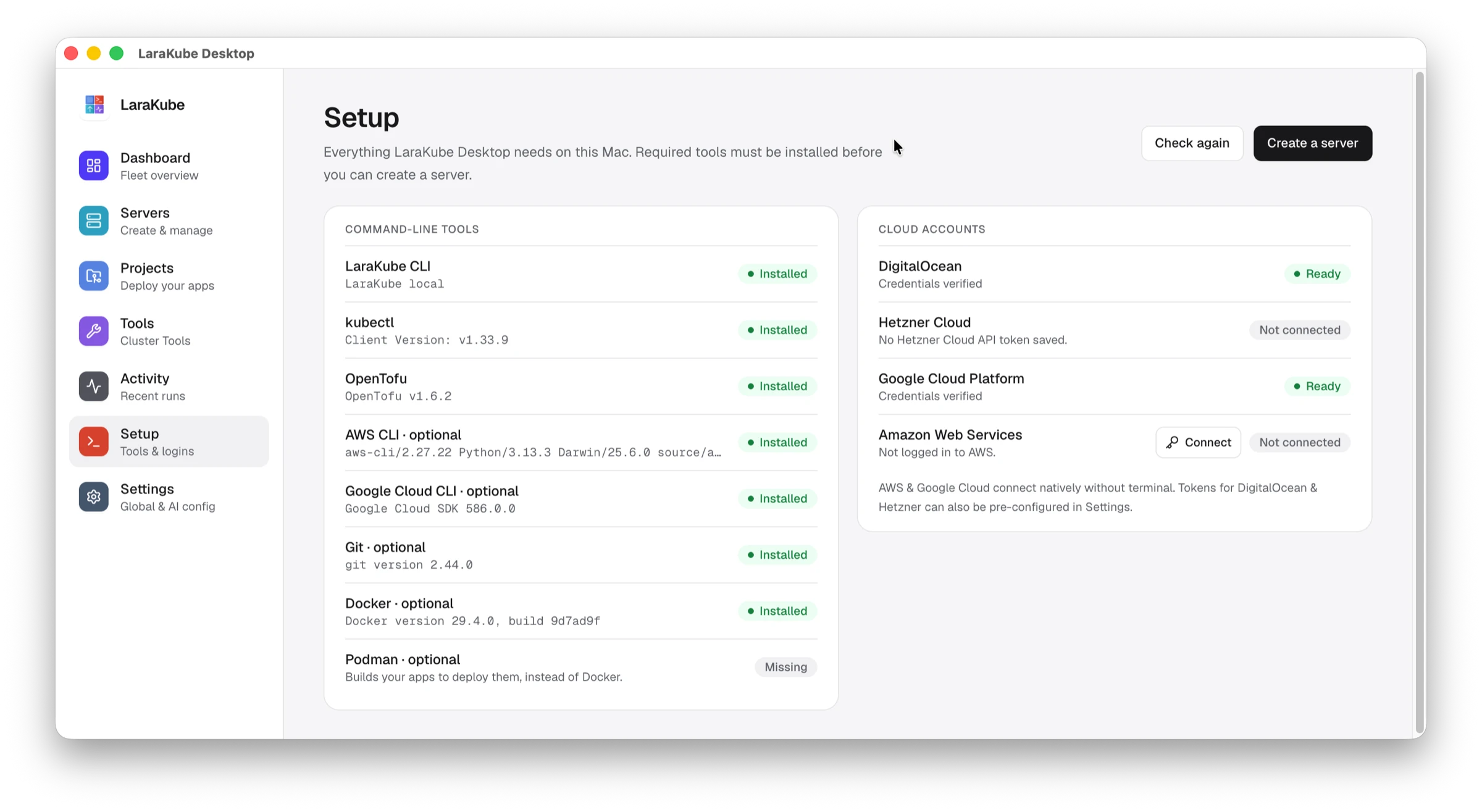
If you chose to build apps here, press **Set up local development**. It installs a local Kubernetes cluster (k3s) and needs administrator access for a few minutes. Desktop allows that only while the setup runs and removes it afterwards.
Setup also lists your **cloud accounts**. DigitalOcean and Hetzner use an API token that you save in **Settings**. Amazon Web Services and Google Cloud connect from Setup itself.
## 3. Create a server
Open **Servers → Create a server**, choose a provider, name the server, and pick a region and size. You get a single-node Kubernetes server (k3s), hardened and ready for Cluster Tools. It takes about five minutes and is billed by your provider. See [Servers](/docs/desktop/servers).
## 4. Install a tool
Open **Tools**, choose your server and press **Install** on a tool, for example chat, a wiki or single sign-on. See [Tools](/docs/desktop/tools).
## 5. Start an app
Open **Projects → New project**, pick a framework and create it. See [Projects](/docs/desktop/projects).
## Prefer the terminal?
Everything Desktop does is a [CLI command](/docs/onboarding/installation). Desktop shows each action it runs under **Activity**, so you can see exactly what happened.
---
FILE: docs/desktop/projects.md
---
---
sidebar_position: 5
title: Projects
description: Start a new app in Laravel, Next.js, Astro, Django and more from LaraKube Desktop.
---
# Projects
A project is an app on your computer that is set up for LaraKube.
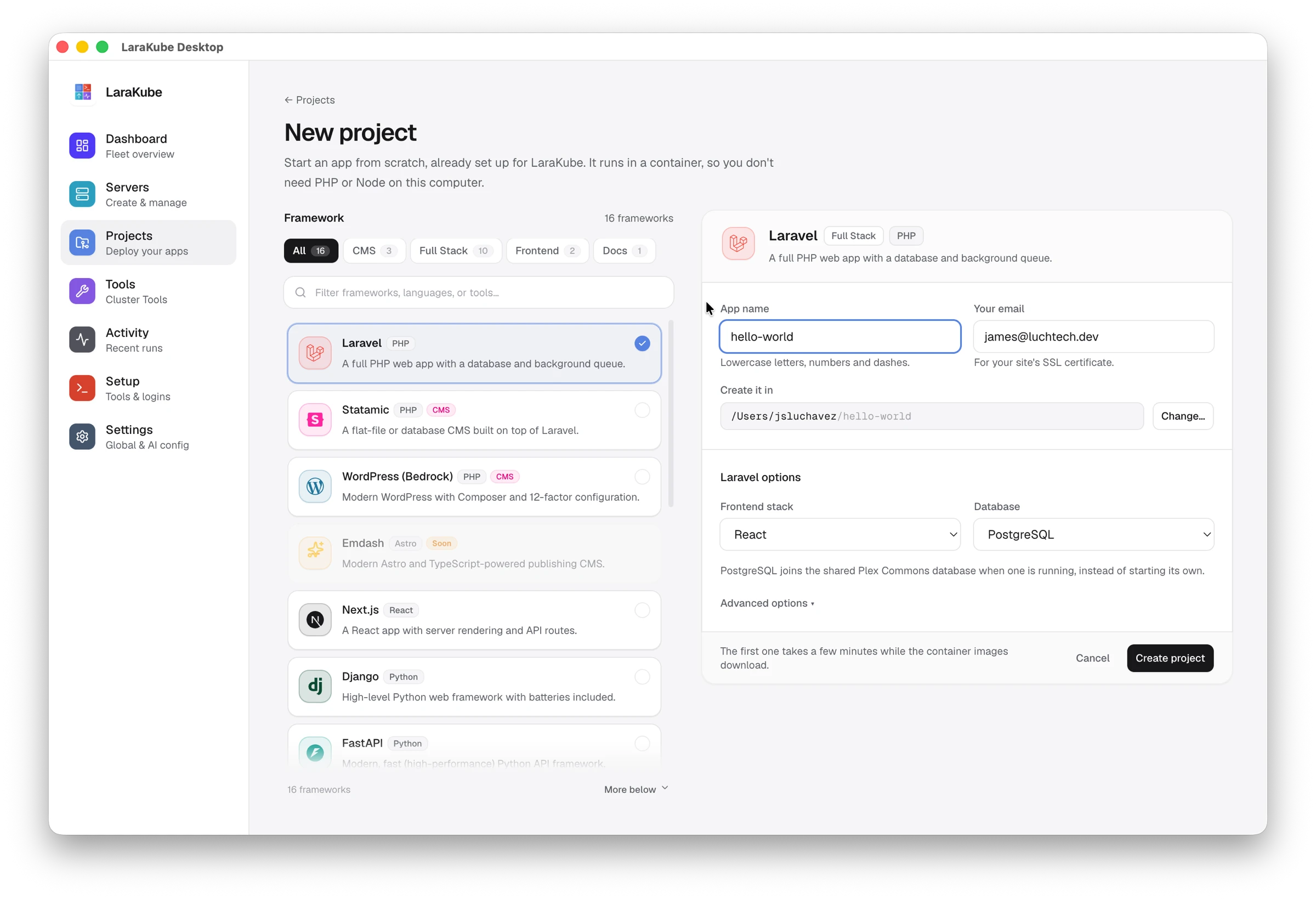
## Start a new project
1. Open **Projects → New project**.
2. Pick a framework on the left. Filter by CMS, Full Stack, Frontend or Docs, or search.
3. Fill in the card on the right. The questions come from the LaraKube CLI and differ per framework (the app name and your email for the site's SSL certificate, then choices such as database, template or content storage), with the rarer ones under **Advanced options**. Then choose the folder to create it in.
The list of frameworks and their questions is read from `larakube new:frameworks`, so updating the CLI from Setup is how new frameworks and options appear here.
4. For Laravel, choose the frontend stack and the database.
5. Press **Create project**.
The app is created inside a container, so you do not need PHP or Node on your computer. The first one takes a few minutes while the container images download.
## Add an existing app
Open a folder you already have and Desktop sets it up for LaraKube.
:::note Deploying from Desktop
Deploying an app to your server from Desktop is still being built. Until then, deploy with the [CLI](/docs/deployment/overview).
:::
---
FILE: docs/desktop/servers.md
---
---
sidebar_position: 3
title: Servers
description: Create a hardened single-node Kubernetes server on DigitalOcean, Hetzner, Google Cloud or AWS from LaraKube Desktop.
---
# Servers
A server is where your Cluster Tools and apps run. LaraKube Desktop creates it for you and keeps a list under **Servers**.
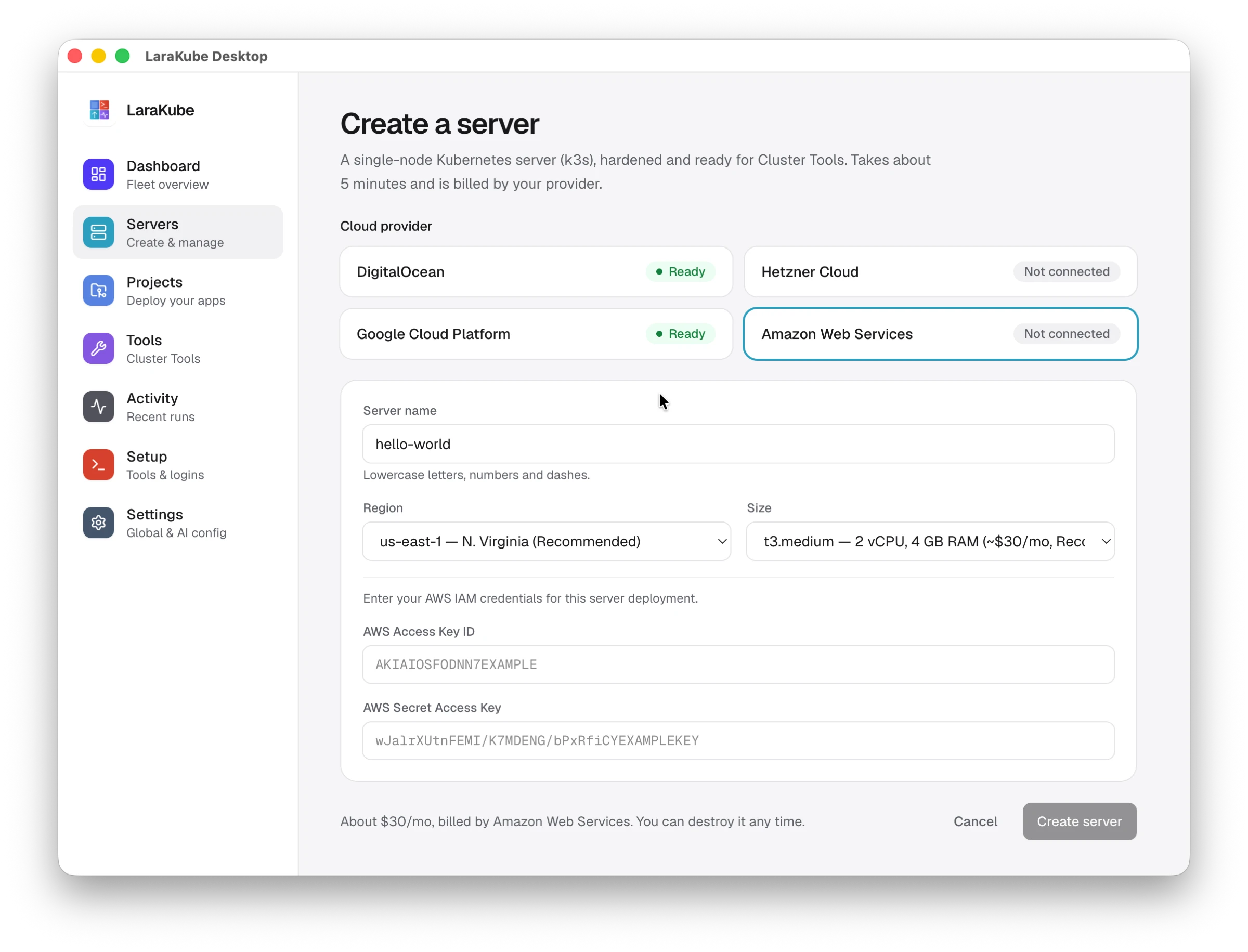
## Create a server
1. Open **Servers → Create a server**.
2. Choose a **cloud provider**. Each one shows **Ready** or **Not connected**. Connect a provider in [Setup](/docs/desktop/get-started#2-let-setup-install-what-it-needs) or **Settings** first.
3. Give the server a name (lowercase letters, numbers and dashes).
4. Pick a **region** and a **size**. The page shows the approximate monthly price.
5. Press **Create server**.
You get a single-node Kubernetes server (k3s), hardened and ready for Cluster Tools. It takes about five minutes and is billed by your provider. You can destroy it at any time.
## Which providers
DigitalOcean, Hetzner Cloud, Google Cloud and Amazon Web Services. For a server you already have, see [Cluster Tools and remote clusters](/docs/onboarding/cluster-tools-only).
---
FILE: docs/desktop/tools.md
---
---
sidebar_position: 4
title: Tools
description: Install self-hosted Cluster Tools such as chat, a wiki, single sign-on and a password manager from LaraKube Desktop.
---
# Tools
**Cluster Tools** are self-hosted apps your team uses, such as chat, a wiki, single sign-on and a password manager. Each one gets its own address and sign-in.
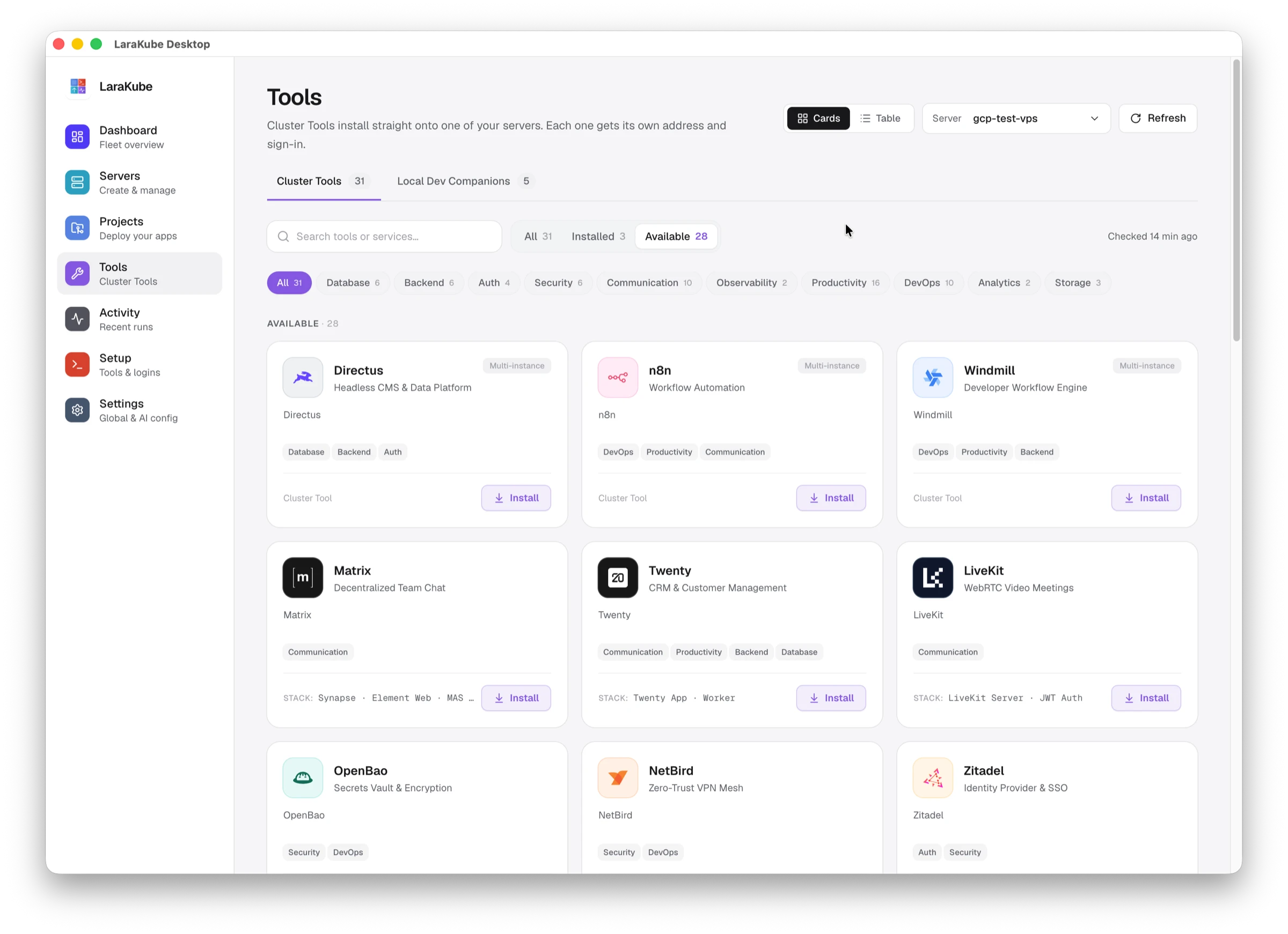
## Install a tool
1. Open **Tools** and choose your server at the top right.
2. Find the tool. Use the search box, the **Installed** and **Available** filters, or a category such as Communication or Security.
3. Press **Install**.
Installed tools show their address and a **Visit** link. **Manage** opens the tool's page. Tools marked **Multi-instance** can run more than once, using **Deploy Another**.
## Cards or table
Switch between **Cards** and **Table** at the top. The page keeps the last list it checked and re-checks every 30 minutes. **Refresh** checks right away.
## Local Dev Companions
The second tab lists helpers for developing on your own computer. They are not installed on a server.
The same tools are available from the command line. See [Cluster Tools](/docs/tools).
---
FILE: docs/desktop/windows.md
---
---
sidebar_position: 2
title: Windows
description: Install LaraKube Desktop natively on Windows.
---
# Windows
LaraKube Desktop installs like a normal Windows app — no manual WSL setup, no Ubuntu app to open. You never see a
terminal.
Under the hood, the LaraKube CLI itself still needs Linux, so the app turns on WSL and imports its own private Linux
(separate from any Ubuntu you may already have) the first time you run Setup. This part of Windows support is newer
than macOS and Linux, so if something looks off, please [tell us](https://github.com/luchavez-technologies/larakube-desktop/issues).
## What you need
- **Windows 10 or 11, 64-bit**, with virtualization enabled (on by default on most machines).
## Steps
1. Download the installer from the [download page](/download) and run it.
2. The build isn't signed yet, so Windows SmartScreen will warn you. Choose **More info**, then **Run anyway**.
3. Open **Setup**. It turns on WSL (one administrator prompt, possibly one restart) and downloads LaraKube's own
Linux image — you don't install or configure anything by hand.
4. Continue with the rest of [Setup](/docs/desktop/get-started#2-let-setup-install-what-it-needs).
---
FILE: docs/development/ai-native-orchestration.md
---
---
sidebar_position: 10
title: AI-Native Orchestration
description: LaraKube CLI is the first AI-native Kubernetes orchestrator. Learn about the Local Mechanic MCP server and how to register it with your AI tools.
---
# 🤖 AI-Native Orchestration
LaraKube CLI is the first Kubernetes orchestrator designed for the age of AI. It ships its own **Model Context Protocol (MCP)** server so AI agents get direct, local execution power over your project.
## 🔌 Model Context Protocol (MCP)
LaraKube CLI implements an MCP server to give AI agents (like Gemini CLI, Claude Desktop, or Cursor) direct access to your project's architecture and orchestration verbs.
### 🛠 The Local Mechanic (`larakube-cli`)
The CLI MCP handles **Local Execution**. It has direct access to your source code, `.env` files, and orchestration verbs.
- **Status**: 🟢 Ready (6 Expert Tools)
- **Best For**: Scaffolding new projects, adding services, and patching local configuration.
- **Tools**:
- `inspect-local-code`: Deep-scan your project for architectural DNA.
- `local-health-check`: Verify Docker, K3d, and host networking status.
- `orchestrate-verb`: Run core verbs like `up`, `down`, `heal`, and `add`.
- `patch-blueprint`: Surgically modify `.larakube.json`.
- `patch-local-env`: Update your local `.env` configuration.
- `run-proxy`: Execute `artisan`, `composer`, or `npm` inside the cluster.
#### One-Click Registration
You can automatically register the Local Mechanic with your favorite AI tools:
```bash
# Register with Gemini CLI
larakube mcp:register --gemini
# Register with Claude Desktop
larakube mcp:register --claude
# Register with all supported tools
larakube mcp:register --all
```
---
### 💡 Pro Tip
For fleet-wide visibility — monitoring pod health, reading logs, and reviewing project history across your whole cluster — use **LaraKube Desktop**, the companion app, rather than driving it through an AI agent.
---
FILE: docs/development/hmr.md
---
---
sidebar_position: 3
title: Full-Stack Live Coding & HMR
description: Experience zero-config live coding with LaraKube CLI. Learn how we bridge Vite HMR and Octane backend watching directly into your Kubernetes cluster.
---
# ⚡️ Full-Stack Live Coding
LaraKube CLI provides a professional, "Zero-Config" live development experience. We automatically bridge the gap between the dev servers running inside your cluster and your local IDE.
## 🗺 How it Works (Frontend)
When you launch your cluster with `larakube up`, the CLI surgically hardens your `vite.config.ts` (or `.js`) for the Kubernetes environment:
1. **Ingress Routing**: Vite is configured to use `clientPort: 80`. This allows HMR traffic to flow through the standard Kubernetes Ingress.
2. **Domain Mapping**: Assets are fetched from `vite.{{your-app}}.kube`.
3. **CORS Handling**: Cross-Origin Resource Sharing is automatically enabled so your main application can securely fetch assets from the asset subdomain.
## 🐘 Backend Live-Watching (Octane)
If you are using the **FrankenPHP** server variation, LaraKube CLI automatically enables high-performance backend watching:
1. **Automated Watch**: The CLI appends the `--watch` flag to your `octane:start` command in local environments.
2. **Native Performance**: We've integrated `chokidar` directly into the development stage of our PHP images, ensuring that file changes are detected instantly.
3. **Zero production overhead**: These watching tools are stripped out of your `deploy` stage images, keeping your production environment lean and secure.
## ✨ The Developer Experience
- **Instant Everything**: Save a PHP file, and Octane restarts. Save a Vue/React file, and Vite updates your browser.
- **No Manual Refresh**: Enjoy a seamless "Live Coding" experience with zero manual browser refreshes or cluster restarts.
- **Perfect Isolation**: Enjoy professional pod separation while maintaining the speed of local development.
---
### 💡 Troubleshooting
**Changes not reflecting:**
1. Run `larakube about` to ensure the `laravel-web` and `laravel-node` pods are **Ready 🟢**.
2. Check your console for any "Connection Refused" errors. If found, run `larakube doctor` to verify your `/etc/hosts` and port mappings.
**Constant full-reload messages in browser:**
If your browser repeatedly shows full-reload notifications every few seconds (especially after running `larakube up`), the issue is likely MinIO temporary files triggering Vite's file watcher.
LaraKube CLI automatically excludes `.infrastructure/volume_data` from Vite's watch list in v0.11.8+. If you're on an older version:
```javascript
// vite.config.ts
server: {
watch: {
ignored: ['**/.infrastructure/volume_data/**'],
},
// ... rest of config
},
```
This prevents MinIO temp files (which change constantly) from triggering unwanted reloads.
---
FILE: docs/development/logs.md
---
---
sidebar_position: 3
title: Monitoring Service Logs
description: Tail logs for web, node, horizon, and reverb services with the LaraKube CLI logs command. Professional observability for your Laravel Kubernetes cluster.
---
# Monitoring Logs
Observability is the heartbeat of development. LaraKube CLI provides a streamlined tool to monitor the pulse of every service in your cluster.
## The `logs` Command
Instead of remembering complex `kubectl` label selectors, you can tail logs using simple service names:
```bash
larakube logs {service}
```
### Supported Services
- **`web`:** Monitor the combined NGINX and PHP-FPM logs.
- **`node`:** See the output of your Vite dev server or build tasks.
- **`horizon`:** Track your background queue jobs.
- **`reverb`:** Watch your WebSocket traffic.
- **`traefik`:** Debug cluster ingress and routing.
## 🛠 Advanced Debugging
For a more visual experience, launch K9s pre-scoped to your project's namespace:
```bash
larakube k9s
```
From there, you can select any pod and press `l` to see its logs in real-time.
---
FILE: docs/development/monitoring.md
---
---
sidebar_position: 4
title: Metrics & Monitoring
description: Deploy a cluster-wide Prometheus, Grafana, and Loki stack with tool:init --tool=grafana, then auto-wire per-service exporters for MySQL, PostgreSQL, and Redis on every larakube up.
---
# Metrics & Monitoring
[Service logs](./logs.md) tell you what one pod is doing right now. **Monitoring** tells you what the whole cluster has been doing over time — request rates, query latency, cache hit ratios, pod restarts, and a searchable history of every log line.
LaraKube CLI ships this as one opt-in command. It deploys a complete, pre-wired observability stack into the shared `larakube-shared` namespace, then auto-attaches per-service exporters to your app on every `larakube up`.
## The Stack
`tool:init --tool=grafana` installs five components into `larakube-shared`:
| Component | Role |
| --- | --- |
| **Prometheus** | Scrapes and stores time-series metrics. |
| **Grafana** | Dashboards and data-source UI (the front door). |
| **Loki** | Stores logs, queryable from Grafana like metrics. |
| **Promtail** | A DaemonSet that ships every pod's logs into Loki. |
| **kube-state-metrics** | Exposes Kubernetes object state (deployments, pods, restarts) to Prometheus. |
Prometheus and Loki are pre-configured as Grafana data sources, so there's nothing to wire up by hand — open Grafana and the data is already flowing.
:::note Cluster-wide, not per-project
The stack lives in `larakube-shared` and observes **every** project on the cluster. You install it once per cluster, not once per app. This mirrors how Mailpit and the Traefik dashboard are shared infrastructure rather than project resources.
:::
## Installing Locally
```bash
larakube tool:init --tool=grafana
```
This brings the stack up and prints the access details:
```
✅ Monitoring stack is live.
Grafana: https://grafana.kube admin / 7f3c9a1b…
Prometheus: prometheus.larakube-shared.svc.cluster.local:9090 (in-cluster)
Loki: loki.larakube-shared.svc.cluster.local:3100 (in-cluster)
```
- **Grafana** is published at `grafana.{your-dev-tld}` — `grafana.kube` by default, or `grafana.test`/`grafana.localhost` if you've changed your TLD with `larakube config:tld`.
- The **admin password** is generated on first install and stored in the `grafana-admin` Secret. Re-running `tool:init --tool=grafana` reuses it, so the password is stable across upgrades.
- Prometheus and Loki are **in-cluster only** — there's no public ingress for them; you reach them through Grafana.
## Per-Service Exporters
The stack above gives you cluster and log visibility. To get **database and cache metrics**, LaraKube CLI attaches a Prometheus exporter sidecar to your project — automatically, on every `larakube up`:
| Service | Exporter |
| --- | --- |
| MySQL / MariaDB | `mysqld-exporter` (port 9104) |
| PostgreSQL | `postgres-exporter` (port 9187) |
| Redis | `redis_exporter` (port 9121) |
This is **demand-driven and opt-in by presence**: exporters are wired only when the monitoring stack is actually running. If you never run `tool:init --tool=grafana`, `larakube up` does no monitoring work at all. Install the stack and your existing apps pick up exporters on their next `up` — no reconfiguration.
:::tip SQLite, Memcached, and the `database` cache get no exporter
There's no meaningful metrics exporter for SQLite or Memcached, and the `database` cache driver is just rows in your app's own database — already covered by the DB exporter. These are skipped silently.
:::
## Monitoring a Cloud Environment
Monitoring is opt-in **per environment** — you might want it on `production` but not on `staging`. So you install it directly against the target cluster's context:
```bash
larakube tool:init --tool=grafana --context my-prod-cluster --env production
```
Because a cloud cluster has no local dev TLD, `tool:init --tool=grafana` **prompts for the Grafana host** the first time:
```
What host should Grafana use in 'production'?
> grafana.example.com
```
The answer is persisted to your project's `.larakube.json` under that environment's `hosts` map, so:
- Re-running the command **reuses** the saved host (no re-prompt).
- Other tooling reads the same map — host resolution is data-driven, not hard-coded.
Point that DNS record at your cluster and add TLS like any other ingress host. From then on, every [cloud deploy](../deployment/overview.md) auto-wires the same DB/cache exporters into the deployed namespace, exactly as `up` does locally.
:::note Skip the prompt in CI
Pass `--domain` to supply the cluster domain non-interactively — `--domain example.com` resolves to `grafana.example.com`. This bypasses both the prompt and the `.larakube.json` write, which is what you want in an automated pipeline.
:::
## Changing the TLD
Grafana's local ingress carries your dev TLD, so it's re-pointed automatically on the next `larakube up` after a `larakube config:tld` change — the same single-propagation rule that governs every shared host. You don't need to reinstall the stack; just run `up`.
## Removing the Stack
```bash
larakube tool:init --tool=grafana --remove
```
This tears down Prometheus, Grafana, Loki, Promtail, and kube-state-metrics — plus their PVCs and cluster RBAC — from `larakube-shared`. Your projects are untouched; their exporters simply stop being reconciled on the next `up` (since the stack is no longer present).
## Command Reference
```bash
larakube tool:init --tool=grafana [options]
```
| Option | Description |
| --- | --- |
| `--context=` | Target a specific kube-context. Defaults to your current context. |
| `--env=` | Which `.larakube.json` environment this install is for (default: `local`). A non-local env prompts for and persists the Grafana host. |
| `--domain=` | Raw override for the Grafana cluster domain (`example.com` → `grafana.example.com`). Skips the prompt and the config write. |
| `--remove` | Tear the stack down from `larakube-shared`. |
---
FILE: docs/development/tunneling.md
---
---
sidebar_position: 1
title: Database Tunneling Guide
description: Securely connect to your cluster's databases with LaraKube CLI tunnel. Learn about auto-resolving port conflicts and generating credentials for your GUI client.
---
# Tunneling (larakube tunnel)
LaraKube CLI provides an intelligent tunneling command that makes connecting to cluster-internal databases feel like they are running on your own machine.
## How it Works
When you run `larakube tunnel`, the CLI:
1. **Scans your Namespace:** It identifies which database services are running (MySQL, Postgres, Redis).
2. **Checks Port Availability:** It verifies if the standard local port (e.g., `5432`) is already in use by another project.
3. **Auto-Resolves Conflicts:** If a port is occupied, it automatically increments to the next available port (e.g., `5433`).
4. **Generates Credentials:** It prints the exact connection details you need to copy into your GUI client.
## Usage
Simply run the command in your project root:
```bash
larakube tunnel
```
Select your service, and you're ready to go!
## Why not use Ingress?
For web traffic, Ingress is perfect. But for database traffic, using Ingress is often insecure and complex to configure. **Port Forwarding (Tunneling)** is the industry-standard way to safely access internal databases without exposing them to the public internet.
---
FILE: docs/foundations/safety-reliability.md
---
---
sidebar_position: 5
title: Safety & Reliability
description: Learn how LaraKube CLI protects your infrastructure from accidental misconfigurations and remote deployment errors.
---
# 🛡️ Safety & Reliability
LaraKube CLI is engineered with "Industrial-Strength" safety guards to ensure that your production infrastructure remains stable and secure.
## 🚨 The Context Guard
Accidentally deploying local development code to a production cluster is a nightmare. LaraKube CLI prevents this via the **Context Guard** (`InteractsWithClusterContext`).
### How it works:
When you run an orchestration command (like `up` or `down`), LaraKube CLI:
1. **Inspects** the current Kubernetes context (e.g., `k3d-larakube`).
2. **Analyzes** keywords to determine if the cluster is likely local (`minikube`, `docker-desktop`, `orbstack`, etc.).
3. **Cross-References** with your intended environment.
### Safety Alerts:
- **Local code ➜ Remote Cluster**: Blocks the deployment and issues a high-severity security alert. You must explicitly confirm with "Yes" to proceed.
- **Production ➜ Local Cluster**: Issues a helpful reminder that you are deploying production manifests to your laptop.
---
## 💾 Storage Access Modes
LaraKube CLI intelligently manages Kubernetes **PersistentVolumeClaims (PVCs)** based on your deployment strategy.
| Strategy | Access Mode | Behavior |
| :--- | :--- | :--- |
| **Single-Node** | `ReadWriteOnce` | Optimized for speed on a single VPS. Volumes are mounted to one node at a time. |
| **Multi-Node** | `ReadWriteMany` | Optimized for scaling. Shared storage is available across multiple nodes simultaneously (e.g., using NFS or Ceph). |
*LaraKube CLI handles this logic automatically within your blueprints, ensuring your data is always accessible by the right pods.*
---
## 📦 Surgical Extraction (`--minify`)
When LaraKube CLI configures your CI/CD pipeline, it follows the principle of **Least Privilege**.
Using the `--minify` flag during secret generation, the CLI surgically extracts **only** the certificate and token required for the specific target environment.
- **No Leakage**: Your other cluster credentials (e.g., your staging or local cluster keys) are never uploaded to GitHub.
- **Clean Config**: The resulting secret is a standalone, valid Kubeconfig file with zero external dependencies.
---
## 🔄 Self-Healing DNA
The LaraKube CLI treats your `.larakube.json` as the **Source of Truth**.
If your Kubernetes manifests are ever accidentally modified or corrupted, you can run the `heal` command:
```bash
larakube heal
```
This command **regenerates** your entire infrastructure based on your project's DNA, restoring your cluster to a known-good state in seconds.
### Hand-Edit Safety & Locking
Edit the blueprint, not the manifest! The engine uses cryptographic signatures to track generated files. If you hand-edit a generated manifest in `.infrastructure/k8s/`, the `heal` command will detect the divergence, warn you, and **preserve your manual changes**.
If you intend to take over a manifest permanently, you can add it to the `locked_manifests` array in your `.larakube.json`. LaraKube CLI will skip that file during future regenerations, ensuring your hand-crafted logic is completely safe from being overwritten.
---
FILE: docs/foundations/tooling.md
---
---
sidebar_position: 6
title: Filament & Statamic
description: Scaffold FilamentPHP admin panels or Statamic flat-file CMS projects with LaraKube CLI — automated installation, optimized PHP extensions, and cluster-ready configuration.
---
# 🪄 Filament & Statamic
Both of these are `larakube new` blueprints for content/admin-heavy Laravel apps — pick the one matching what you're building.
| Tool | Command | Best for |
|---|---|---|
| 🪄 [FilamentPHP](#-filamentphp) | `larakube new my-admin --filament` | TALL-stack admin panels, complex data + exports |
| 📁 [Statamic](#-statamic) | `larakube new my-cms --statamic` | Flat-file, Git-based content management |
## 🪄 FilamentPHP
[Filament](https://filamentphp.com) is the most popular way to build modern Laravel admin panels. LaraKube CLI runs the Filament installer and panel setup for you, injects the required PHP extensions (like `intl`) into your `Dockerfile.php`, and pre-configures the panel to work with **MySQL** or **PostgreSQL** in your cluster.
💡 Filament apps often handle complex data and long-running exports. By using LaraKube CLI's **Architecture-by-Flag**, you can easily add **Horizon** and **Redis** to ensure your admin panel remains responsive under load.
## 📁 Statamic
[Statamic](https://statamic.dev) is the premier flat-file CMS for Laravel. LaraKube CLI handles the Statamic CLI installation and project scaffolding, provides a specialized environment for the storage requirements of a Git-based CMS, injects `gd` and `exif` extensions for image optimization, and pre-configures **Mailpit** so you can test contact forms immediately.
💡 Statamic shines in high-traffic corporate sites. Pair `--statamic` with **Nginx** and **Redis** to build a content-first site that's production-ready from day one.
---
FILE: docs/frontend-stacks/overview.md
---
---
sidebar_position: 1
title: Frontend Stacks
description: Deploy Livewire, React, Vue, or Svelte on Kubernetes with LaraKube CLI — automated HMR, SSR pod isolation, sticky sessions, and Traefik routing per stack.
---
# 🎨 Frontend Stacks
Whichever frontend you pick, `larakube new my-app --` scaffolds the matching Kubernetes wiring — dev-server HMR routing, SSR pod isolation where relevant, and any session/networking quirks the stack needs.
| Stack | Command | LaraKube CLI handles |
|---|---|---|
| ⚛️ [React](#react) | `larakube new my-app --react` | Dedicated Vite/SSR node pods, `vite.your-app.kube` routing via Traefik |
| 🖖 [Vue.js](#vuejs) | `larakube new my-app --vue` | Zero-config HMR, isolated Vue SSR pod, SPA security headers |
| 🧡 [Svelte](#svelte) | `larakube new my-app --svelte` | Docker build steps tuned for Svelte's compile phase, static asset caching |
| 🌊 [Livewire](#livewire) | `larakube new my-app --livewire` | Dedicated Reverb pod, Redis-backed sessions, Traefik sticky sessions |
## ⚛️ React {#react}
Combined with Laravel's native **Vite** integration and **Inertia.js**, React gives you single-page apps without a separate API layer — plus Laravel Starter Kits for auth. Deploying React with SSR on Kubernetes is notoriously complex, so LaraKube CLI automatically scaffolds separate pods for the Vite dev server and Node.js SSR workers, pre-configures Traefik to route the HMR server, and keeps your in-cluster build pipeline matching CI/CD exactly.
## 🖖 Vue.js {#vuejs}
Vue is the primary target for Inertia.js, offering the smoothest "Classic Laravel" SPA feel, with Tailwind utility classes integrating cleanly into components. LaraKube CLI bridges the Kubernetes networking gap so Hot Module Replacement works out of the box, isolates memory-intensive Vue SSR into its own pod so it can't crash the PHP backend, and pre-configures the Traefik middleware modern SPAs need.
## 🧡 Svelte {#svelte}
Svelte compiles your UI at build time instead of interpreting it in the browser, giving Laravel apps the smallest possible bundle size while integrating natively with Laravel's Vite config. LaraKube CLI tunes its Docker stubs for Svelte's compilation phase, pre-configures Traefik/Ingress to cache compiled assets, and keeps a stable "fixed-version" Kubernetes foundation underneath a fast-moving frontend.
## 🌊 Livewire {#livewire}
Livewire lets you build dynamic, reactive interfaces using only PHP classes and Blade — no API, no JavaScript, and it automatically syncs your UI with backend models. Because Livewire depends heavily on real-time server communication, LaraKube CLI pre-configures a dedicated **Reverb** pod for high-concurrency updates, scaffolds **Redis** as the session driver for seamless pod-to-pod transitions, and configures Traefik's sticky sessions for complex Livewire apps.
---
FILE: docs/index.md
---
---
sidebar_position: 0
title: Introduction to LaraKube CLI
description: Get started with LaraKube CLI, the industrial-strength Kubernetes orchestrator for Laravel. Learn about the Standalone Engine, Shared Storage, and Proxy-First workflow.
---
# 🌟 Introduction
LaraKube CLI is a high-performance **Kubernetes Control Plane** for Laravel. It bridges the gap between local development and cloud-scale infrastructure, treating architecture as a first-class citizen.
## 🚀 The Standalone Engine
LaraKube CLI is distributed as a **self-contained binary** for Linux and macOS, featuring its own embedded PHP runtime. You no longer need to install PHP, Composer, or Node.js on your machine. As long as you have **Docker** and **kubectl**, you are ready to orchestrate masterpieces.
## 💾 Shared Storage (Workload Parity)
LaraKube CLI implements a sophisticated **Shared Storage Architecture**. By using a synchronized volume across your Web, Worker, and Scheduler pods, we achieve true **Workload Parity**.
- **Atomic Updates:** File changes (like `storage/` or `bootstrap/cache`) are instantly visible across all pods.
- **Sidecar Optimizations:** Support services run with minimal overhead, sharing the same application state as your main web process.
## 🔌 Proxy-First Workflow
Stop jumping in and out of containers. LaraKube CLI provides transparent proxy commands that execute directly inside your Kubernetes pods:
- `larakube art migrate`
- `larakube composer require`
- `larakube npm run dev`
## 🖥️ LaraKube Desktop (The Cockpit)
**LaraKube Desktop** is the visual companion to the CLI — a native app for fleet visibility, project management, and server provisioning without leaving a GUI. It drives the same CLI underneath, so anything you can see in Desktop you can also script from the terminal.
## 🤖 AI-Native by Design (MCP)
LaraKube CLI is built for the age of AI agents. The **Local Mechanic (`larakube-cli`)** is a project-scoped MCP server with expert tools for modifying local code, patching blueprints, and running orchestration "verbs" (`up`, `down`, `add`) — giving AI agents professional-grade orchestration capabilities directly in your project.
## 🚀 The Vision: Container-First Laravel
By bringing Kubernetes to the local development environment, we ensure that your code is "Production-Ready" from the very first line you write.
LaraKube CLI stands on the shoulders of giants. We would like to express our deepest gratitude to [Server Side Up](https://serversideup.net/). Their world-class [PHP Docker Images](https://serversideup.net/open-source/docker-php/) are the bedrock of this project, providing the stability and performance that make professional Laravel-on-Kubernetes possible.
LaraKube CLI empowers you to create as many masterpieces as your imagination allows. But at the end of the day, the real magic happens when you **share your work with the world**.
Whether you are deploying to a small cluster for friends or a global scale-out infrastructure for millions, LaraKube CLI provides the **Production-Grade Blueprints** and **CI/CD Pipelines** to make that transition seamless.
---
## ⭐ Star the Project
LaraKube CLI is a labor of love for the Laravel community. If this tool has helped you launch a masterpiece, **please consider giving us a star on GitHub!**
- **[LaraKube CLI](https://github.com/luchavez-technologies/larakube-cli)**: The core orchestration engine.
- **[LaraKube Desktop](https://github.com/luchavez-technologies/larakube-desktop)**: The visual companion app.
- **[LaraKube CLI Docs](https://github.com/luchavez-technologies/larakube-docs)**: Our high-context guides and recipes.
---
### 🎨 Craft the Future
With LaraKube CLI and the **Laravel AI SDK**, the only limit is your imagination. Scaffold your next architectural masterpiece today.
```bash
larakube new my-masterpiece --fast
```
---
FILE: docs/laravel-ecosystem/horizon.md
---
---
sidebar_position: 2
title: Laravel Horizon
description: Industrial-strength queue management for Laravel Horizon on Kubernetes. Automated Redis integration, dedicated containers, and health monitoring.
---
# Laravel Horizon
LaraKube CLI simplifies running [Laravel Horizon](https://laravel.com/docs/horizon) by handling the process management and Redis requirements automatically.
## 🧱 What's Included
- **Redis Integration:** Selecting Horizon automatically includes and configures a Redis instance in your cluster.
- **Dedicated Container:** LaraKube CLI scaffolds a specialized container that runs `php artisan horizon`, isolated from your web traffic.
- **Master Process Monitoring:** A built-in `readinessProbe` uses `php artisan horizon:status` to ensure the queue master is healthy before signaling success.
## Workflow
Horizon is configured via your project's `config/horizon.php`. Since LaraKube CLI uses your local code, any changes to your worker configurations or queue names are picked up during the `up` process.
## scaling
In production, you can scale your Horizon workers by updating the `replicas` in your `horizon-deployment.yaml`. LaraKube CLI ensures that the master process and its workers have sufficient resources to handle your background workloads.
---
FILE: docs/laravel-ecosystem/octane.md
---
---
sidebar_position: 4
title: Laravel Octane with FrankenPHP
description: Supercharge your Laravel app with Octane and FrankenPHP on Kubernetes. Learn about memory-resident performance, workers, and health probes.
---
# Laravel Octane (with FrankenPHP)
Laravel Octane supercharges your application's performance by serving it using high-powered application servers, including [FrankenPHP](https://frankenphp.dev/).
## ⚡️ The Power of Octane
When you enable Octane, LaraKube CLI configures your application to stay in memory:
- **Blazing Fast:** No need to boot the Laravel framework on every request.
- **Persistent Connections:** Database and Redis connections stay open, reducing overhead.
- **Zero-Downtime:** Kubernetes handles the graceful rollout of new Octane workers.
## 🏛 Required Engine
To use Octane in LaraKube CLI, you must select **FrankenPHP** as your server variation. LaraKube CLI will then automatically:
1. Configure the container entrypoint to run `php artisan octane:start`.
2. Optimize the worker count based on your cluster's resource limits.
3. Set up the necessary health probes to monitor the Octane master process.
## Environment Variables
Ensure your `OCTANE_SERVER` is set to `frankenphp` in your `.env`. LaraKube CLI handles this automatically during project initialization.
---
FILE: docs/laravel-ecosystem/reverb.md
---
---
sidebar_position: 1
title: Laravel Reverb WebSockets
description: Real-time Laravel Reverb on Kubernetes. Automated server scaffolding, Echo wiring, and dedicated microservice scaling for thousands of connections.
---
# Laravel Reverb
LaraKube CLI provides a first-class experience for [Laravel Reverb](https://laravel.com/docs/reverb), the high-performance WebSocket server for Laravel applications.
## ⚡️ Automations
When you enable Reverb, LaraKube CLI handles the complex networking for you:
1. **Server Scaffolding:** Creates the Reverb server deployment and a dedicated Service.
2. **Frontend Wiring:**
- Automatically detects your framework (React or Vue).
- Installs the required `@laravel/echo-*` packages.
- Configures `app.js` or `app.tsx` with the correct broadcaster settings.
3. **Local Ingress:** Sets up a secure local URL at `https://reverb.your-project.kube`.
## Environment Variables
LaraKube CLI automatically injects and configures these essential keys in your `.env`:
- `REVERB_APP_ID`
- `REVERB_APP_KEY`
- `REVERB_APP_SECRET`
- `REVERB_HOST`
- `REVERB_PORT`
## Deployment
In production, Reverb scales as a dedicated microservice within your cluster, allowing your main application to remain lean while Reverb handles thousands of concurrent WebSocket connections.
---
FILE: docs/laravel-ecosystem/scheduling.md
---
---
sidebar_position: 5
title: Laravel Task Scheduling
description: Professional task scheduling for Laravel on Kubernetes. Learn how LaraKube CLI uses isolated CronJob pods for deterministic and resource-efficient execution.
---
# Task Scheduling
The Laravel Command Scheduler allows you to fluently and expressively define your command schedule within Laravel itself.
## 🧱 The LaraKube CLI Strategy
In a Kubernetes environment, running a traditional `cron` daemon can be complex. LaraKube CLI simplifies this by creating a dedicated **CronJob** resource:
1. **Isolated Runner:** Scheduling runs in its own lightweight pod, separate from your web workers.
2. **Deterministic Execution:** It triggers `php artisan schedule:run` every minute, exactly as Laravel expects.
3. **Resource Efficient:** The pod only exists for the duration of the scheduled task, saving cluster memory and CPU.
## Configuration
There is no extra configuration needed in Kubernetes! Simply define your schedule in `routes/console.php` (Laravel 11+) or `app/Console/Kernel.php` (Legacy), and LaraKube CLI handles the rest.
## Logs
To see the output of your scheduled tasks, you can use `larakube k9s` or check the logs of the most recent scheduler pod.
---
FILE: docs/laravel-ecosystem/scout.md
---
---
sidebar_position: 3
title: Laravel Scout Search Integration
description: Automate full-text search with Laravel Scout. Support for Meilisearch, Typesense, and Database drivers with automated cluster hardening and config.
---
# Laravel Scout (Search)
Full-text search is a cornerstone of modern applications. LaraKube CLI automates the deployment of your preferred search engine and its integration with [Laravel Scout](https://laravel.com/docs/scout).
## 🏛 Supported Drivers
LaraKube CLI offers three distinct "flavors" for your search foundation:
### 1. Meilisearch (Self-hosted)
The fastest typt-tolerant search engine, specifically tuned for the Laravel community.
- **Image:** `getmeili/meilisearch:v1.12`
- **Dashboard:** `https://meilisearch.your-project.kube`
### 2. Typesense (Self-hosted)
A high-performance, open-source search engine that focuses on performance and developer experience.
- **Image:** `typesense/typesense:27.1`
- **URL:** `https://typesense.your-project.kube`
### 3. Database (Built-in)
A zero-infrastructure search option that uses your existing database (MySQL or PostgreSQL) for full-text indexing. Perfect for small projects or internal tools.
---
## ⚡️ Automations
When you enable Scout, LaraKube CLI automatically:
1. **Installs PHP Drivers:** Adds `laravel/scout` and the driver-specific SDKs to your container.
2. **Hardens the Cluster:** Deploys your chosen engine with a secure Master Key.
3. **Auto-Configures Laravel:** Injects the correct `SCOUT_DRIVER` and connection settings into your `.env`.
4. **Sets up Local Ingress:** Provides a dedicated local URL for API and dashboard access.
---
FILE: docs/lifecycle/index.md
---
---
sidebar_position: 1
title: Project Lifecycle Commands
description: Master the LaraKube CLI lifecycle. Learn about scaffolding new projects (new), initializing existing apps (init), swapping components (swap), and uninstallation.
---
# Project Lifecycle
These are the fundamental commands for creating, preparing, and cleaning up LaraKube CLI projects.
:::info Transparency-by-Default
LaraKube CLI follows a **"Preview First"** philosophy. Commands in this section will always show you an **Architectural Preview** of the files and configurations they are about to modify before asking for your final confirmation.
:::
:::tip Nesting Protection
LaraKube CLI includes a built-in safety shield. If you try to run `new` or `init` inside an existing project, the CLI will stop and warn you about **accidental nesting**, requiring manual consent to proceed.
:::
## `new {name}`
The starting point for every new masterpiece. LaraKube CLI scaffolds your entire Kubernetes environment, Dockerfiles, and Laravel application in one go.
- **Fast Track:** Use `--fast` to skip the LaraKube CLI wizard and use "ideal" high-performance defaults.
- **Frontend Stacks:** Native support for your favorite stack. Use `--react`, `--vue`, `--livewire`, or `--svelte` to pre-configure your frontend.
- **Architecture-by-Flag:** Providing any architectural flags (e.g., `--frankenphp`, `--mysql`) will intelligently skip the wizard.
- **Preview Only:** Use `--dry-run` to see the generated DNA without touching your disk.
### 🎨 Frontend & Backend Passthrough
LaraKube CLI isn't just about Kubernetes. It acts as a professional wrapper for the native Laravel installer. Any flag supported by `laravel new` is automatically passed through:
- **Stacks:** `--react`, `--vue`, `--livewire`, `--svelte`
- **Testing:** `--pest`, `--phpunit`
- **Workspaces:** `--git`, `--dark`
---
## `init`
Already have a project? `init` gracefully prepares your existing Laravel application for its Kubernetes debut.
- **Scaffolding**: Generates `.infrastructure/k8s` and `Dockerfile.php`.
- **Injection**: Offers to install required Laravel features (Horizon, Reverb, etc.).
- **Detection**: Automatically identifies your existing PHP and asset managers.
---
## `swap`
The "Pivot" tool. Seamlessly switch between different architectural components without manually removing and adding them.
- **Atomic**: Automatically removes old manifests and generates new ones in a single pass.
- **Safety**: Provides an architectural preview and a **Data Migration Warning**.
- **Supported Categories**: Database Engines, Object Storage, Search Engines (Scout), and Server Variations.
```bash
# Non-interactive swap
larakube swap --db=PostgreSQL --storage=SeaweedFS
# Interactive wizard
larakube swap
```
---
## `uninstall`
The clean break. If you need to remove LaraKube CLI from a project, this command performs a total cleanup of local manifests and cluster resources.
- **Cluster Cleanup**: Automatically deletes ALL project namespaces (local, production, etc.).
- **File Cleanup**: Removes `.infrastructure/`, `.larakube.json`, and Dockerfiles.
- **Docker Cleanup**: Use the `--image` flag to also delete the local Docker image.
- **Safety**:
- Your Laravel source code, migrations, and `.env` files are **never touched**.
- **Project Confirmation**: You must type the project name to confirm the uninstall.
- **Transparency**: Previews every file and cluster resource to be deleted before execution.
```bash
# Total cleanup including cluster resources
larakube uninstall
# Total cleanup including Docker image
larakube uninstall --image
```
---
FILE: docs/onboarding/cluster-tools-only.md
---
---
sidebar_position: 2
title: Cluster Tools Without a Dev Setup
description: Run self-hosted chat, a wiki, single sign-on and more with nothing but LaraKube CLI and kubectl — no Docker, OrbStack or Podman required.
---
# 🧰 Cluster Tools Without a Dev Setup
Plenty of people come to LaraKube CLI for the **Cluster Tools** — self-hosted chat,
a wiki, single sign-on, a git forge, dashboards — and never intend to build an app
with it. If that's you, most of the local development setup does not apply.
:::tip You do not need OrbStack, Docker Desktop or Podman
A container runtime exists to **build and run your own apps** on your machine.
Cluster Tools are installed with plain `kubectl apply` against a cluster — nothing
is built locally, so there is nothing for a container runtime to do. See
[Cluster Tools vs your apps](/docs/architecture/cluster-tools-and-your-apps).
:::
## What you actually need
| | |
|---|---|
| **LaraKube CLI** | The `larakube` binary — see [Installation](/docs/onboarding/installation) |
| **kubectl** | Every cluster command shells out to it. `larakube setup` installs it. |
| **A cluster** | Either one you provision with `larakube cloud:create`, or one you already have |
That's the whole list. You also don't need a `.larakube.json` project — Cluster Tools
are cluster-scoped, and the registry that tracks them lives in the cluster itself.
## 1. Install the CLI
```bash
curl -fsSL https://docs.larakube.app/install.sh | bash
```
## 2. Set up this machine
```bash
larakube setup
```
Choose **Cluster Tools and remote clusters**. This installs `kubectl`, offers
OpenTofu (needed only if you want `cloud:create` to provision a server for you),
and skips every local-development step — no container runtime, no local k3s, no
dnsmasq, no local ingress controller.
If a container runtime isn't running, this is already the default answer. To pick
it without being asked — in a script, say:
```bash
larakube setup --profile=remote
```
## 3. Get a cluster
### Option A — let LaraKube CLI provision one
```bash
larakube cloud:create production
```
Pick a provider and a size, and you get a hardened single server running k3s, or a
managed Kubernetes cluster. See [Provisioning with cloud:create](/docs/deployment/cloud-create).
### Option B — bring your own
Any cluster your `kubectl` can already reach works. Point the tool commands at its
context:
```bash
kubectl config get-contexts
larakube tool:init --tool=zitadel production --context=my-existing-cluster
```
## 4. Install tools
Every Cluster Tool follows one shape:
```bash
larakube :init
```
Single sign-on first, so everything afterwards can use it:
```bash
larakube tool:init --tool=zitadel production
larakube tool:init --tool=matrix production
larakube tool:init --tool=outline production
larakube tool:init --tool=forgejo production
```
Each one arrives with HTTPS, DNS and a login already wired up. `larakube tool:list
production` shows what's installed and what's available.
## Provider CLIs
`cloud:create` prompts for what it needs, but you can install a provider's CLI
ahead of time:
```bash
larakube setup --tools=gcloud # Google Cloud
larakube setup --tools=aws # Amazon Web Services
larakube setup --tools=hcloud # Hetzner Cloud
```
:::note macOS without Homebrew
`kubectl` and OpenTofu install fine without it — both ship official static builds
that LaraKube CLI fetches directly. The Google Cloud SDK additionally needs
**Python 3.10 or newer**; macOS ships 3.9 with the Xcode Command Line Tools, so
LaraKube CLI checks for a supported interpreter first and installs one through
Homebrew when it can. Without Homebrew, install Python from
[python.org](https://www.python.org/downloads/macos/) and retry.
:::
## When you do want a dev setup
If you later want to build and deploy your own apps alongside these tools, run
`larakube setup` again and choose **Local development**. That path needs a
container runtime — see the [macOS](/docs/onboarding/operating-systems/macos),
[Linux](/docs/onboarding/operating-systems/linux) and
[Windows](/docs/onboarding/operating-systems/windows) pages.
---
FILE: docs/onboarding/configuration.md
---
---
sidebar_position: 6
title: Secrets & Configuration Management
description: Secure your Laravel Kubernetes cluster with a Zero-Secrets-in-Git policy. Learn how LaraKube CLI handles environment sync and local data persistence.
---
# Secrets & Configuration
LaraKube CLI follows a **"Zero-Secrets-in-Git"** philosophy. This ensures that your application configuration is handled securely and transparently, mimicking production standards even in local development.
## 🗺 How it Works
LaraKube CLI keeps your sensitive credentials (passwords, API keys, etc.) out of your repository and your Kubernetes manifests:
1. **Local Source:** The CLI reads your local `.env` file.
2. **Safe Manifests:** Your Kubernetes files remain clean and contain no hardcoded secrets.
3. **Automatic Protection:** LaraKube CLI automatically ensures your environment files are ignored by Git.
## 🔄 Syncing Changes
If you update your local `.env` file, simply run `larakube up` again. The CLI will:
- Sync the new values into your cluster.
- Automatically restart your application pods to pick up the changes.
- Ensure your cluster is always perfectly synchronized with your local source of truth.
## 💾 Local Persistence (Stability-First)
LaraKube CLI is architected for stability and speed in local development:
- **Development (Cluster-Native PVC):** Local databases (MySQL, Postgres, Redis) use high-performance Kubernetes volumes. This eliminates the "Permission Denied" and "Silent Crash" issues common with macOS host-mounting while ensuring your data persists across `larakube stop` and `start` cycles.
- **Production (Cloud PVC):** For non-local environments, LaraKube CLI automatically prepares robust PersistentVolumeClaims for your cloud provider (EBS, Block Storage, etc.), ensuring your data is durable and safe.
- **Safe Pause:** Use `larakube stop` to scale your application pods to zero, saving system resources without losing any data.
## 🔐 Standardized Local Passwords
To get you started instantly, LaraKube CLI standardizes on **`secretpassword`** for all built-in services (MySQL, Postgres, Redis, Meilisearch, etc.) during local development.
---
## 🛠 Advanced Monitoring
You can verify your current cluster-side configuration at any time:
```bash
larakube about
```
---
FILE: docs/onboarding/first-app.md
---
---
sidebar_position: 5
title: Launch Your First Application
description: Bring your first Laravel masterpiece to Kubernetes. A step-by-step guide to project creation, architectural choices, configuration, and launching your cluster.
---
# Your First Application
Ready to bring your first masterpiece to the cluster? LaraKube CLI makes the process as intuitive as running a standard Laravel installer.
## 1. Start the Wizard
Run the following command to begin the interactive orchestration process:
```bash
larakube new my-awesome-app
```
> 💡 **Fast Track:** Want to skip the LaraKube CLI questions and use our "ideal" high-performance defaults (MySQL, Redis, Reverb, etc.)? Just add the `--fast` flag:
> `larakube new my-awesome-app --fast`
## 2. Architectural Choices
LaraKube CLI will guide you through several thoughtful decisions:
1. **Application Blueprint:** Choose your foundation (Standard Laravel, FilamentPHP, or Statamic).
2. **Server Variation:** Select your engine. **FrankenPHP** is recommended for its incredible performance and Octane support.
3. **Operating System:** Choose between the lightweight **Alpine** or the standard **Debian**.
4. **Laravel Features:** Select the "Lego bricks" your app needs (Horizon, Reverb, Scout, etc.).
5. **Databases:** Choose your foundation (MySQL, MariaDB, or PostgreSQL).
## 3. Configuration (The .env Source of Truth)
LaraKube CLI uses your local environment files to configure the entire cluster.
- **Local:** Edit the standard `.env` file.
LaraKube CLI automatically configures this file with the correct Kubernetes hostnames (e.g., `DB_HOST=mysql`), so you usually don't need to change much for local development.
Cloud environments (production, staging, …) aren't scaffolded up front — a fresh project starts with `local` only. When you're ready to deploy, create one explicitly:
```bash
larakube env production
```
This creates `.env.production`, asks about ingress/managed services/hosts for that environment, and generates its manifests. See [Deploy to Production](/docs/deployment/journey) for the full flow.
## 4. Launching the Cluster
Enter your new project directory and bring the environment to life:
```bash
cd my-awesome-app
larakube up
```
LaraKube CLI will automatically:
- Build your local Docker image.
- Configure your `/etc/hosts` for the project's local domains.
- Deploy the Kubernetes manifests (Deployments, Services, Ingresses, PVCs).
- Wait for all pods to be healthy.
- **Run migrations** once the database is fully ready.
- **Perform a smoke test** to verify that your domains are reachable.
## 5. Daily Development (Pause & Resume)
LaraKube CLI makes daily development fast and stable. Instead of deleting your environment when you're finished for the day, use the **Stop/Start** workflow to preserve your data:
```bash
# Pause your cluster (Saves CPU/RAM, keeps data safe)
larakube stop
# Resume exactly where you left off
larakube start
```
## 6. Behold!
Your application is now live!
- **App:** [https://my-awesome-app.kube](https://my-awesome-app.kube)
- **Mailpit:** [https://mailpit.my-awesome-app.kube](https://mailpit.my-awesome-app.kube)
- **Meilisearch:** [https://meilisearch.my-awesome-app.kube](https://meilisearch.my-awesome-app.kube) (If enabled)
---
FILE: docs/onboarding/full-flight-plan.md
---
---
sidebar_position: 6
title: "Tutorial: Full Flight Plan"
description: A complete step-by-step journey from creating your project to a professional production deployment via Cloud Pilot.
---
# 🏁 Full Flight Plan: From New to Kube
This guide walks you through the complete LaraKube CLI journey: from scaffolding a new masterpiece on your laptop to a professional, automated GitOps deployment in the cloud.
---
## 🏎️ Phase 1: Local Launch
Start by creating your application with the LaraKube CLI.
```bash
# 1. Scaffold your project
larakube new my-masterpiece --fast
# 2. Enter the directory
cd my-masterpiece
# 3. Launch your local cluster
larakube up
```
*Your app is now running at `https://my-masterpiece.kube` with perfect production parity.*
---
## 🛠️ Phase 2: Cloud Provisioning
Now, let's prepare your Linux VPS (Single-Node Hero) for its first deployment.
```bash
# 1. Point your domain (e.g., app.larakube.com) to your VPS IP address.
# 2. Hardening and K3s installation
larakube cloud:init
```
*Follow the prompts to enter your Server IP, SSH credentials, and email for Let'sEncrypt. This command will also set up a 1GB Swap file for stability.*
---
## ⚙️ Phase 3: Cloud Configuration
Connect your local code to your remote server and configure your GitOps pipeline.
```bash
# Guided flow: server + web host, then CI/CD (GitHub Actions or GitLab CI,
# auto-detected from your git remote)
larakube cloud:configure
```
> Prefer a targeted re-run instead of the full guided flow? `larakube cloud:configure --only=ci` regenerates just the
> CI workflow + secrets, and `--only=hosts`/`--only=registry` re-run just the host or registry step.
### What's happening here:
- **Server + hosts** — records your server connection (IP/SSH or managed context) and the real web domain into `.larakube.json`.
- **CI/CD** — encodes your secrets, extracts your minified Kubeconfig, and generates a hardened `.github/workflows/larakube-deploy-production.yml` file (or `.gitlab-ci.yml`, if your remote is GitLab).
---
## 🚀 Phase 4: Final Departure (Git Push)
You're cleared for takeoff. Deploy your masterpiece by simply pushing your code to GitHub.
```bash
# 1. Add and commit your changes
git add .
git commit -m "🚀 Initial LaraKube CLI Cloud Pilot deployment"
# 2. Push to your trigger branch (e.g., main)
git push origin main
```
### 🔭 Mission Control
Head over to your **GitHub Actions** tab to watch the build. Once complete, your application will be live at your production domain with automated SSL!
---
## 🏆 Summary
You've just completed a professional Kubernetes deployment workflow:
1. **Local Dev**: Perfect parity with K3d.
2. **Hardening**: VPS secured and stabilized with Swap.
3. **GitOps**: Fully automated pipeline with GHCR.
4. **Scaling Ready**: You can now scale horizontally or "graduate" to multi-node managed K8s without changing your `.larakube.json` blueprint.
---
## 🏘️ Going Further: Share a Commons (Plex)
Running a second app on the same box? You don't need a duplicate Postgres/Redis/S3 stack. **Plex** lets multiple apps share one **Commons** — a database (Postgres/MySQL/MariaDB), Redis, Meilisearch, and S3 (SeaweedFS/MinIO) — each app fully isolated with its own database, login, and bucket:
```bash
larakube plex:init # stand up (or extend) the shared Commons on the cluster
larakube plex:join production # join this app — provisions its isolated DB + bucket
larakube plex:show # inspect the Commons and its tenants
```
See **[Two Apps, One Server → Plex](../deployment/multiple-projects#going-further-plex)** for the full walkthrough.
:::note
Plex is validated on a **single-node VPS via both the manual deploy and the GitHub Actions flow above** — apps sharing a Commons deploy cleanly either way. Running the Commons across a **multi-node** cluster (DOKS) isn't validated yet. (Tracking on the [roadmap](../community/roadmap).)
:::
---
FILE: docs/onboarding/glossary.md
---
---
sidebar_position: 7
title: Kubernetes Glossary
description: Master the language of Kubernetes with the LaraKube CLI glossary. Learn about Pods, Deployments, Services, Ingress, and cluster-native persistence.
---
# 📖 Kubernetes Glossary
LaraKube CLI speaks the language of **Kubernetes**, the industry-standard orchestrator for containers. While we handle the "plumbing" for you, understanding these core concepts will help you master your cluster.
For deep dives, we recommend the [Official Kubernetes Documentation](https://kubernetes.io/docs/home/).
## 🏗 Cluster & Organization
### [Cluster](https://kubernetes.io/docs/concepts/architecture/)
A set of node machines for running containerized applications. LaraKube CLI orchestrates your app within this cluster.
### [Namespace](https://kubernetes.io/docs/concepts/overview/working-with-objects/namespaces/)
A virtual partition in your cluster. LaraKube CLI creates a dedicated namespace for every project (e.g., `my-app-local`), keeping your environments isolated.
## 📦 Workloads & Running Code
### [Pod](https://kubernetes.io/docs/concepts/workloads/pods/)
The smallest unit in Kubernetes. A Pod runs one or more containers (like your PHP app or a MySQL database). When you run `larakube up`, you are launching Pods.
### [Deployment](https://kubernetes.io/docs/concepts/workloads/controllers/deployment/)
Describes the "desired state" of your application. It manages the creation and scaling of Pods. If a Pod crashes, the Deployment automatically replaces it.
### [CronJob](https://kubernetes.io/docs/concepts/workloads/controllers/cron-jobs/)
Manages time-based tasks. LaraKube CLI uses this to orchestrate the [Laravel Task Scheduler](https://laravel.com/docs/13.x/scheduling).
## 🌍 Networking & Access
### [Service](https://kubernetes.io/docs/concepts/services-networking/service/)
An abstract way to expose your Pods as a network service. This is how your PHP app talks to your Database (e.g., `DB_HOST=mysql`).
### [Ingress](https://kubernetes.io/docs/concepts/services-networking/ingress/)
The "Front Door" of your cluster. It manages external access to your services, typically HTTP. This allows you to visit your app at `my-app.kube`.
## 💾 Storage & Persistence
### [PersistentVolume (PV)](https://kubernetes.io/docs/concepts/storage/persistent-volumes/)
A piece of storage in the cluster that has been provisioned by an administrator or dynamically provisioned using Storage Classes.
### [PersistentVolumeClaim (PVC)](https://kubernetes.io/docs/concepts/storage/persistent-volumes/#persistentvolumeclaims)
A request for storage by a user. Think of it like a "Ticket" to use a piece of a PersistentVolume.
### [emptyDir](https://kubernetes.io/docs/concepts/storage/volumes/#emptydir)
A simple volume that is created when a Pod is assigned to a node and exists as long as that Pod is running. LaraKube CLI uses this for ephemeral data like temporary build tasks. **It is not used for databases.**
### [Cluster-Native Persistence]
LaraKube CLI's strategy of using **PersistentVolumeClaims (PVCs)** even in local development. This ensures that your local databases (MySQL, Postgres) keep their data even if you stop or restart your cluster.
## 🛠 Configuration & Customization
### [ConfigMap](https://kubernetes.io/docs/concepts/configuration/configmap/) & [Secret](https://kubernetes.io/docs/concepts/configuration/secret/)
Objects used to store non-confidential and sensitive data (like your `.env` values). LaraKube CLI automatically syncs these into your cluster.
### [Kustomize](https://kubernetes.io/docs/concepts/overview/working-with-objects/kustomize/)
A tool for customizing Kubernetes manifests without templates. LaraKube CLI uses this to manage **Base** configurations and **Overlays** (like Local vs. Production).
### [Overlay](https://kubectl.docs.kubernetes.io/references/kustomize/glossary/#overlay)
A set of Kustomize patches that modify a base configuration for a specific environment.
---
FILE: docs/onboarding/installation.md
---
---
sidebar_position: 1
title: Installation
description: Professional installation guide for LaraKube CLI. Learn how to install the standalone binary and prepare your environment for Laravel on Kubernetes.
---
import Tabs from '@theme/Tabs';
import TabItem from '@theme/TabItem';
# Installation
LaraKube CLI is designed for speed and stability. You can get up and running with a single command, or choose a manual installation if you prefer more control.
## ⚡️ One-Step Installation (Recommended)
The fastest way to install LaraKube CLI is using our automated installer. This downloads the latest **standalone binary** for your architecture, installs it globally, and initializes your configuration.
Open **Windows Terminal** (PowerShell) and run:
```powershell
irm https://docs.larakube.app/install.ps1 | iex
```
> 💡 **Note:** Installs `larakube.exe` into `$HOME\.larakube\bin` and automatically adds it to your user `PATH`. Windows Terminal commands automatically orchestrate the underlying WSL2 Kubernetes engine.
Open your terminal and run:
```bash
curl -fsSL https://docs.larakube.app/install.sh | bash
```
> 🔐 **Note:** The installer will ask for your `sudo` password to move the binary into your global `/usr/local/bin` directory.
### Installing a canary build
Canary is the tip of `develop`, republished on every push. Use it when you need a fix or feature that has not reached a tagged release yet — it is unstable by definition and may be broken.
```powershell
$env:LARAKUBE_CHANNEL="canary"; irm https://docs.larakube.app/install.ps1 | iex
```
```bash
curl -fsSL https://docs.larakube.app/install.sh | bash -s -- --canary
```
On macOS, you can also install canary side-by-side using Homebrew:
```bash
brew install luchavez-technologies/larakube/larakube-canary
```
Once installed, you can move between channels at any time:
```bash
larakube update # latest stable release
larakube update --canary # latest canary build
```
---
## 🧭 Next: tell LaraKube CLI what this machine is for
```bash
larakube setup
```
`setup` asks a single question, because the answer changes everything that follows:
- **Cluster Tools and remote clusters** — you want to self-host chat, a wiki,
single sign-on and the rest on a server you own. This installs `kubectl`, offers
OpenTofu, and skips every local-development step. **No container runtime is
needed.** See [Cluster Tools Without a Dev Setup](/docs/onboarding/cluster-tools-only).
- **Local development** — you want to build and run your own apps on this machine.
This needs Docker, OrbStack or Podman with Kubernetes enabled. See the
[macOS](/docs/onboarding/operating-systems/macos),
[Linux](/docs/onboarding/operating-systems/linux) and
[Windows](/docs/onboarding/operating-systems/windows) pages.
When no container runtime is running, the first is the default. Choose without
being asked with `--profile=remote` or `--profile=local`.
---
## 🔌 AI & MCP Configuration
To unlock the full power of LaraKube CLI's **AI-Native Orchestration**, you should register the LaraKube CLI tools with your favorite AI host.
```bash
# Register for Gemini and Claude Desktop
larakube mcp:register --all
```
---
## 🏁 Verification
Confirm your installation by checking the version and cluster status:
```bash
larakube about
```
---
## 🔒 Post-Installation: Trusting SSL
To enjoy seamless HTTPS without browser warnings, you should trust the LaraKube Local CA on your host machine.
```bash
# Works on macOS, Linux, and Windows (PowerShell / Windows Terminal)
larakube trust
```
You are now ready — [install your first Cluster Tool](/docs/onboarding/cluster-tools-only)
or [build your first app](/docs/onboarding/first-app). 🚀🍭🕺🐘
---
FILE: docs/onboarding/operating-systems/linux.md
---
---
sidebar_position: 3
title: Linux
description: How to run LaraKube CLI on Linux using native k3s.
---
# 🐧 Linux
On Linux, LaraKube CLI runs k3s as a native system service — no VM, no translation layer, just Kubernetes running directly on your machine.
## 🛠 Prerequisites
1. **Linux** (Ubuntu recommended): Any modern distribution works.
2. That's it — `larakube setup` handles Docker Engine and the cluster for you.
## 🚀 Setup Instructions
### 1. Install LaraKube CLI
```bash
curl -fsSL https://docs.larakube.app/install.sh | bash
```
### 2. Run setup
```bash
larakube setup
```
`setup` first asks what this machine is for. Choose **Local development** for the
above: it installs a container runtime if needed, sets up a k3s cluster, and
offers `kubectl`, k9s and the other developer CLI tools.
:::tip Only here for the Cluster Tools?
Choose **Cluster Tools and remote clusters** instead — no container runtime, no
local k3s, just `kubectl` and OpenTofu. See
[Cluster Tools Without a Dev Setup](/docs/onboarding/cluster-tools-only).
:::
### 3. Trust SSL
```bash
larakube trust
```
### 4. Create and start your first app
```bash
larakube new my-app
cd my-app
larakube up
```
## 📐 Why native k3s?
Because there is no VM layer, k3s shares your filesystem directly — the same directory you edit in your terminal is what runs inside the pod. Network performance is native, and volume mounts use standard Linux bind mounts with no overhead.
---
FILE: docs/onboarding/operating-systems/macos.md
---
---
sidebar_position: 1
title: macOS
description: How to run LaraKube CLI on macOS, for local development with OrbStack or for Cluster Tools alone.
---
# 🍎 macOS
LaraKube CLI is a first-class citizen on macOS. What you need to install depends
entirely on what you plan to do with it, and `larakube setup` asks which it is.
## 🛠 Prerequisites
### If you only want Cluster Tools
Self-hosting chat, a wiki, single sign-on or any other Cluster Tool needs **no
container runtime at all** — those are installed with `kubectl` against a cluster,
and nothing is built on your Mac. `larakube setup` installs `kubectl` for you.
See [Cluster Tools Without a Dev Setup](/docs/onboarding/cluster-tools-only), and
skip the rest of this page.
### If you want to build and deploy your own apps
1. **OrbStack** (recommended) or **Docker Desktop** — the engine that runs your
containers and Kubernetes nodes.
2. **Homebrew** — optional, but the smoothest way to manage local dependencies.
:::warning `larakube setup` does not install a cluster on macOS
Native k3s needs a Linux kernel. On macOS, Kubernetes runs inside a Linux VM
managed by OrbStack or Docker Desktop — enable their built-in Kubernetes instead.
`larakube setup` still runs, and still installs `kubectl`, Traefik and your
developer CLI tools; it just won't provide the runtime or the cluster itself.
:::
## 🚀 Setup Instructions
### 1. Install LaraKube CLI
#### Option A — Homebrew (recommended)
The cleanest path on Mac. You get versioned upgrades via `brew upgrade`:
```bash
brew tap luchavez-technologies/larakube
brew trust luchavez-technologies/larakube
brew install larakube
```
:::note Why `brew trust`?
Recent Homebrew versions refuse to load formulae from third-party taps until you explicitly trust them. It's a one-time acknowledgement per tap — if you skip it, `brew install` fails with *"Refusing to load formula … from untrusted tap."*
:::
:::warning Migrating from the standalone installer?
If you previously ran `install.sh`, a `larakube` binary lives in `/usr/local/bin` and can **shadow** the Homebrew version on your `PATH`. Remove it and let Homebrew take over:
```bash
sudo rm -f /usr/local/bin/larakube
hash -r
which larakube # should now resolve to your Homebrew prefix
larakube --version # confirm the Homebrew version
```
:::
Upgrade later with:
```bash
brew upgrade larakube
```
#### Option B — Standalone binary
```bash
curl -fsSL https://docs.larakube.app/install.sh | bash
```
### 2. Enable Kubernetes
LaraKube CLI needs a Kubernetes cluster running locally. Enable the built-in one from your container engine:
- **OrbStack**: Settings → Kubernetes → toggle **On**
- **Docker Desktop**: Settings → Kubernetes → check **Enable Kubernetes**
LaraKube CLI automatically detects these contexts.
### 3. Set up this machine
```bash
larakube setup
```
Choose **Local development**. With a runtime already running, that is the default
answer. It installs `kubectl`, deploys Traefik, configures wildcard DNS through
dnsmasq, and offers the developer CLI tools.
### 4. Trust SSL
```bash
larakube trust
```
### 5. Create and start your first app
```bash
larakube new my-app
cd my-app
larakube up
```
## 📐 Why OrbStack?
OrbStack runs a Linux VM with built-in Kubernetes that starts in seconds, uses less memory than Docker Desktop, and mounts your Mac filesystem into the VM with near-native performance. LaraKube CLI uses Kustomize patches specifically tuned for macOS to resolve common volume permission issues in `storage/` and `bootstrap/cache/`.
---
FILE: docs/onboarding/operating-systems/windows.md
---
---
sidebar_position: 2
title: Windows
description: How to run LaraKube CLI on Windows with native Windows Terminal commands and WSL2.
---
# 🪟 Windows
LaraKube CLI provides **native Windows CLI support** (`larakube.exe`). You can run all commands directly in **Windows Terminal** (PowerShell or Command Prompt) on Windows — without needing to drop into a Linux shell.
Behind the scenes, LaraKube automatically bridges commands into a dedicated WSL2 Linux environment where Kubernetes, Docker Engine, and k3s run with high performance and full Linux container compatibility.
---
## 🛠 Prerequisites
1. **WSL2 (Ubuntu Recommended)**: If you do not have WSL2 installed yet, run this in PowerShell as Administrator:
```powershell
wsl --install
```
2. That's it! `larakube setup` handles the rest — including `.wslconfig` mirrored networking, inner WSL synchronization, and local Kubernetes.
:::tip Only here for Cluster Tools?
Self-hosting chat, a wiki, or single sign-on on remote servers needs no local container runtime at all — pick **Cluster Tools and remote clusters** when `larakube setup` asks. See [Cluster Tools Without a Dev Setup](/docs/onboarding/cluster-tools-only).
:::
:::tip Docker Desktop Users
If you use Docker Desktop, you can keep using it. However, we recommend quitting Docker Desktop before running `larakube setup` so a lightweight, native Docker Engine can be provisioned inside WSL2. When you relaunch Docker Desktop afterwards, both coexist cleanly.
:::
---
## 🚀 Setup Instructions
Run all commands below directly in your **Windows Terminal** (PowerShell).
### 1. Install LaraKube CLI
Open PowerShell and run:
```powershell
irm https://docs.larakube.app/install.ps1 | iex
```
For the latest **canary build** (tip of `develop`):
```powershell
$env:LARAKUBE_CHANNEL="canary"; irm https://docs.larakube.app/install.ps1 | iex
```
This installs `larakube.exe` into `$HOME\.larakube\bin` and automatically adds it to your user `PATH`.
### 2. Run Setup
```powershell
larakube setup
```
Running `larakube setup` from Windows Terminal:
- Configures `%USERPROFILE%\.wslconfig` with **mirrored networking** (`networkingMode=mirrored`) so all local ports and `.test` domains route seamlessly to Windows localhost without NAT hurdles.
- Synchronizes the inner WSL CLI engine (`larakube-linux-x64`).
- Installs Docker Engine and k3s inside WSL2 with Traefik configured on `hostNetwork: true`.
- Prompts for a clean WSL restart if `.wslconfig` networking was updated.
### 3. Trust SSL Certificates
```powershell
larakube trust
```
This uses native `certutil.exe` to register the LaraKube Local Root CA into the Windows Certificate Store. Edge, Chrome, and Brave on Windows will immediately trust your local `.test` HTTPS domains.
### 4. Create and Start Your First App
```powershell
larakube new my-app
cd my-app
larakube up
```
All operational verbs (`up`, `down`, `artisan`, `composer`, `npm`, `heal`) execute seamlessly through the WSL bridge while keeping you in Windows Terminal.
During `larakube up`, LaraKube syncs your project domains (`my-app.test`, `traefik.test`, etc.) into Windows `hosts` (`C:\Windows\System32\drivers\etc\hosts`) mapping to `127.0.0.1` with a single UAC prompt.
---
## 🌐 Local Networking & DNS Architecture
On Windows, LaraKube uses a rock-solid, zero-conflict networking model:
1. **RFC 2606 `.test` TLD**: All local applications default to `.test` (e.g. `https://my-app.test`).
2. **Direct Ingress via `hostNetwork: true`**: Traefik binds directly to ports 80 and 443 in the WSL root network namespace.
3. **WSL2 Mirrored Networking**: With `networkingMode=mirrored`, ports 80 and 443 are immediately accessible from Windows browsers at `127.0.0.1`.
4. **Clean `hosts` Synchronization**: Domain names are resolved via `C:\Windows\System32\drivers\etc\hosts`. LaraKube synchronizes these entries during `larakube up` or `larakube hosts`.
:::note Why Not DNSMasq or NRPT on Windows?
Windows runs host services (`svchost.exe` / `SharedAccess` / Internet Connection Sharing) that listen on host port `0.0.0.0:53`. In WSL2 mirrored networking, this creates a port conflict that prevents Linux DNS forwarders like `dnsmasq` from binding port 53, resulting in connection reset errors (`Win32Exception 10054`). Syncing entries in Windows `hosts` ensures 100% reliable resolution without conflicting with Windows network services.
:::
---
## ⚙️ WSL Management Commands
LaraKube includes dedicated commands for managing the underlying WSL engine directly from Windows Terminal:
```powershell
larakube wsl:status # Check running WSL distros and mirrored networking config
larakube wsl:restart # Safely restart WSL (checks for active distros before shutdown)
larakube wsl:shutdown # Terminate WSL background processes
```
---
## 📐 Why Native Windows + WSL2?
LaraKube pairs a native Windows binary with WSL2 to give you the best of both worlds:
- **Native Terminal Ergonomics**: You remain in Windows Terminal or PowerShell, using familiar Windows paths, environment variables, and shell tools.
- **True Linux Kernel**: Kubernetes requires native Linux cgroups, namespaces, and kernel features that only WSL2 provides on Windows.
- **Mirrored Networking**: With `networkingMode=mirrored`, Kubernetes ingress ports (80/443) bind directly to Windows `localhost`, eliminating port-forwarding issues.
- **Maximum File Performance**: For maximum I/O speed, store your project repositories inside the WSL filesystem (`\\wsl$\Ubuntu\home\...`), or work across the Windows drive with automatic path translation.
---
FILE: docs/onboarding/without-the-cli.md
---
---
sidebar_position: 7
title: Running Without the CLI
description: Hand a teammate a LaraKube CLI project they can run locally with plain kubectl — no binary install required — using the generated larakube.sh wrapper.
---
# 🧰 Running Without the CLI
Not everyone who contributes to a LaraKube CLI project wants to install the LaraKube CLI binary — and that's fine. A teammate who's wary of running an unfamiliar standalone tool can still spin the project up locally with nothing but `kubectl`, `docker`, and `jq`.
LaraKube CLI generates a small, auditable bash wrapper — **`larakube.sh`** — plus a usage guide, so the no-install path is first-class.
## Generate the portable tooling
From a project that already has its manifests generated (i.e. you've run `larakube up`/`heal` at least once), run:
```bash
larakube portable
```
This drops two files into the project root:
| File | What it is |
|---|---|
| `larakube.sh` | A ~150-line `kubectl`/`docker` wrapper covering the local dev loop |
| `LOCAL_DEV.md` | A how-to guide your teammate can follow |
Commit both. Now anyone who clones the repo can run the project locally **without installing LaraKube CLI** — they just need a local Kubernetes cluster, `kubectl`, `docker`, and `jq`.
> `larakube portable` won't clobber customizations — if `larakube.sh` or `LOCAL_DEV.md` already exist it asks before overwriting (use `--force` to skip the prompt).
>
> Already document the local workflow in your README? Pass **`--script-only`** to generate just `larakube.sh` and skip `LOCAL_DEV.md`, so you don't end up with overlapping guides.
## What the wrapper does
`larakube.sh` reads `.larakube.json` and operates entirely on the project's **local** namespace (`-local`) using the committed manifests in `.infrastructure/k8s/overlays/local`. It mirrors the everyday LaraKube CLI commands:
```
./larakube.sh list # show all commands
# Lifecycle
up # build image + apply manifests + restart pods
start | stop # scale up / down (stop keeps data)
down # delete the namespace (confirms)
build # build the image only
# Dev loop
watch # reload Octane/Horizon/queues on file change
reload # reload once, now
artisan # php artisan ... in the web pod
composer # composer ... in the web pod
npm # npm ... in the node pod
# Local URLs (app + Vite HMR + Reverb over https://*.kube)
hosts # map ingress hosts → 127.0.0.1 in /etc/hosts (sudo)
tls # cluster Traefik serves the local cert
trust # trust the local CA so HTTPS + Reverb WSS work (sudo)
# Introspection
status # pods / services / ingress
logs [deploy] # tail logs (default: web)
shell [deploy] # shell into a pod (default: web)
forward [port] # quick web-only check (does NOT cover Vite/Reverb)
```
It auto-imports the freshly-built image for k3d, kind, and minikube; Docker Desktop and OrbStack share the daemon's images, so nothing extra is needed there.
### Reaching the app over its real URLs
`up` gets the pods running, but the app, Vite (HMR), and Reverb (WebSockets) are each served on their own ingress hostname. To use them, after `up`:
```bash
./larakube.sh tls # the cluster's Traefik serves the LaraKube CLI local cert
./larakube.sh trust # trust that cert locally (sudo)
./larakube.sh hosts # *.kube → 127.0.0.1 in /etc/hosts (sudo)
# then open https://.kube
```
- `tls` needs an ingress controller already running — **k3s ships Traefik** (works out of the box); on Docker Desktop/OrbStack install one first, or use the full CLI.
- `trust` is required for **Reverb**: browsers silently reject self-signed certs on WebSocket connections.
- `forward` is only a quick "is the web app up?" check (`http://localhost:8080`); it does **not** route Vite or Reverb.
## What it deliberately does *not* do
The wrapper is for **consuming** a blueprint, not authoring one:
- **No manifest regeneration.** Editing `.larakube.json` and running `heal` is a CLI-only operation. The wrapper applies the committed manifests; if the blueprint changes, the maintainer regenerates and commits, and contributors pull.
- **No cluster provisioning, TLS trust, or `/etc/hosts` management.** Those conveniences are what the full CLI adds. The wrapper assumes a cluster already exists and offers `forward` to reach the app at `http://localhost:8080` without DNS/TLS setup.
## When to use which
| | Full CLI | `larakube.sh` |
|---|---|---|
| Install footprint | LaraKube CLI binary | none (kubectl/docker/jq) |
| Local cluster setup | automatic (k3d) | bring your own |
| TLS + hosts | managed for you | manual / use `forward` |
| Change the blueprint (`add`, `heal`, `env`) | ✅ | ❌ |
| Daily dev loop (up/watch/artisan/logs/…) | ✅ | ✅ |
Maintainers and anyone shaping the infrastructure want the CLI. Contributors who just need to run the app and write feature code can stay on `larakube.sh`.
---
FILE: docs/security/overview.md
---
---
sidebar_position: 1
title: Security Model
description: How LaraKube CLI keeps your cluster safe — your admin credentials never leave your machine, deploys run namespace-scoped, and the server is hardened by default.
---
# 🛡️ Security Model
LaraKube CLI is built so the credential most likely to leak — the one sitting in a CI secret or on a deploy runner — can do the **least possible damage**. Two ideas drive everything:
1. **Your admin credentials never leave your machine.**
2. **Everything automated runs with the narrowest privilege that still works.**
```mermaid
flowchart TD
Admin["💻 Your machine
cluster-admin kubeconfig"]
subgraph cluster["☸️ Cluster"]
direction LR
NSA["namespace: app-a-prod
ServiceAccount: deployer"]
NSB["namespace: app-b-prod
ServiceAccount: deployer"]
Rest["everything else
(other namespaces, nodes, RBAC)"]
end
CIA["🤖 App A CI runner
scoped token"]
CIB["🤖 App B CI runner
scoped token"]
Admin -- "provisions + mints (admin, local)" --> cluster
CIA -- "deploy" --> NSA
CIB -- "deploy" --> NSB
CIA -. "❌ forbidden" .-> Rest
CIB -. "❌ forbidden" .-> NSA
```
A leaked App A secret can deploy to **`app-a-prod` and nothing else** — not App B, not the shared Commons, not the node. Blast radius = one namespace.
## 1 · Admin stays local
The cluster-admin kubeconfig (from `cloud:init`, or your provider's CLI for managed clusters) lives only in your `~/.kube/config`. LaraKube CLI **never uploads it** to GitHub or any runner. It's the bootstrapping authority — used locally to *mint* the narrower credentials below — and it stays put.
*Note: LaraKube CLI also aggressively masks secrets (like server passwords, DigitalOcean tokens, or raw AWS keys) in its diagnostic and runtime logs to prevent accidental exposure.*
## 2 · Namespace-scoped deploys
Both `larakube cloud:deploy` (manual) and the generated GitHub Actions workflow deploy as a per-app, per-environment **`deployer` ServiceAccount** locked to its own `{app}-{env}` namespace by a namespaced `Role`. A namespaced Role *can only* grant namespaced resources, so the token is forbidden everywhere else — by construction, not by policy.
```bash
# yes — inside its own namespace
kubectl auth can-i create deployments -n myapp-production \
--as=system:serviceaccount:myapp-production:deployer # → yes
# no — another namespace, or anything cluster-scoped
kubectl auth can-i get secrets -n default \
--as=system:serviceaccount:myapp-production:deployer # → no
```
The manual path **dogfoods** the exact same credential locally (admin only bootstraps it, then the apply runs as `deployer`), so a missing permission surfaces on your machine — where you hold admin to fix it — rather than in CI. Full detail: [Surgical Credentials](../deployment/surgical-credentials).
## 3 · A hardened server
For self-managed VPS nodes, `cloud:init` doesn't just install k3s — it **locks the box down**: a default-deny firewall, fail2ban, automatic security updates, key-only SSH, and (guarded) disabling of remote root login. `cloud:harden` re-applies it to an existing server. See [Server Hardening](./server-hardening).
*(Managed clusters — DOKS/EKS/GKE/AKS — are hardened at the node level by your provider; LaraKube CLI targets them by kube-context and never SSHes in.)*
## 4 · Multi-app isolation
Several apps can share one cluster (and even one set of backing services via [Plex](../deployment/multiple-projects)) while staying isolated:
- **Namespaces** — each app/env is its own namespace; the scoped `deployer` can't cross them.
- **Plex tenants** — on a shared Commons, each app gets its **own** database + login, Redis logical DB, and S3 bucket. A tenant credential reaches its own data and no one else's.
## What isn't covered yet (honest)
Security is layered, and a few hardening knobs are deliberately deferred (tracked in the CLI's `plans/active/server-hardening.md`):
- The **k3s API (6443)** is open to the internet by default — restricting it to your operator IP is a recommended manual follow-up.
- The **`larakube` admin user keeps full sudo** (it's the box's admin once root login is off) — OS-level deploy isolation, if ever wanted, would be a separate dedicated user.
- **Real SSO (OIDC)** for human access is a longer-term path; today, [Team Access](../teams/overview) issues per-person, revocable, scoped kubeconfigs (in-cluster credentials rather than federated identities).
LaraKube CLI's goal isn't to claim perfection — it's to make the **secure path the default one**, and to be honest about the edges.
---
FILE: docs/security/rotating-credentials.md
---
---
sidebar_position: 4
title: Rotating & Revoking Credentials
description: See, rotate, and revoke the namespace-scoped deploy credentials LaraKube CLI issues — audit with cluster:users, rotate after a leak, revoke for offboarding.
---
# 🔁 Rotating & Revoking Credentials
The [namespace-scoped deploy credentials](./overview#2--namespace-scoped-deploys) LaraKube CLI issues have a lifecycle. This page is the operational side: **see what you've granted, rotate after a leak, and revoke when you're done.**
## See what you have
```bash
larakube cluster:users
```
Lists every LaraKube CLI identity across the cluster — deploy ServiceAccounts (`Namespace · ServiceAccount · App · Env · CI token`) and teammates. Inside a project, name an environment (or omit it to pick one) to list just who has access there. To audit one credential's *actual* permissions (read live, so drift shows), add `--scope`:
```bash
larakube cluster:users myapp-production --scope
```
This prints the live `deployer` Role's rules, confirms the RoleBinding actually binds the SA (flags "no scope!" if not), and shows the CI token state.
## Rotate — after a leak (keep shipping)
If a `{ENV}_KUBECONFIG` secret leaks, you want the leaked token **dead** but CI **still working**. That's a rotate, not a revoke:
```bash
larakube cloud:configure staging --only=ci --rotate
```
This deletes the current bound-token Secret (the leaked token dies instantly), mints a **fresh** one, and re-uploads the new scoped kubeconfig to GitHub. Your next deploy uses the new token; the leaked copy is worthless.
> Because the token was only ever scoped to one namespace, even *before* you rotate, the blast radius of the leak was already one namespace — rotating just closes it entirely.
## Revoke — offboarding or a hard cut
To remove deploy access entirely (decommissioning an app/env, or a hard kill):
```bash
larakube cluster:revoke myapp-staging
```
This deletes the `deployer` ServiceAccount, Role, RoleBinding, and token in that namespace. Any kubeconfig using its token is immediately dead.
- **Running workloads are untouched.** Revoke removes the *credential*, not the app — the pods keep serving. Use [`cloud:nuke`](../deployment/manual-deploy) to remove the app itself.
- `--with-secret` also deletes the GitHub `{ENV}_KUBECONFIG` secret (best-effort; run inside the repo).
- `--force` skips the confirmation.
To re-grant later, just run `larakube cloud:configure --only=ci` (or `cloud:deploy` for the manual path) again.
## Which do I use?
| Situation | Command |
|---|---|
| "Who has access?" / "What can a credential do?" | `cluster:users [env]` lists access · add `--scope` to audit a deploy SA's live rules |
| "A CI secret leaked — kill it, keep deploying" | `cloud:configure --only=ci --rotate` |
| "Decommissioning this app/env" | `cluster:revoke --with-secret` |
| "I upgraded the CLI and the Role changed" | `cloud:configure --only=ci` (re-applies the Role) |
## A note on upgrades
A namespace-scoped ServiceAccount can't modify its **own** Role, so a CLI upgrade that *widens* the Role only takes effect when an admin re-applies it. The manual `cloud:deploy` does this on every run; a pure-CI setup should **re-run `cloud:configure --only=ci`** after upgrading LaraKube CLI.
---
FILE: docs/security/server-hardening.md
---
---
sidebar_position: 3
title: Server Hardening
description: What LaraKube CLI locks down on a self-managed VPS — UFW firewall, fail2ban, automatic updates, key-only SSH, and a guarded disable of remote root login.
---
# 🔒 Server Hardening
When you run `larakube cloud:init` on a fresh VPS, it doesn't just install k3s — it **hardens the box**. The same logic is available on demand for an already-provisioned server via `larakube cloud:harden`.
> Managed clusters (DOKS/EKS/GKE/AKS) don't need this — their nodes are hardened by the provider, and LaraKube CLI reaches them by kube-context, never SSH.
## What it applies
### Firewall (UFW)
- **Default-deny inbound**, allow outbound.
- Opens only what's needed: your **SSH port**, **80/443** (Traefik), and **6443** (the k3s API).
- Allows the **k3s pod (`10.42.0.0/16`) and service (`10.43.0.0/16`) CIDRs** — the gotcha that bites people who enable a firewall on a live cluster and lose CoreDNS→API traffic.
- The SSH port is allowed **before** the firewall is enabled, so there's no lockout window.
### fail2ban
Installed and enabled — bans IPs that brute-force SSH.
### Automatic security updates
`unattended-upgrades` is installed and enabled, so the box keeps itself patched.
### Key-only SSH
`PasswordAuthentication no` — password logins are disabled (safe, because you connect by key). Brute-forcing a password is no longer even possible.
### Guarded: disable remote root login
This is the one that can lock you out if done carelessly, so it's **guarded**:
1. LaraKube CLI first proves the **`larakube`** user can both SSH in (same key) **and** run `sudo`.
2. Only then does it set `PermitRootLogin no`.
If either check fails, it leaves root login **enabled** and warns you. The root **account** is kept (the system, your provider's recovery console, and `sudo` all need it) — only its *network login over SSH* is closed.
## Re-applying to an existing server
```bash
larakube cloud:harden production # uses the server saved for that env
larakube cloud:harden # or prompt for IP / SSH details
```
`cloud:harden` is idempotent — safe to run repeatedly. Run it as the `larakube` user to also (optionally) close remote root login on a box you provisioned before this feature existed.
## What's deliberately deferred
These are tracked in the CLI's `plans/active/server-hardening.md`:
- **Restrict the k3s API (6443) to your operator IP** — it's open to the internet by default (you need to reach it for `kubectl`/`cloud:deploy`). Locking it to a single IP is fiddly to automate safely, so it's a documented manual follow-up.
- **Tighten `k3s.yaml` to `600`** — the admin kubeconfig on the node is world-readable (`644`) so the sync step can read it; tightening it needs the sync to use `sudo`.
- **Scope the `larakube` sudo** — it keeps full `NOPASSWD` sudo because, once root login is off, it *is* the box's admin. OS-level deploy isolation, if ever wanted, would be a separate dedicated user — not a narrowing of `larakube`. (The deploy automation's least privilege lives at the [Kubernetes RBAC layer](./overview) instead.)
---
FILE: docs/storage/overview.md
---
---
sidebar_position: 1
title: Object Storage Overview
description: Add private S3-compatible storage to your Laravel Kubernetes cluster. Compare MinIO, SeaweedFS, and Garage, with zero-config integration for each.
---
# Object Storage Overview
LaraKube CLI allows you to include a private, S3-compatible Object Storage engine directly inside your cluster. This is the recommended way to handle file uploads (avatars, documents, assets) in a cloud-native Laravel application.
## ⚡️ Zero-Config Integration
Whichever engine you pick, LaraKube CLI automatically:
1. **Installs Dependencies:** Adds `league/flysystem-aws-s3-v3` to your PHP container.
2. **Configures Laravel:** Injects the correct `AWS_ENDPOINT`, `AWS_ACCESS_KEY_ID`, and `AWS_SECRET_ACCESS_KEY` into your `.env`.
3. **Sets Path-Style URLs:** Automatically enables `AWS_USE_PATH_STYLE_ENDPOINT=true`, which is required for self-hosted S3 services.
Forgot to add storage during project creation? Add it anytime:
```bash
larakube add MinIO # or SeaweedFS / Garage
```
## 🏛 Comparing engines
| Engine | S3 API port | Best for | Setup |
|---|---|---|---|
| **[MinIO](#minio)** | `9000` (console `9001`) | The most widely-used, feature-rich option — best web console | One-time bucket creation via the console |
| **[SeaweedFS](#seaweedfs)** | `8333` | Massive numbers of small files (thumbnails, small docs) | Fully automatic — buckets allocate on first write |
| **[Garage](#garage)** | `3900` | Modern, Rust-based, memory-efficient, resilient clusters | One-time CLI initialization (layout + key + bucket) |
## MinIO
Implementation details: service `laravel-minio`, default user `larakube`, default secret `larakubesecretpassword`.
LaraKube CLI creates a local Ingress for the MinIO Console at `https://s3-console.your-project.kube` (log in with the default credentials above). MinIO requires one manual step: visit the console and create a bucket named **`laravel`**.
Choose MinIO if you want a proven, feature-rich solution with an excellent web-based management interface — it's highly compatible with almost every S3 tool and library available.
## SeaweedFS
Implementation details: service `laravel-seaweedfs`, master port `9333`. Local URLs: S3 API at `https://s3.your-project.kube`, admin dashboard at `https://s3-admin.your-project.kube` (use `any` for both Access Key and Secret Key locally).
SeaweedFS is highly automated — it handles bucket allocation automatically on the first write request from your Laravel application, so there's typically no manual setup at all.
Choose SeaweedFS if your application handles a massive number of small files (like user-uploaded thumbnails). It's significantly more lightweight than MinIO and offers strong performance due to its distributed "Seaweed" architecture.
## Garage
Implementation details: service `laravel-garage`, web port `3902`, admin port `3903`. Local URL: `https://s3.your-project.kube`.
Garage requires one-time manual initialization after your first `larakube up`:
```bash
# 1. Get your unique Node ID
larakube exec --service=garage "/garage status"
# 2. Assign the layout (replace with the first 4 chars of your Node ID)
larakube exec --service=garage "/garage layout assign --capacity 1GB --zone local --tag default"
# 3. Apply the layout
larakube exec --service=garage "/garage layout apply --version 1"
# 4. Create your S3 credentials
larakube exec --service=garage "/garage key create larakube"
# 5. Create your bucket
larakube exec --service=garage "/garage bucket create laravel"
# 6. Link credentials to the bucket
larakube exec --service=garage "/garage bucket allow --read --write laravel --key larakube"
```
After step 4, Garage outputs a machine-generated **Key ID** and **Secret key** — copy them to `AWS_ACCESS_KEY_ID` and `AWS_SECRET_ACCESS_KEY` respectively, then run `larakube up` to push the new keys to your application pods.
Choose Garage for modern, distributed architectures where simplicity and resilience matter more than a complex feature set — its Rust-based core is extremely memory-efficient and fast.
## Temporary URLs need a separate disk
This applies to MinIO, SeaweedFS, and Garage alike — they all share the same `AWS_ENDPOINT` (internal cluster DNS) / `AWS_URL` (public host) split.
`Storage::url()` already returns a public link — it just templates `AWS_URL`. But `Storage::temporaryUrl()` **signs** the request against `AWS_ENDPOINT`, so the signed link it returns is unreachable from a browser outside the cluster.
Add a second disk to `config/filesystems.php`'s `disks` array, next to the default `s3` one, signed against the public host instead:
```php
's3-external' => [
'driver' => 's3',
'key' => env('AWS_ACCESS_KEY_ID'),
'secret' => env('AWS_SECRET_ACCESS_KEY'),
'region' => env('AWS_DEFAULT_REGION'),
'bucket' => env('AWS_BUCKET'),
'url' => env('AWS_URL'),
'endpoint' => env('AWS_URL'), // signed against the PUBLIC host, unlike 's3'
'use_path_style_endpoint' => env('AWS_USE_PATH_STYLE_ENDPOINT', false),
'throw' => false,
],
```
Then call `Storage::disk('s3-external')->temporaryUrl($path, $expiration)` for any link shown to a user — keep the default `Storage::temporaryUrl()` (the `s3` disk) out of that path.
---
FILE: docs/teams/overview.md
---
---
sidebar_position: 1
title: Team Access
description: Give teammates their own scoped access to your cluster — no SSH, no server logins. A per-person kubeconfig bound to built-in view/edit/admin roles, one identity across many apps, instant upgrade/downgrade and revoke.
---
# 👥 Team Access
Give a teammate access to your cluster **without giving them a login on your server**. Each person gets their own **kubeconfig**, scoped by Kubernetes RBAC to exactly the apps and level of access you choose. No SSH, no `sudo`, no OS user — and you can audit, change, or revoke it in one command.
> SSH stays only for **you** administering the box — teammates never need a server login.
## The model in one picture
A teammate is **one identity** (a ServiceAccount), with **one kubeconfig**. Access to an app is a binding in that app's namespace:
```
lloyd (one identity / one kubeconfig)
├─ blue-production → edit
└─ orange-production → edit (added later — same identity, no new file)
```
Because access is granted *per namespace*, a teammate **can't see — or even know about — apps you haven't granted them**.
## A walkthrough
Say you run two apps, **blue** and **orange**, and you're bringing on **lloyd** (a developer) and **alex** (an intern).
:::tip Two ways to name the target
**Inside a project**, name the **environment** — `cluster:grant production --name lloyd` — and LaraKube CLI targets that env's namespace (`-production`) *and* its own cluster context automatically. **Outside a project** (administering several apps at once), pass the literal `-` **namespace** instead. Both forms work everywhere below.
:::
### 1. Grant access
From inside the **blue** app's repo, name the **environment** — it resolves to the `blue-production` namespace on that env's own cluster:
```bash
# lloyd can operate blue (the default role is `edit`)
larakube cluster:grant production --name lloyd
# alex is an intern — read-only
larakube cluster:grant production --name alex --read
```
Each produces a kubeconfig file (`lloyd.kubeconfig`, `alex.kubeconfig`) — hand it to them **securely** (a password manager, not a public channel).
**The roles** map to Kubernetes' built-in ClusterRoles:
| Flag | Role | Can do |
|---|---|---|
| `--read` | `view` | see pods, logs, status — **no** exec, **no** secrets, **no** deleting |
| `--edit` *(default)* | `edit` | run `artisan` (`pods/exec`), tail logs, restart/kill pods, deploy — but **can't** manage access |
| `--admin` | `admin` | everything `edit` can, **plus** grant others access to that app |
### 2. They onboard — one command
On their own machine:
```bash
larakube context:import ./lloyd.kubeconfig
```
This merges it into their `~/.kube/config` and switches to it. They can now `kubectl get pods`, tail logs, `kubectl exec` for artisan — **only in `blue-production`**. Try anything in `orange-production` → `403`. They can't even list namespaces, so orange is invisible to them.
### 3. Entrust them with another app — no new file
Later you trust lloyd with orange too — from the **orange** repo (or pass the literal `orange-production` namespace from anywhere):
```bash
larakube cluster:grant production --name lloyd
```
This just adds a binding. **lloyd's kubeconfig doesn't change** — his existing token now works in orange. No re-onboarding, no second context cluttering his `~/.kube/`. He just uses `-n orange-production`.
### 4. Change someone's level — instantly
Promote lloyd to admin on blue, or walk it back:
```bash
larakube cluster:grant production --name lloyd --admin # upgrade (from blue's repo)
larakube cluster:grant production --name lloyd --read # downgrade
```
Re-running `grant` replaces the binding. The change is **instant** — no new file, no re-onboarding.
### 5. See who has what
```bash
larakube cluster:users # standalone: every identity across the cluster
larakube cluster:users production # in a project: who has access to this environment
```
Shows a **Teammates** table — each person, their identity, and their `namespace:role` (read live, so it's always accurate). Add **`--scope`** to audit a deploy ServiceAccount's live RBAC rules instead of listing people.
### 6. Off-board
```bash
larakube cluster:revoke --name lloyd production # from orange's repo: drop just orange
larakube cluster:revoke --name lloyd # remove everything (any repo / standalone)
```
The first drops one app (his blue access still works). The second deletes his identity entirely — his kubeconfig becomes inert immediately.
## Why this is safe
A teammate's kubeconfig is **scoped and revocable** by construction — the worst case is access to the apps you granted, and you can cut it instantly. This is the same least-privilege model LaraKube CLI uses everywhere; see the [Security Model](../security/overview) and [Rotating & Revoking Credentials](../security/rotating-credentials).
A couple of practical notes:
- **Deliver kubeconfig files securely** — they contain a token. Not committed, not pasted in public chat. If one leaks, `cluster:revoke --name ` and re-grant.
- **A teammate who deploys needs a registry** — without SSH there's no image side-load, so registry-based deploys (`cloud:configure --only=registry`) are the path for deploy-capable teammates.
---
FILE: docs/tools/index.md
---
---
sidebar_position: 1
---
# Cluster Tools Architecture
LaraKube CLI installs ready-made software — **Cluster Tools** — with one command, `larakube tool:init --tool=` (for example `--tool=outline`). They run beside your own apps without cluttering their namespaces; [Cluster Tools and Your Apps](../architecture/cluster-tools-and-your-apps) explains how the two share one cluster and one Commons.
Each tool takes only the options that make sense for it, such as `--domain`, `--admin-email`, `--no-plex` or `--app-name`. `larakube tool:init --help` lists them all, and asking for one a tool does not have stops before anything is deployed. The older `outline:init`-style commands were removed.
Current suite includes:
- **Metabase (Insights)**: Business intelligence and beautiful data dashboards.
- **n8n (Flow)**: Open-source workflow automation.
- **Teable (Sheet)**: No-code spreadsheet database alternative.
- **Uptime Kuma**: Status pages and uptime monitoring.
- **NetBird VPN**: Zero-trust networking mesh.
- **GlitchTip**: Sentry-compatible error tracking.
- **Gitea**: Self-hosted Git forge and CI/CD pipelines.
---
## The "Plex Commons" Design
Rather than provisioning a separate, raw Postgres pod for every single tool, LaraKube integrates these tools with **Plex Commons**—our centralized, shared database and Redis engine.
### Does sharing Postgres compromise security?
**No.** LaraKube enforces strict, hard-shell isolation natively at the Postgres level.
When a new tool is deployed, LaraKube executes idempotent tenant provisioning behind the scenes:
```sql
CREATE ROLE "metabase" LOGIN PASSWORD 'secure_pass';
CREATE DATABASE "metabase" OWNER "metabase";
```
Because Postgres 15+ secures the `public` schema by default, **the `metabase` user has absolutely zero permissions to read or write to other tenant databases**. Even if a hacker compromises a tool and gains direct access to its database credentials, they are physically walled off from lateral database traversal.
## Secure Namespace Segregation
Most Cluster Tools reside in the dedicated `larakube-shared` Kubernetes namespace; single sign-on, the VPN, secrets and passwords each get a namespace of their own.
This creates a deliberate blast-radius boundary:
1. **Isolated from Tenants:** They are structurally separated from your actual project code and databases (each app's own `{name}-{environment}` namespace).
2. **Secret Constraints:** By default, Kubernetes Pods cannot query the API for arbitrary secrets. If an attacker exploits a Remote Code Execution (RCE) vulnerability inside an `n8n` pod, they only have access to that instance's own Secret (`flow-n8n-secrets-`) explicitly mounted into that container. They cannot read Metabase's database password or any production app secrets.
3. **Opt-in VPN Whitelisting:** Using the `--vpn-only` flag on installation instructs Traefik to inject NetBird zero-trust IP whitelisting middleware, meaning the tool's attack surface isn't even exposed to the public web.
### A Note on Network Policies & Integrations
Currently, pods within `larakube-shared` are free to communicate with each other over internal DNS (e.g., `http://sheet-teable.larakube-shared.svc.cluster.local:8080`).
This is an intentional design choice. It allows you to seamlessly construct workflows where **n8n directly integrates with Teable or Metabase without routing traffic out to the public internet and back in**.
*If you were to implement strict Default-Deny NetworkPolicies in the future, these integrations would break unless you explicitly added `Ingress` network policy rules allowing the `n8n` pod to speak to the `teable` pod.*
## Disaster Recovery (DR)
Because we shifted these tools to use Plex Commons, disaster recovery is vastly simplified:
- **Everything is Declarative:** The deployments themselves are stateless. You can remove a tool with `larakube :remove` and regenerate the exact same architecture, ingress, and secrets by running `larakube :init`.
- **Centralized Database Snapshots:** You don't have to manage five different SQLite files on five different persistent volumes. By backing up your single `larakube-plex` Postgres server (or taking automated snapshots of your DigitalOcean Managed Database), you are simultaneously backing up Metabase, n8n, Teable, and GlitchTip all at once.
- **Plex Native Backups:** The CLI includes a native `commonsBackupCommand()` for generating zero-downtime SQL dumps.
*(If you opt out of Plex via the `--no-plex` flag, tools will provision their own local SQLite databases mounted to physical PersistentVolumeClaims. DR in this scenario relies on your cluster-level volume snapshotting strategy, such as Velero).*
---
FILE: docs/tools/mail.md
---
---
sidebar_position: 2
---
# Mail Server (Stalwart)
`larakube tool:init --tool=stalwart` deploys [Stalwart](https://stalw.art/) — an all-in-one, Rust-based mail
server (SMTP, IMAP, JMAP, POP3, plus CalDAV/CardDAV) — into the `larakube-shared` namespace.
`larakube mail:wire` then points your other tools (n8n, Vaultwarden…) at it so their
invite and notification emails are sent through your own mail server.
## How it differs from the other shared tools
- **Self-contained storage.** Unlike most shared tools, Stalwart does **not** use Plex Commons.
It ships with an embedded store on its own PersistentVolumeClaim, so there is no tenant database
to allocate and nothing to back up in Postgres — Stalwart owns its own data.
- **It's a StatefulSet, not a Deployment.** A mail server has durable identity and storage
(mailboxes, config, DKIM keys), so it runs as a `StatefulSet` (`stalwart-0`) with a
`volumeClaimTemplate`, rather than as an interchangeable stateless pod.
- **Two network paths.** The admin/JMAP web UI is fronted by Traefik at `mail.` (TLS
terminated at the ingress). The mail protocol ports — **25, 465, 587, 993, 4190** — are exposed
by a `LoadBalancer` Service; on single-node k3s the built-in ServiceLB (klipper) binds them
straight to the node's IP, so there is no paid cloud load balancer and no clash with Traefik's
80/443.
- **Firewall ports are opened automatically (cloud VPS).** Klipper binds the mail ports on the
node, but two firewalls still default-deny them: the DigitalOcean cloud firewall and the host
UFW. On a cloud deploy, `tool:init --tool=stalwart` opens all five (`25/465/587/993/4190`) on **both** layers —
a dedicated `larakube-mail-fw-` cloud firewall (so your Terraform-managed base firewall
is never touched) plus UFW over SSH — and `--remove` closes them again. On a managed cluster
(DOKS) the `LoadBalancer` Service provisions a real cloud load balancer that exposes the ports
itself, so no firewall poking is needed.
:::note Webmail is a separate tool
Stalwart's web UI is for **administration and account self-service** — it is not a webmail client.
Your team can read and send mail with a standard IMAP/JMAP client (Apple Mail, Thunderbird, the Gmail
app, etc.), **or** with a browser at [`larakube tool:init --tool=bulwark`](./webmail.md), which deploys the
Bulwark JMAP webmail UI on top of Stalwart.
:::
## `larakube tool:init --tool=stalwart`
```bash
larakube tool:init --tool=stalwart [environment] [options]
```
| Option | Description |
| --- | --- |
| `environment` | `local` (default) or a cloud env such as `production`. |
| `--domain=` | Raw domain override → `mail.` (skips the host prompt). |
| `--context=` | Target a specific kube-context. |
| `--vpn-only` | Restrict the admin UI behind NetBird VPN IP whitelisting. |
| `--remove` | Tear down the Stalwart stack (StatefulSet, Services, ingress, PVC, secret). |
On success it prints the admin console URL, the generated `admin` password, and the setup runbook
below.
## `larakube mail:check`
Rather than eyeball the runbook below, run the health-check any time to see exactly what's done and
what's left:
```bash
larakube mail:check [environment]
```
It verifies the pod is running, the admin console is reachable, all five mail ports are reachable
**from your machine**, and the DNS/deliverability records (**A, MX, SPF, DMARC**) — querying a public
resolver (1.1.1.1) so a stale local cache can't give a false result — and prints a one-line **fix
hint** for anything that isn't green. Exit code is non-zero while any check fails, so it also works in
CI. (DKIM's selector is per-domain, so it points you at the admin UI rather than guessing.)
## Post-install runbook
Stalwart boots into a first-run **setup wizard** — a few steps in the web UI finish the install.
Prefer `larakube mail:check` over ticking these off by hand.
On Stalwart v0.16 the wizard writes its answers into Stalwart's own store (there is no config file to
pre-seed), so the install is a one-time manual step per environment.
:::warning Run the wizard once, on a clean store
The wizard is reliable on a **clean** store but loops if it finds half-written state from a previous
attempt (`An item with the same key already exists`). To avoid that:
1. Start clean — `larakube tool:init --tool=stalwart --remove` wipes the PVC, then `larakube tool:init --tool=stalwart `.
2. Complete the wizard in **one pass** — do not press Back or refresh mid-way.
3. On the final "Setup complete" screen, **restart Stalwart once** so it loads the config from its
store: `larakube mail:restart `. After it restarts, `/admin` shows a normal login instead of
the wizard. (The config lives in Stalwart's store, not a file, so a restart is required — skipping
it leaves `/admin` looping back to the wizard.)
:::note Why Stalwart Restarts Are Required (`larakube mail:restart`)
Stalwart reads its configuration store (PostgreSQL/RocksDB) **into memory at boot time**. When you make changes in the Stalwart Web UI or wizard:
1. You must click **Save** in the bottom-right corner of the Web UI to commit the changes to PostgreSQL.
2. You must run `larakube mail:restart ` so Stalwart's pod reloads the updated store configuration into memory.
:::
### 1. Complete the setup wizard & configure Plex Commons stores
Open `https://mail.` and follow the setup wizard. You can configure Stalwart to use your **Plex Commons** infrastructure for database and blob storage:
#### Data (Main) Store & Search Store (PostgreSQL)
- **Host**: `postgres.larakube-plex.svc.cluster.local`
- **Port**: `5432`
- **Database**: `stalwart` *(auto-created)*
- **Username**: `stalwart`
- **Password**: Select **Secret read from environment variable** and enter `STALWART_STORE_PASSWORD`.
#### Blob Store (SeaweedFS S3)
- **Store Type**: `S3-compatible`
- **Region**: Select **`Custom`** in the dropdown *(this dynamically reveals the URL input box)*
- **URL**: `http://seaweedfs.larakube-plex.svc.cluster.local:8333`
- **Region Name**: `us-east-1`
- **Bucket**: `stalwart`
- **Access Key**: `larakube` (or select env var `STALWART_S3_KEY_ID`)
- **Secret Key**: Select env var `STALWART_S3_SECRET_KEY` (or literal key from `larakube stalwart:show`)
#### Cache Store (Valkey / Redis)
- **Redis URL**: `redis://redis.larakube-plex.svc.cluster.local:6379/0`
On the final "Setup complete" screen, click **Save**, then apply the changes with:
```bash
larakube mail:restart
```
After restarting, `/admin` presents the standard login screen. Sign in with `admin` and the password `tool:init --tool=stalwart` printed.
### 2. Valid TLS on the mail ports (DNS-01)
The ingress covers the web UI, but the **mail ports (465/993) are not behind Traefik**, so Apple
Mail/Thunderbird would hit Stalwart's self-signed cert and warn. Give Stalwart its own certificate
via a DNS-01 ACME provider (no port conflict with Traefik):
In **Settings → Server → TLS → ACME Providers → Create**:
- **Challenge** = `DNS-01`
- **DNS provider** = `Cloudflare` (configure the DNS provider under **Settings → Network → DNS**
with an API token that can edit the zone)
- **Subject names** = `mail.`
Click **Save**, then run `larakube mail:restart ` to issue and load the certificates.
### 3. Add your domain + DKIM
In **Directory → Domains**, add ``. Open its **DKIM** tab and copy the generated selector
record — you'll add it to DNS in step 5.
### 4. Create accounts
In **Directory → Accounts**:
- one account per workmate (this issues their email address + login);
- a dedicated `noreply@` account with an **application password** — this is what
[`mail:wire`](#larakube-mailwire) uses.
### 5. DNS records
Add these for `` (the `A` record for `mail.` is created automatically by ExternalDNS):
| Type | Name | Value |
| --- | --- | --- |
| `MX` | `` | `mail.` (priority 10) |
| `TXT` | `` | `v=spf1 mx ~all` |
| `TXT` | *(DKIM selector)* | paste from step 3 |
| `TXT` | `_dmarc.` | `v=DMARC1; p=quarantine; rua=mailto:postmaster@` |
| `PTR` | reverse DNS on the droplet | `mail.` (set at your provider) |
### 6. Configure clients
| Setting | Value |
| --- | --- |
| IMAP | `mail.` · port `993` · SSL/TLS |
| SMTP | `mail.` · port `465` · SSL/TLS |
| Username | the full email address |
| Password | the account (or application) password |
:::note Submission runs on 465, not 587
Stalwart's default setup binds submission on **465 (implicit TLS)**, so a `587` test shows
*Connection refused* (the port is reachable but nothing listens on it). Use **465 / SSL** in your
client. In Apple Mail, set the **User Name to the full email address** — leaving it "Automatic"
sends only the local part and fails with "unable to verify account name or password".
:::
## Multiple domains (`larakube mail:domain`)
A single Stalwart instance is multi-domain. You can onboard additional domains with fully automatic DNS, TLS, and DKIM management:
```bash
larakube mail:domain production --zone=partner.example --cloudflare-token=
```
- **Cloudflare API Token Scope**: The partner provides an API token with `Zone` · `DNS` · `Edit` permissions for their specific domain.
- **Stalwart Automation**: Registers an `x:DnsServer` in Stalwart, provisions a Let's Encrypt TLS certificate via DNS-01, configures single RSA-only DKIM, and creates autoconfig / autodiscover / SRV / MTA-STS records directly on Cloudflare.
### Inbound MX & Cloudflare Email Routing
- **Inbound Delivery**: Ensure the domain's root MX record is pointed to your Stalwart server (`send.luchtech.dev` or `mail.`) with priority `10`.
- **Email Routing Conflict**: If the partner previously configured Cloudflare Email Routing / email forwarding, make sure it is disabled or does not override the primary MX records.
### Outbound Relay DNS (`larakube mail:dns`)
When outbound mail is relayed through **Amazon SES** (or Brevo), relay domain authentication is required to pass DMARC and prevent delivery failures (bounces to Gmail):
```bash
larakube mail:dns production --zone=partner.example --provider=ses \
--ses-tokens=token1,token2,token3 \
--mail-from=bounce
```
This automatically:
1. Auto-discovers the partner's Cloudflare token from Stalwart's `x:DnsServer`.
2. Publishes the 3 AWS SES Easy DKIM CNAME records (`._domainkey.partner.example` ➔ `.dkim.amazonses.com`).
3. Updates the root **SPF TXT** record to include Amazon SES: `v=spf1 mx include:amazonses.com ~all`.
4. Publishes **Custom MAIL FROM** DNS records (`bounce.partner.example` MX + SPF) to guarantee 100% SPF/DKIM alignment under strict DMARC policies (`p=reject` / `p=quarantine`).
:::warning Existing mail providers conflict on MX
MX records are **domain-wide**. If a domain already delivers mail elsewhere (e.g. Namecheap
PrivateEmail, Google Workspace), you cannot split some addresses to that provider and others to
Stalwart via MX. Use a **separate domain** (or subdomain) for Stalwart to avoid disrupting an
existing mailbox.
:::
## `larakube mail:wire`
Wires a tool's outbound email through Stalwart, with no per-tool glue code.
```bash
larakube mail:wire [tool] [--all] [--env=production]
```
- With no `tool` argument it shows a menu of installed, SMTP-capable tools.
- `--all` wires every installed SMTP-capable tool at once.
- On first run it prompts for the sender (`noreply@`) and its Stalwart application password,
then **caches them** (in a `mail-sender` secret) so later wires don't re-prompt.
It writes a per-tool secret whose keys are the tool's own SMTP env var names, sets them on the tool's
Deployment (`kubectl set env --from=secret`), and restarts it.
### Supported tools
Any tool becomes wireable by declaring a `smtpEnv()` schema (deployment, **namespace**, secret, and
env-var map). Shipped today:
| Tool | Namespace | Env vars |
| --- | --- | --- |
| Teable (`sheets`) | `larakube-shared` | `BACKEND_MAIL_*` |
| n8n (`flow`) | `larakube-shared` | `N8N_SMTP_*` + `N8N_EMAIL_MODE=smtp` |
| Vaultwarden (`passwords`) | `larakube-vault` | `SMTP_*` |
:::note Everything uses port 465 (implicit TLS)
Both your mail clients and `mail:wire` send through **`mail.:465`** (implicit TLS / SSL) —
Stalwart's default submission port, and the modern-recommended one (RFC 8314). So it all works out of
the box with no extra listener. (Stalwart's default setup does **not** bind 587/STARTTLS; only add a
587 listener if a specific legacy client requires it.)
:::
:::tip Auto-offer on install
When you install an SMTP-capable tool with `larakube tool:add` and Stalwart is present, it offers to
wire the tool right away.
:::
## Certificate timing
On a brand-new host, Traefik may attempt Let's Encrypt (HTTP-01) a moment **before** ExternalDNS has
created the DNS record, logging `NXDOMAIN looking up A for mail.` and temporarily serving its
fallback cert. Because `.dev`/`.app` are HSTS-preloaded, the browser won't let you click through.
It resolves on Traefik's next retry once DNS has propagated (restarting the Traefik pod forces an
immediate retry). Once you configure the DNS-01 provider in step 2, Stalwart renews the mail-port
certificate independently.
:::tip "Site can't be reached" right after a (re)deploy? It's your DNS cache
Whenever you tear down and redeploy, ExternalDNS **re-creates** the `A` record — but your machine may
still have the old `NXDOMAIN` negatively cached, so the browser shows `ERR_NAME_NOT_RESOLVED` even
though the server is fine. This isn't mail-specific — it applies to any ExternalDNS-managed host you've
just recreated. Confirm the server is actually up (`dig mail.` returns the node IP), then flush:
```bash
# macOS
sudo dscacheutil -flushcache; sudo killall -HUP mDNSResponder
# Chrome also caches separately: chrome://net-internals/#dns → Clear host cache
```
Or just open it in an Incognito window to test immediately.
:::
## Deliverability
Three separate things gate real-world mail; internal mail (teammate ↔ teammate on the same domain)
works without any of them.
- **Inbound needs MX.** External mail only reaches you once ``'s **MX** points at
`mail.` (step 5).
- **Outbound needs a relay on DigitalOcean.** DigitalOcean (like most clouds) **blocks outbound
port 25** by default, so Stalwart cannot deliver directly to recipients' servers — mail to Gmail
and other external addresses will **queue but never deliver**. Configure an outbound relay with
**`larakube mail:relay`** (Brevo today; it drives Stalwart's API to add the relay route + point
outbound at it, and prints the provider's SPF/DKIM steps). A relay also solves cold-IP reputation,
so it's the right choice even where 25 is open. `--remove` reverts to direct MX.
- **Reputation.** Set **PTR/rDNS** and publish **SPF/DKIM/DMARC** (steps 3 & 5).
:::tip Send a real test email — `larakube mail:test`
`larakube mail:test you@example.com --env=production` authenticates as a Stalwart account and submits a message
(from inside the pod, so your own network can't block it). It reports whether **AUTH** succeeded and
whether the message was **accepted**, and — for an external recipient — warns if no relay is configured
(so a "queued" result isn't mistaken for "delivered"). Send to a local `@` address to confirm
the internal path with no relay; send to your Gmail to confirm the relay once it's set up.
:::
:::tip Verify without the Enterprise "History"
The **Emails → History** (inbound/outbound delivery log) is a **Stalwart Enterprise** feature and shows
a padlock on the community edition — it does not affect mail flow. To verify delivery on community:
use **Emails → Delivery tests** (unlocked) for outbound tracing, **Emails → Queued** for in-flight
messages, and a connected IMAP client's inbox to confirm receipt.
:::
---
FILE: docs/tools/webmail.md
---
---
sidebar_position: 3
---
# Webmail (Bulwark)
`larakube tool:init --tool=bulwark` deploys [Bulwark](https://bulwarkmail.org/) — a modern, JMAP-native
webmail client built specifically for [Stalwart](./mail.md) — into the `larakube-shared`
namespace. It's the browser-based mailbox your team uses, the same way `tool:init --tool=matrix` gives them
a webmail UI. Stalwart itself ships without webmail (its own web UI is for administration),
so this is what turns "you need Apple Mail / Thunderbird" into "just open a URL".
## Why Bulwark (and not Roundcube / SnappyMail)
The webmail question is really "IMAP client vs JMAP client":
| | Protocol to Stalwart | Extra storage | Fit |
| --- | --- | --- | --- |
| **Bulwark** ✅ | **JMAP** — Stalwart's native, modern protocol | A small config PVC — **no database** | Built *for* Stalwart; headless deploy; OIDC support that plugs into `sso:wire`. |
| Roundcube | IMAP + SMTP | Needs a database (SQLite/Postgres/MySQL) | Mature, but everything it does well is generic to IMAP servers; against a JMAP-native Stalwart it needs a TLS-cert workaround for the in-cluster connection. |
| SnappyMail | IMAP + SMTP | Filesystem prefs | Lightweight, but IMAP-only — ignores what Stalwart does best. |
Bulwark wins on native protocol (one HTTP endpoint, no IMAPS-cert gymnastics), zero extra
datastore, and first-class OIDC.
:::note License
Bulwark is **AGPL-3.0**. LaraKube CLI runs the official unmodified image, so the copyleft
trigger (modify + redistribute as a service) doesn't apply — same posture as Zitadel.
:::
## `larakube tool:init --tool=bulwark`
```bash
larakube tool:init --tool=bulwark [environment] [options]
```
| Option | Description |
| --- | --- |
| `environment` | `local` (default) or a cloud env such as `production`. |
| `--domain=` | Raw domain override → `webmail.` (skips the host prompt). |
| `--app-name=` | Branding shown on the login/app (default: `Webmail`). |
| `--context=` | Target a specific kube-context. |
| `--vpn-only` | Restrict access behind NetBird VPN IP whitelisting. |
| `--remove` | Tear down Bulwark (Deployment, Service, ingress, PVC, secret). |
`tool:init --tool=bulwark` **refuses to deploy unless Stalwart is installed** and a mail host is configured
for the environment — Bulwark is a client for Stalwart, so there's nothing to point it at
otherwise. Run [`tool:init --tool=stalwart`](./mail.md) first.
It deploys Bulwark configured headlessly (no setup wizard) — `JMAP_SERVER_URL` is pointed at
your **public** Stalwart host (`https://mail.`), a generated session secret is synced,
and a small PVC persists Bulwark's own admin/settings config across restarts.
## Enabling Permissive CORS in Stalwart
Bulwark's browser interface communicates directly with Stalwart's JMAP API (cross-origin from `https://webmail.`). To allow logins:
1. Open **Stalwart Admin** (`https://mail./admin`).
2. Navigate to **Network → HTTP → Security**.
3. Toggle **Permissive CORS policy** to **ON**.
4. **Click Save** in the bottom-right corner of the page.
5. Apply the updated store configuration by restarting Stalwart:
```bash
larakube mail:restart
```
:::note Permissive CORS is all-origins
Stalwart's toggle is `*` (any origin). This is safe **specifically because** JMAP authentication uses Bearer/Basic headers rather than cookies, so cross-origin requests cannot execute unauthorized operations.
:::
## Bulwark Admin Portal (v1.7.8+)
Bulwark v1.7.8+ includes its own dedicated **Admin Portal** located at `https://webmail./admin`:
- **Admin Credentials**: The admin password is automatically generated, stored in Kubernetes secret `webmail-secrets`, and synced to Infisical as `WEBMAIL_ADMIN_PASSWORD`.
- **Custom Branding**: Pre-configure organization logos, themes, and global default signatures for all team members.
- **Session Control**: Audit and revoke active webmail sessions across the organization.
## Logging in
By default, team members log in at `https://webmail.` using the **mailbox address + password** generated via [`mail:create`](./mail.md). Bulwark securely authenticates directly with Stalwart over JMAP. Once installed, `mail:create` and `stalwart:show ` display the webmail URL alongside IMAP/SMTP credentials.
## Single sign-on (optional)
If you've deployed Zitadel (`tool:init --tool=zitadel`), you can put webmail behind SSO:
```bash
larakube sso:wire webmail
```
This registers Bulwark as an OIDC client in Zitadel and patches its `OAUTH_*` env — it **adds**
an SSO button alongside the password login (it doesn't disable basic auth, so mailbox-password
and Apple Mail / Thunderbird keep working).
:::warning SSO is two-sided — Stalwart must also trust Zitadel
Bulwark logging a user in via Zitadel isn't enough on its own: Bulwark then hands the Zitadel
token to **Stalwart** over JMAP, and Stalwart rejects it unless Stalwart itself has an OIDC
directory pointing at the same Zitadel. `sso:wire webmail` prints the exact step and does **not**
auto-apply it, because that Stalwart change (`storage.directory`) switches its primary auth
backend and, done wrong, breaks every existing password/IMAP/SMTP login.
In Stalwart admin (**Settings → Authentication → Directories**) add an **OIDC** directory using
the **userinfo** endpoint `https://sso./oidc/v1/userinfo`, mapping `email → email` and
`username → preferred_username`. **Keep your existing password directory as the primary** and add
OIDC alongside it — don't replace it.
Bulwark's Next.js callback can carry a locale prefix (`/en/auth/callback`, …) that varies by
browser. `sso:wire` registers the no-prefix `https://webmail./auth/callback`; if your
browser adds a locale segment, register that variant in Zitadel too.
:::
## VPN-only access
`tool:init --tool=bulwark --vpn-only` (or `vpn:wire webmail` after the fact) restricts the
webmail ingress to NetBird VPN peers via a Traefik `ipAllowList` middleware — the same mechanism
every other `--vpn-only` tool uses.
---
FILE: docs/troubleshooting/common-issues.md
---
---
sidebar_position: 1
title: Common Issues
description: Human-friendly solutions for common Kubernetes and LaraKube CLI orchestration hurdles.
---
# 🚑 Common Issues & Fixes
Even the best-orchestrated fleets hit a snag. This guide provides human-friendly solutions for common hurdles you might encounter while using LaraKube CLI.
## 🔒 HTTPS / Trust Issues (Start Here)
**Symptom:** Your browser shows a security warning, a `.kube` domain won't load over HTTPS, or you see certificate errors in the console.
**First diagnostic to run:**
```bash
larakube trust:check
```
`trust:check` probes the entire local HTTPS trust chain — CA files in `~/.larakube/certificates/`, keychain trust, live DNS resolution for `.kube` domains, system cert validity, and per-app cert validity — and tells you exactly which step is broken. It returns exit code `1` if any issues are found.
**Common fixes based on `trust:check` output:**
- **CA not trusted in keychain**: run `larakube trust` to install it.
- **DNS not resolving**: run `larakube hosts` (and ensure dnsmasq is running as a root daemon on macOS — see [macOS setup](../onboarding/operating-systems/macos)).
- **CA files missing or corrupted**: run `larakube trust:reset` to destroy and regenerate the local CA. Per-app certs regenerate automatically on the next `larakube up`.
## 📁 Unreachable Projects
**Symptom:** LaraKube Desktop shows a **"Source path unreachable"** warning or a project card fails to sync.
**The Cause:** This usually happens when Desktop is running in a different environment or context than where the project was created, or if the project's workspace mount has moved on your host machine.
**The Fix:**
1. **Verify Mounts:** Ensure your host machine's code directory is correctly mounted to the LaraKube CLI Docker daemon.
2. **Align Paths:** Desktop and the CLI must agree on where your projects live. If you've moved your project folder, run `larakube doctor` inside the project directory to re-align the metadata.
3. **Re-scan:** Reopen the project in Desktop to refresh its stored path.
## 🔌 Traefik Networking Issues
**Symptom:** You can't access `https://traefik.kube` or your project's `.kube` domain.
**The Fix:**
1. **Run trust:check:** `larakube trust:check` identifies whether the problem is the CA, DNS, or the cert itself.
2. **Trust the CA:** Ensure you have run `larakube trust`. This installs the local SSL authority required for valid HTTPS.
3. **Check Traefik Status:** Use `larakube about` and verify the `traefik` pod is in a `Running` state.
4. **Restart Traefik:** If networking feels "stuck," run `larakube traefik:restart` to perform a graceful rollout.
## 💾 Volume & Persistence Issues
**Symptom:** A database pod is stuck in a `Pending` state with an error like `FailedScheduling` or volume errors.
**The Fix:**
1. **Recreate Strategy:** LaraKube CLI uses a `Recreate` strategy for databases to prevent volume corruption. Ensure you aren't trying to run multiple instances of the same database on the same volume.
2. **Purge & Heal:** If a volume is truly corrupted, you can run `larakube purge` followed by `larakube heal` to reset the manifests and attempt a fresh mount.
### A specific case: `pod has unbound immediate PersistentVolumeClaims`
**Symptom:** `kubectl describe pod` (or `larakube` output) for a database/storage pod shows:
```
Warning FailedScheduling ... 0/1 nodes are available: pod has unbound immediate PersistentVolumeClaims. not found
```
**The Cause:** Every driver-managed local service (Postgres, MySQL, MariaDB, MinIO, SeaweedFS, Garage, Meilisearch, Typesense) gets its own statically-named PersistentVolume, bound to a fixed host path under `.infrastructure/volume_data/`, with a `Retain` reclaim policy. `Retain` means deleting the PersistentVolumeClaim (e.g. when `plex:join`/`plex:migrate` tears the self-hosted service down, or `plex:leave` brings it back) does **not** delete the underlying PersistentVolume — it just marks it `Released`. A `Released` PV can't automatically rebind to a brand new PVC, so the freshly re-applied PVC just sits there unbound and the pod can never schedule.
You can confirm this is what's happening:
```bash
kubectl get pv | grep
```
If a PV shows `Released` in the `STATUS` column, that's it.
**The Fix:** Nothing manual needed — `larakube up` detects a `Released` (or otherwise stale) driver-managed PV and deletes it automatically before applying, so a fresh, bindable PV takes its place. The underlying data is never at risk: `Retain` means deleting the PV object itself doesn't touch the host path it pointed at. Just re-run:
```bash
larakube up
```
This comes up most often right after `plex:join`, `plex:migrate`, or `plex:leave` — anything that tears a self-hosted service's PVC down and later brings the service back.
## 🔐 OpenBao Sealed — Secrets Stop Syncing After a k3s Restart
**Symptom:** A tool that reads secrets from OpenBao (Forgejo, Stalwart, Vaultwarden, Zitadel, …) fails to start, or `kubectl get externalsecret -A` shows `Ready: False` with `could not get secret data from provider` or `ClusterSecretStore "openbao" is not ready`. `kubectl get pods` for `openbao-backend` still shows `1/1 Running` — its readiness probe deliberately treats "sealed" as healthy (so it doesn't crashloop while waiting on a human), so the pod looks fine even though it's not serving secrets.
**The Cause:** OpenBao (Shamir seal) reseals itself on **every** restart of its pod — that's inherent to how it works, not a malfunction. On a cloud/production cluster this is deliberate (`SecretsInitCommand.php`): auto-unseal only works by storing the unseal key in a Secret next to OpenBao, which would defeat the point of sealing on a cluster a human isn't watching 24/7 — local dev gets auto-unseal (a laptop sleep/wake cycle is the problem it solves there), production doesn't.
What actually restarts the `openbao-backend` pod on a cloud cluster is usually **not** a VM reboot — it's `systemctl restart k3s`, which two LaraKube CLI commands run deliberately and warn about before doing:
- `larakube dashboard:trust` (writes OIDC trust into `/etc/rancher/k3s/config.yaml`, then restarts k3s to apply it)
- `larakube cluster:setup`
Restarting k3s restarts its embedded containerd too, which kills and restarts **every** pod on the node simultaneously — not just OpenBao. If you just ran either of those commands and things look broken cluster-wide a moment later, this is almost certainly why.
**The Fix:**
```bash
larakube secrets:unseal
```
This unseals OpenBao using the key already stored in-cluster (the `openbao-bootstrap` Secret in `larakube-secrets`, written once by `tool:init --tool=openbao`) — no manual key handling required.
If ExternalSecrets are still showing a stale failed condition a minute after unsealing (the `ClusterSecretStore` and per-tool `ExternalSecret` resources cache their own validation state and don't always re-check immediately), force a re-check:
```bash
kubectl annotate clustersecretstore openbao force-sync=$(date +%s) --overwrite
kubectl annotate externalsecret -n force-sync=$(date +%s) --overwrite
```
Or simply re-run the affected tool's `:init` command (e.g. `larakube tool:init --tool=forgejo `) — most `:init` commands already wait for their `ExternalSecret` to report a fresh sync before finishing.
**To avoid getting caught out again:** after running `dashboard:trust` or `cluster:setup` on a cluster that has `tool:init --tool=openbao` deployed, make `larakube secrets:unseal ` a habit — right after, not whenever someone happens to notice something else is broken.
## 🚀 Vite / HMR Issues
**Symptom:** Your frontend changes aren't reflecting, or you see Vite connection errors in the browser console.
**The Fix:**
1. **Harden Config:** Ensure your `vite.config.js` has been "hardened" by LaraKube CLI. You can manually trigger this by running `larakube add vite` (it will detect and fix existing configs).
2. **Port Alignment:** Verify that your `WATCH_PORT` in `.env` matches the port defined in your `larakube-web` service manifests.
---
FILE: docs/why/comparison.md
---
---
sidebar_position: 1
title: Tool Comparison
description: How LaraKube CLI compares to Laravel Herd, Sail, Spin, Forge, Vapor, Laravel Cloud, Laragon, XAMPP, MAMP, and MAMP Pro.
---
# ⚖️ Comparison Guide
How does LaraKube CLI stack up against other Laravel development and deployment tools? This guide helps you understand the professional landscape.
## 🐑 LaraKube CLI vs. Laravel Herd
[Laravel Herd](https://herd.laravel.com) is the fastest way to get a Laravel environment running on macOS and Windows.
- **Native vs. Containerized**: Herd uses native binaries (PHP, Nginx) for maximum local speed. LaraKube CLI uses **Kubernetes containers** for absolute production parity.
- **Host Dependencies**: Herd requires installation on your host machine. LaraKube CLI follows a **"Zero-Host-Dependency"** philosophy—your host stays "factory-clean" while all orchestration happens inside Docker.
- **Orchestration**: Herd is a development tool; LaraKube CLI is an **orchestrator** that bridges the gap between local development and production-grade Kubernetes clusters.
## 🐘 LaraKube CLI vs. Laravel Sail
[Laravel Sail](https://laravel.com/docs/sail) is an excellent entry point for Docker development, but LaraKube CLI is designed for the next level:
- **Orchestration**: Sail uses Docker Compose; LaraKube CLI uses **Kubernetes**.
- **Production Parity**: LaraKube CLI ensures your local environment is architecturally identical to your production cluster.
- **Stability**: LaraKube CLI's cluster-native volume strategy and automated manifest engine solve the common permission and configuration errors found in simpler tools.
## 🌀 LaraKube CLI vs. Spin Pro
We are huge fans of [Server Side Up's Spin](https://getspin.pro/) — a fantastic tool for managing Docker Compose environments, and the source of the PHP Docker images LaraKube CLI itself builds on. The short version: Spin standardizes Docker Compose, while LaraKube CLI brings that same "Pro" experience to **Kubernetes**. For the full comparison — including the on-premise/air-gapped case and the VPS-to-managed-cluster migration story — see [LaraKube CLI vs Docker Swarm & Spin](./larakube-vs-swarm).
## 🚢 LaraKube CLI vs. Laravel Forge
[Laravel Forge](https://forge.laravel.com) is the gold standard for traditional server management. LaraKube CLI serves a different architectural philosophy:
- **Immutable Infrastructure**: Forge manages long-lived servers; LaraKube CLI manages **immutable containers**.
- **Zero-Downtime**: Kubernetes' native rolling updates provide industrial-strength zero-downtime deployments out of the box.
- **Scaling**: LaraKube CLI makes it trivial to scale specialized pods (like horizon or reverb) independently.
## 🚀 LaraKube CLI vs. Laravel Vapor
[Laravel Vapor](https://vapor.laravel.com) is a powerful serverless platform. LaraKube CLI provides a similar "hands-off" experience but within your own cluster:
- **Ownership**: With LaraKube CLI, you own the infrastructure and the cluster.
- **Customization**: You have full control over the PHP extensions, server variations (FrankenPHP/Nginx), and sidecar containers.
- **Local Development**: LaraKube CLI provides the same professional orchestration on your local machine as it does in production.
## ☁️ LaraKube CLI vs. Laravel Cloud
[Laravel Cloud](https://cloud.laravel.com) is the official, fully-managed infrastructure platform for Laravel. LaraKube CLI complements this landscape for specific use cases:
- **Infrastructure-as-Code**: Laravel Cloud is a managed platform; LaraKube CLI is an **orchestrator** for your own private or public Kubernetes clusters.
- **Local Development**: LaraKube CLI provides a professional Kubernetes environment on your **local machine**, which is perfect for testing cluster-native features before deploying to a platform like Laravel Cloud.
- **Ownership**: If you have specific regulatory or compliance needs that require you to host on your own "Bare Metal" or specialized Kubernetes distribution, LaraKube CLI is your tool.
## 🦎 LaraKube CLI vs. Laragon
[Laragon](https://laragon.org) is a beloved portable development environment for Windows — fast, lightweight, and zero-fuss for getting PHP apps running locally.
- **Windows-first vs. Cross-platform**: Laragon is built specifically for Windows. LaraKube CLI runs the same way on macOS, Linux, and Windows (via WSL2).
- **Native vs. Containerized**: Laragon installs PHP, MySQL, and Nginx directly on your machine. LaraKube CLI keeps your host clean — everything runs inside Kubernetes containers.
- **Production Parity**: Laragon is a convenience tool; LaraKube CLI is an orchestrator. The same manifests you run locally are what deploy to production.
- **Who it's for**: Laragon is perfect for developers who want a quick local PHP environment on Windows. LaraKube CLI is for teams who want local and production to be architecturally identical.
## 📦 LaraKube CLI vs. XAMPP
[XAMPP](https://www.apachefriends.org) is one of the most widely used local PHP stacks — bundling Apache, MySQL, and PHP into a single installer that runs on any OS.
- **Stack vs. Orchestrator**: XAMPP gives you a shared Apache + MySQL process. LaraKube CLI gives you isolated, per-project Kubernetes pods that mirror what runs in production.
- **Isolation**: Multiple XAMPP projects share the same PHP version and Apache config. In LaraKube CLI, every project has its own container, its own PHP version, and its own environment.
- **No HTTPS Complexity**: XAMPP requires manual OpenSSL setup for local HTTPS. LaraKube CLI handles the full CA, cert generation, and browser trust in one command (`larakube trust`).
- **Who it's for**: XAMPP is a beginner-friendly all-in-one stack. LaraKube CLI is for developers who have outgrown shared local servers and need production-grade isolation.
## 🍎 LaraKube CLI vs. MAMP / MAMP Pro
[MAMP](https://www.mamp.info) (and its commercial sibling MAMP Pro) is a long-standing macOS and Windows stack for running Apache/Nginx, MySQL, and PHP locally via a native GUI.
- **GUI vs. CLI Orchestration**: MAMP manages services through a desktop app. LaraKube CLI orchestrates via a CLI and generates reproducible Kubernetes manifests that live alongside your code.
- **Version Switching**: MAMP Pro lets you switch PHP versions per site. LaraKube CLI lets you define any PHP image per project in your blueprint — including custom extensions and FrankenPHP or Nginx server variations.
- **Local = Production**: MAMP is a development convenience; it bears no resemblance to what runs in production. LaraKube CLI ensures your local stack is architecturally identical to your Kubernetes cluster.
- **Teams**: MAMP Pro's virtual host configurations are machine-local. LaraKube CLI stores everything in version-controlled manifests, so the entire team gets the same environment from day one.
- **Who it's for**: MAMP / MAMP Pro is ideal for designers and solo developers who want a polished GUI for local PHP. LaraKube CLI is for engineering teams building for Kubernetes who want local parity without the overhead of managing servers.
---
### 💡 The LaraKube CLI Advantage
LaraKube CLI is for architects who want the power of Kubernetes with the simplicity of the Laravel ecosystem. We bridge the gap between "it works on my machine" and "it's ready for the world." 🚀🍭🕺
---
FILE: docs/why/larakube-vs-swarm.md
---
---
sidebar_position: 2
title: LaraKube CLI vs Docker Swarm & Spin
description: Why teams running Docker Swarm or Spin are exploring LaraKube CLI — especially for on-premise and air-gapped deployments.
---
# LaraKube CLI vs Docker Swarm & Spin
A practical comparison for teams currently running **Docker Swarm** or **Spin** who are evaluating a move to Kubernetes — particularly for on-premise or air-gapped customer deployments.
---
## The Docker Swarm Situation
Docker Swarm is not dead. Swarm Mode is built into Docker Engine, still receives security and bug fixes, and continues to work reliably for teams that use it — particularly in self-hosted and homelab environments where simplicity matters more than scalability.
The honest picture:
- The **standalone Docker Swarm binary** was deprecated in Docker Engine 26.x, but **Swarm Mode** (the orchestration layer built into Docker Engine) remains available and maintained.[^1]
- New feature investment has shifted to Kubernetes. Swarm Mode is in maintenance, not active development.
- The CNCF's 2023 Annual Survey found that **84% of respondents use Kubernetes in production**.[^3] Swarm remains a practical choice for smaller, stable deployments — just not a growing one.
If Swarm meets your needs today, it is a reasonable choice. The question for on-premise customer deployments is whether it will still meet those needs in three to five years, and whether it can grow with the customer if requirements change. That is where Kubernetes — and LaraKube CLI — makes a stronger case.
---
## LaraKube CLI vs Spin
We have genuine respect for [Spin](https://getspin.pro) by Server Side Up.[^4] It is a well-designed developer experience wrapper around Docker and an excellent choice for teams that want standardised Docker Compose environments. LaraKube CLI even uses Server Side Up's PHP Docker images as its own base.[^5]
The difference is the runtime:
| | Spin | LaraKube CLI |
|---|---|---|
| Runtime | Docker Compose / Swarm | Kubernetes (K3s → managed) |
| Local dev | ✅ Docker Compose | ✅ K3s (same manifests as prod) |
| Air-gapped / on-premise delivery | ❌ | ✅ Self-contained offline bundle |
| VPS → managed Kubernetes migration | ❌ Requires re-architecture | ✅ Same `.larakube.json`, new target |
| Multi-app on one server | Limited | ✅ Plex (shared services tier) |
| Rolling deploys / self-healing pods | Limited | ✅ Native Kubernetes |
| Standard, portable runtime | Docker-specific | ✅ Standard K8s — runs anywhere |
| Long-term investment trajectory | ⚠️ Swarm is de-prioritised | ✅ Kubernetes is the industry standard |
**Spin is the right tool when:** you want a polished local development experience around Docker Compose and your production target is a traditional single-server deployment.
**LaraKube CLI is the right tool when:** your deployment story needs to outlive the tooling — particularly when you are delivering to on-premise customers, air-gapped environments, or when you expect to grow from a single VPS into a multi-node managed cluster.
---
## The On-Premise Case
This is where the gap is most visible.
### Self-Contained Offline Bundles
LaraKube CLI's `bundle:build` command produces a single `.tar.gz` that contains:
- Your compiled application image (with correct per-environment assets baked in at build time)
- All dependency images (database, cache, ingress controller, etc.)
- K3s binaries and airgap images for offline Kubernetes installation
- The Kubernetes manifests
- The LaraKube CLI installer binary
The target server needs **no internet access**. The customer extracts the archive and runs:
```bash
sudo ./larakube bundle:install
```
K3s installs offline, images are imported into containerd, manifests are applied, TLS certificates are generated locally, and the application is live — all without a single outbound network call.
Docker Swarm has no comparable story. On-premise Swarm deployments require either internet access to pull images, a private registry the customer must maintain, or manual scripting that is fragile and customer-specific.
### The Customer Owns the Infrastructure
LaraKube CLI deploys to standard Kubernetes. The customer can:
- Inspect the cluster with any standard `kubectl` tool
- Hand the runbook to any Kubernetes-literate sysadmin
- Migrate to a different Kubernetes distribution without changing their application manifests
- Run `larakube-reset` to wipe and re-install cleanly
There are no proprietary agents, no external control planes, no phone-home requirements.
### From $6 VPS to Enterprise Cluster — No Re-Architecture
A LaraKube CLI project is defined by a single `.larakube.json` file. The same file drives:
- Local development (K3s)
- Single-VPS deployment (K3s via SSH)
- Managed Kubernetes (DigitalOcean, Civo, EKS, GKE)
- Air-gapped on-premise (offline bundle)
When an on-premise customer outgrows their single server, they do not start over. They add nodes and point LaraKube CLI at a multi-node cluster. The application manifests, CI/CD workflows, and deployment scripts are unchanged.
### ARM Support
On-premise hardware is increasingly ARM-based (Raspberry Pi clusters, Ampere servers, edge devices). LaraKube CLI's `bundle:build --arch=arm64` cross-compiles the application image on a developer's Mac and produces a bundle ready for ARM servers — no ARM build machine required.
---
## Summary
If you are currently using Docker Swarm and have on-premise customers:
1. **Swarm is a runtime without a future.** Your customers will be running whatever you deploy for years. Building on Kubernetes now avoids a painful migration later.
2. **LaraKube CLI gives you a one-command offline installer.** No private registry. No internet dependency. One tar.gz, one command, running application.
3. **The customer owns a standard, auditable stack.** Standard Kubernetes, standard `kubectl`, no vendor lock-in.
4. **The same config file scales from a single VPS to a managed cluster.** You are not designing two different deployment architectures for "small" vs "large" customers.
---
[^1]: Docker Engine Deprecations — standalone Swarm support: https://docs.docker.com/engine/deprecated/
[^3]: CNCF Annual Survey 2023 — Kubernetes production adoption: https://www.cncf.io/reports/cncf-annual-survey-2023/
[^4]: Server Side Up Spin: https://getspin.pro
[^5]: Server Side Up Docker PHP images — the base images LaraKube CLI builds on: https://serversideup.net/open-source/docker-php/